
 Back
Back
Photo IDs remain one of the most widely trusted ways to verify identity, whether we are managing security in workplaces, issuing government credentials, onboarding students, or authenticating individuals across digital services. Expectations have evolved, and organizations now need Photo ID systems that are consistent, compliant, easy to use, and respectful of user privacy. PrivateID UltraPass brings a modern approach to this problem. It creates fully compliant ISO-ready portraits from any device, automatically checks dozens of photographic and biometric rules, and keeps all processing on the user’s device to preserve privacy. This article offers a closer look at how UltraPass works and why organizations are adopting automated, privacy-first Photo ID workflows.
Key Takeaways
- PrivateID UltraPass instantly generates ISO-compliant biometric photos from any camera-enabled device.
- Automated checks reduce manual review and eliminate the need for supervised enrollment.
- The system evaluates lighting, pose, facial visibility, geometry, and compliance in real time.
- On-device processing means no images or personal data leave the user’s device.
- UltraPass is used by governments, universities, enterprises, and law enforcement agencies.
- Customizable rules match any credentialing standard and reduce photo rejections.
- UltraPass integrates easily with PrivateID’s identity proofing, authentication, and liveness detection workflows.
Why Photo IDs Still Matter
A Photo ID is more than a picture, it is an important verification tool used across nearly every industry. Clear, compliant images help prevent fraud, speed up identity checks, and create consistency across large populations. The challenge is achieving accuracy and uniformity without relying on time-consuming manual steps. PrivateID UltraPass solves this by guiding the user through the capture process in real time and applying strict standards automatically.
How PrivateID UltraPass Works
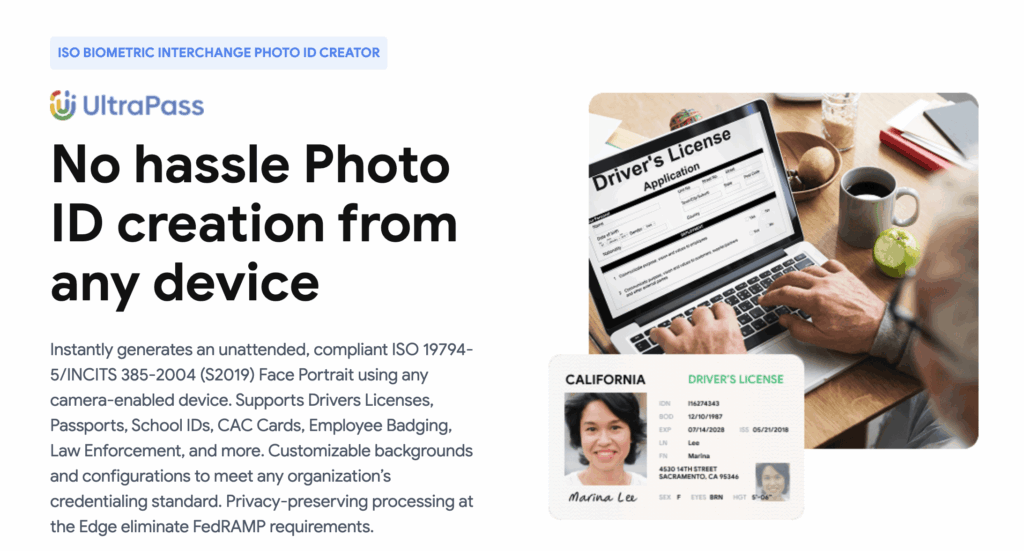
UltraPass captures a fully compliant ISO 19794-5 and INCITS 385-2004 (S2019) biometric portrait from a phone, tablet, laptop, or desktop browser. The platform evaluates dozens of rules, including:
- Illumination consistency
- Facial symmetry and alignment
- Eyes open and unobstructed
- Background requirements
- Smile or no-smile rules
- Head size and position ratios
- DPI and image dimensions
- Liveness indicators
PrivateID processes all of this locally on the device. No image, biometric template, or metadata is uploaded or stored remotely. This is a meaningful advantage for organizations that want modern identity workflows without taking on biometric privacy risk.
Where Organizations Use UltraPass
Government and Public Identity Programs
UltraPass streamlines credential issuance for driver’s licenses, passports, visas, residency cards, and CAC access cards.
Education
Universities and schools use the platform to collect uniform student and staff photos without requiring in-person appointments.
Corporate and Workforce ID Programs
Enterprises rely on UltraPass to produce employee badges, contractor passes, and visitor credentials with consistent quality.
Law Enforcement and Military
Agencies use UltraPass for mugshots, booking photos, and field intake where strict standards must be met with no manual adjustment.
Online Account and Profile Images
Any organization needing highly consistent user photos can use UltraPass to enforce uniform standards at scale.
Customizable Rules for Any Standard
Every organization has its own requirements for acceptable images. UltraPass allows administrators to set their exact rules, covering everything from lighting thresholds to biometric ratios. This flexibility reduces retakes and accelerates approval because the system automatically enforces those rules during capture. Common configurable options include:
- Background color and brightness
- Required illumination levels
- Head size, symmetry, and centering
- Eye axis and separation ratios
- DPI and resolution
- Teeth visibility
- Glasses detection
- Pose rules
- Liveness detection settings
This ensures the Photo ID output matches the organization’s official standard every time.
Privacy and Speed: UltraPass Advantages
Privacy through on-device processing
Since PrivateID analyzes images directly on the device, organizations avoid:
- Storing biometric images
- Transmitting sensitive data
- Meeting FedRAMP or similar infrastructure requirements
- Managing biometric privacy compliance risk
This is a major improvement over traditional server-based systems.
Faster, smoother experience
UltraPass guides users in real time. The result is fewer rejected photos, fewer help requests, and a shorter time to completion. Combined with PrivateID’s identity proofing and authentication platform, it becomes part of a complete end-to-end system that stays fast and secure at scale.
Best Practices for High-Quality Photo IDs
Even with advanced automation, strong operational practices make the system more effective.
- Use simple, clean backgrounds for user-captured photos.
- Provide short instructions to help users position themselves correctly.
- Maintain consistent lighting standards where possible.
- Use templates or preset rules for uniform design.
- Implement clear distribution and deactivation policies for issued IDs.
These practices help create a predictable, high-quality identity experience.
How UltraPass Fits Into PrivateID’s Identity Ecosystem
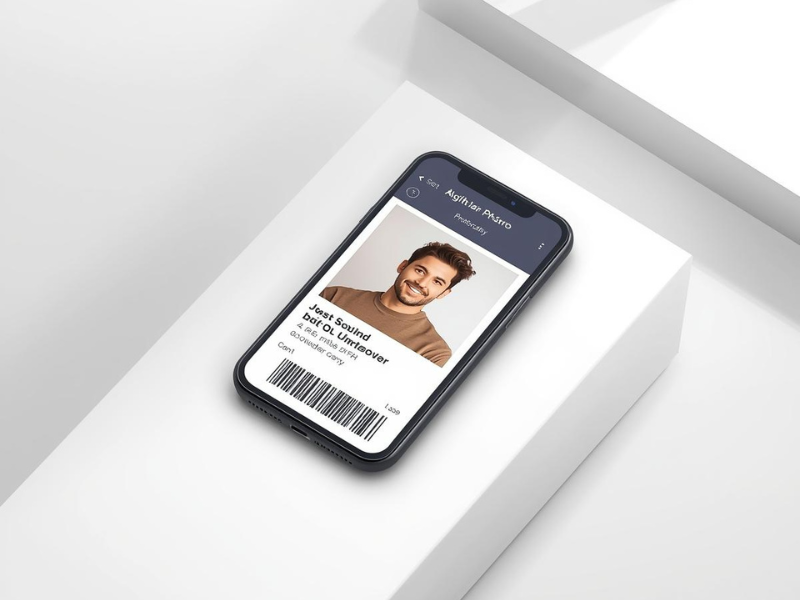
UltraPass can stand alone or extend into PrivateID’s broader identity platform. Organizations often pair it with:
- On-device liveness detection
- Deepfake detection
- Document verification
- On-device PII extraction
- KYC and AML workflows
- Passwordless authentication
- Privacy-preserving biometric matching
This gives institutions flexible ways to modernize identity verification without keeping biometric data centrally stored.
Conclusion
Photo ID creation has evolved far beyond manual photo capture and human review. PrivateID UltraPass automates the entire process, generates compliant biometric images from any device, and protects user privacy through on-device processing. When combined with strong internal standards and consistent workflows, UltraPass helps organizations create secure, modern, and scalable identity systems.
Frequently Asked Questions About PrivateID UltraPass Photo ID Capture
How does PrivateID UltraPass ensure that every submitted photo is compliant with ISO and organizational standards?
UltraPass evaluates each image in real time against a long list of biometric and photographic criteria specified in ISO 19794-5 and INCITS 385-2004. This includes illumination, background uniformity, symmetry, head position, eye openness, facial visibility, occlusions, and geometric ratios. If a photo falls outside the acceptable thresholds, the system prompts the user with immediate corrections, preventing low-quality submissions before they enter the review pipeline. Because these checks operate entirely on the user’s device, organizations get consistent, compliant output without relying on manual review or controlled photo stations.
2. What makes on-device processing such a major advantage for privacy and compliance?
Traditional Photo ID capture tools upload images to remote servers for processing, which automatically triggers biometric privacy obligations, data retention requirements, and breach exposure. UltraPass flips this model by performing all processing locally on the user’s device. No image is transmitted, stored, or logged, which significantly reduces regulatory burden. It also eliminates the need for specialized environments like FedRAMP and removes the organization from legal exposure tied to biometric storage. This approach allows institutions to modernize identity workflows while avoiding privacy risks entirely.
Can UltraPass support high-volume programs, such as government credentialing or large university enrollments?
Yes. The platform is designed for scale. Because UltraPass automates validation directly during capture, the number of rejected submissions drops sharply, and administrators avoid time-consuming manual review. Users can complete the process remotely at their own pace, which reduces congestion during enrollment periods. Organizations can also configure rules centrally and deploy them to thousands or millions of users without changing hardware or infrastructure. The net effect is lower operational load, faster throughput, and more predictable quality at scale.
4. How customizable are the rules for Photo ID capture?
UltraPass allows organizations to mirror their exact photographic and biometric policies. Administrators can adjust background hue, illumination levels, head size and centering ratios, DPI, eye axis and separation, smile rules, glasses detection, and more than twenty additional parameters. These rules can match international standards, government regulations, internal branding guidelines, or agency-specific requirements. Once configured, the system automatically enforces them during capture, ensuring every photo meets internal expectations without staff intervention.
5. How does UltraPass fit into a broader identity verification or authentication workflow?
UltraPass can operate as a standalone Photo ID capture tool or as part of PrivateID’s wider identity ecosystem. Many organizations extend it with on-device liveness detection, deepfake detection, document verification, and privacy-preserving biometric authentication. PrivateID’s SDKs allow easy integration into onboarding portals, workforce management systems, government licensing workflows, or access control platforms. Because everything is processed on the device, organizations gain the benefits of a unified identity proofing process without inheriting the storage risks associated with traditional biometric platforms.