
 Back
Back
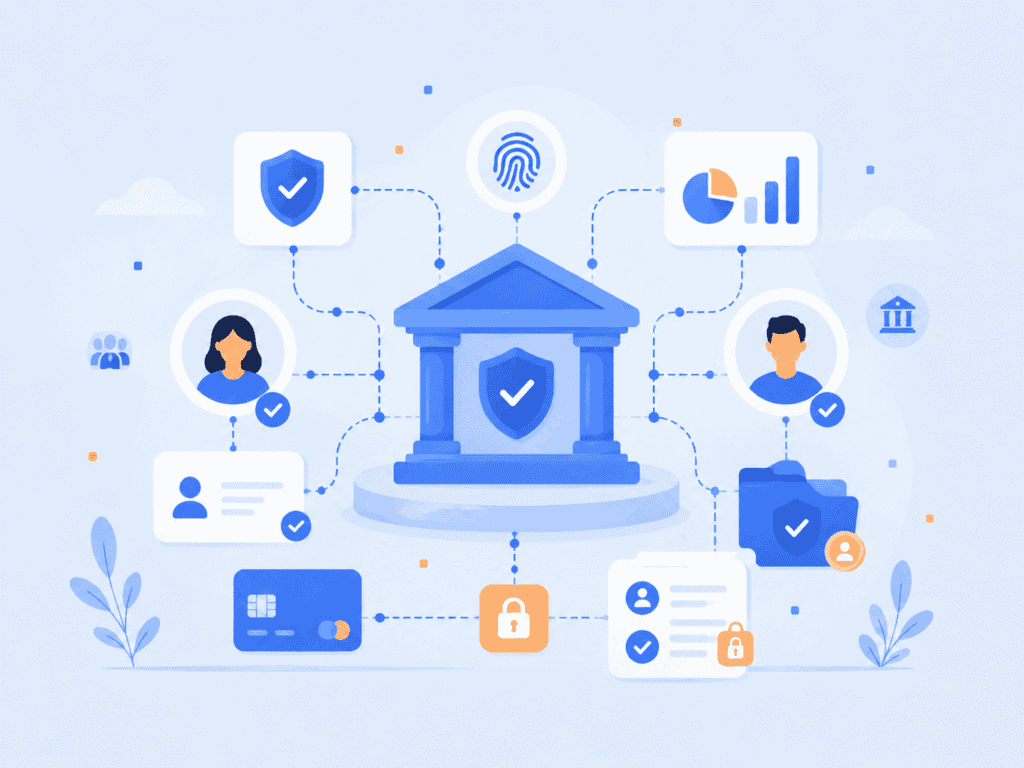
A banking login should do more than prove someone knows a password. It should prove the person trying to access the account is the legitimate account holder, using a method that is hard to steal, share, or replay. That is why biometric authentication in banking is moving from a convenience feature to a core security layer for mobile apps, payment approvals, call centers, and account recovery.
This article explains how bank biometric login systems work, where they fit into banking security, and what banks need to get right before adopting them.
Key Takeaways
- Biometric authentication verifies a person using a physical or behavioral trait, such as a face, fingerprint, palm, or voice.
- Banks use biometrics to reduce password reliance, strengthen account access, and add friction only when risk is high.
- Strong systems pair biometrics with device possession, passkeys, liveness detection, and risk-based controls.
- Privacy matters as much as accuracy because biometric data cannot be reset like a password.
- The safest banking deployments avoid centralized biometric image storage wherever possible.
What Biometric Authentication in Banking Means
Biometric authentication in banking is the use of human traits to verify account access or approve sensitive actions. Common examples include fingerprint banking authentication in a mobile app, facial recognition banking during account recovery, voice verification in a call center, and palm recognition at a branch or payment terminal.
The important distinction is between identification and authentication. Identification asks, “Who is this person?” Authentication asks, “Is this person the same legitimate user already enrolled for this account?” Most consumer banking use cases are authentication scenarios. A customer signs in, the bank checks the biometric against the enrolled account, and the system returns a match or non-match decision.
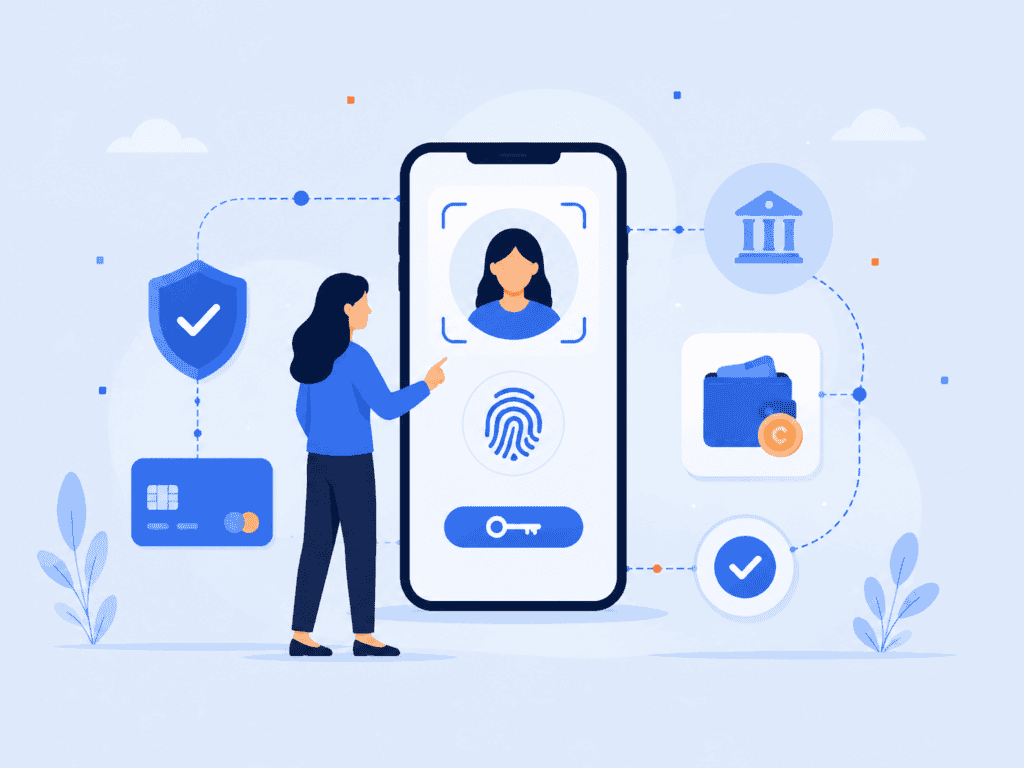
A practical bank biometric login usually combines three things:
| Layer | What it proves | Banking example |
| Possession | The user has a trusted device or credential. | A registered phone or FIDO passkey. |
| Biometric match | The user’s face, fingerprint, voice, or palm matches the enrolled user. | Face match for mobile banking login. |
| Liveness or anti-spoofing | The sample comes from a live person, not a photo, mask, recording, or injection attack. | Passive liveness check before approving a wire transfer. |
This layered model matters because biometrics should not be treated as a magic replacement for all authentication. A face match alone is not the same as a well-designed authentication system. Banks need the biometric factor, the device factor, and the risk decision to work together.
NIST’s Digital Identity Guidelines also treat biometrics carefully. They allow biometrics as part of authentication, but they emphasize controls such as presentation attack detection and proper authenticator binding rather than treating a biometric as a standalone secret. NIST SP 800-63B is a useful reference for teams designing high-assurance authentication systems.
How Bank Biometric Login Works
A bank biometric login has two main stages: enrollment and verification. The user only notices a quick face scan or fingerprint prompt, but the security design behind that prompt determines whether the system reduces risk or creates a new one.
During enrollment, the user creates a biometric reference. In a mobile banking app, that may involve a selfie, a fingerprint sensor, or a face scan tied to a verified account. In a call center, the bank may create a voiceprint after confirming the customer through other controls. In a branch, the bank may enroll a palm or face template for faster future verification.
During verification, the system captures a fresh biometric sample and compares it against the enrolled reference. A match score is generated, and the bank decides whether to approve the login, ask for another factor, or block the attempt.
The strongest modern systems avoid storing raw biometric images. Instead, they convert biometric data into a protected template, token, or mathematical representation. That design choice is critical because a password can be changed after a breach. A customer’s face or fingerprint cannot.
For example, a privacy-preserving design can process the biometric on the user’s device, produce a match result or protected token, and avoid sending the original image to a server. PrivateID’s biometric authentication approach is built around on-device authentication and Face + Passkey sign-in, which is relevant for banks trying to reduce reliance on passwords, SMS one-time passwords, and centralized biometric databases.
The role of passkeys in biometric bank account access
Many users think passkeys are “just biometrics,” but that is not quite right. A passkey is a cryptographic credential. The biometric unlocks the credential locally on the device. The bank does not receive the user’s fingerprint or face as the login secret.
That matters for biometric bank account access because it separates user convenience from server-side risk. The customer signs in with a face or fingerprint, but the actual authentication uses public-key cryptography. The FIDO Alliance describes passkeys as phishing-resistant credentials with no reusable password for attackers to steal or replay. FIDO Alliance guidance is especially relevant for banks replacing passwords and SMS codes with stronger authentication.
A simple version of the workflow looks like this:
- The customer registers a device or passkey after account verification.
- The device stores the private key locally.
- The bank stores the public key.
- At login, the customer unlocks the passkey with a biometric or device PIN.
- The bank verifies a cryptographic challenge, not a shared password.
That is why a bank biometric login works best when biometrics and passkeys are combined. The biometric makes the experience simple. The passkey makes it resistant to phishing and credential theft.
Why Banks Are Adopting Biometric Banking Security
Banks are adopting biometric banking security because traditional authentication has reached its limits. Passwords are reused, one-time codes can be intercepted, and knowledge-based questions often rely on information that is already exposed through data breaches or social engineering.
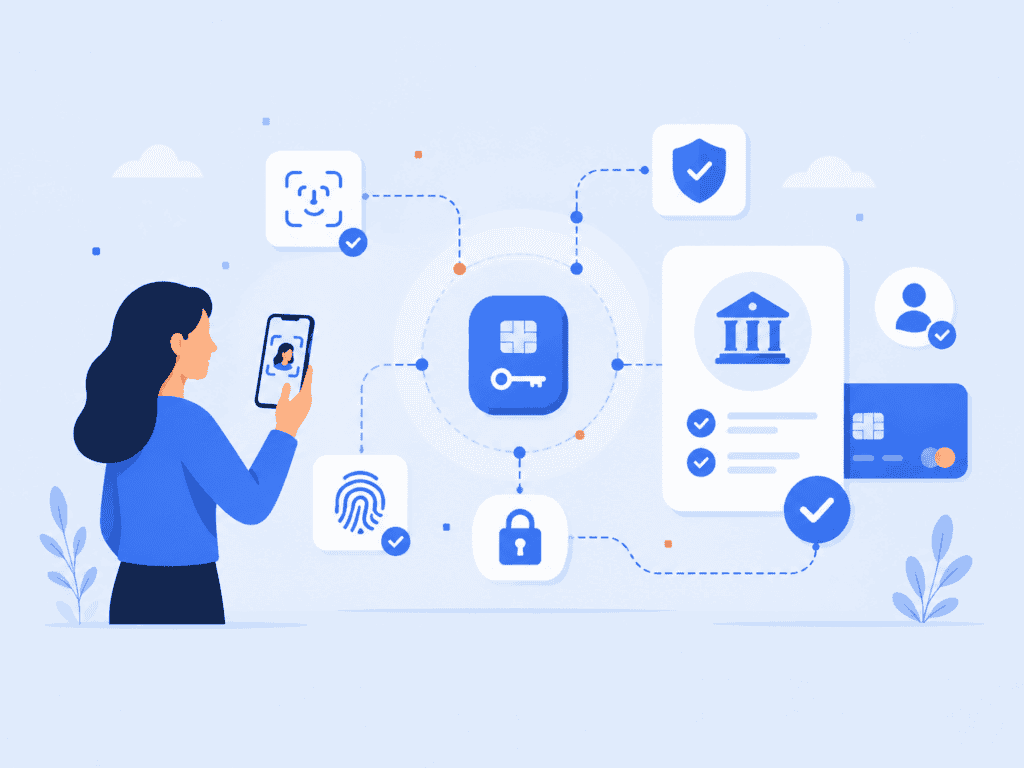
Biometrics give banks a way to make strong authentication feel natural. A customer can open an app with a fingerprint, approve a transaction with a face scan, or confirm identity in a call center without remembering another code. The result can be less friction for legitimate users and more resistance against account takeover attempts.
The Federal Financial Institutions Examination Council has also pushed financial institutions toward risk-based authentication and access management. Its guidance covers digital banking customers, employees, third parties, and systems accessing financial institution services. Banks are expected to evaluate authentication controls in the context of risk, not rely on a single static login method. FFIEC authentication guidance gives banks a framework for that risk-based approach.
The adoption case usually comes down to four practical drivers.
First, biometrics reduce dependence on passwords and SMS. SMS codes are familiar, but they add cost and can be vulnerable to SIM swap, phishing, and social engineering. A bank that uses face plus passkey authentication can remove many password reset and one-time-code failure points. PrivateID’s article on SMS authentication risks gives useful context on why many organizations are moving away from SMS as a primary security layer.
Second, biometrics make high-risk actions easier to protect. A bank may allow a low-risk balance check after a normal device login, but require facial recognition banking with liveness detection before a new payee is added or a large transfer is approved.
Third, biometrics improve recovery workflows. Account recovery is one of the weakest points in digital banking. Attackers often target “forgot password” flows, help desk agents, or phone support. A biometric recheck can help confirm that the person requesting recovery is the enrolled account holder.
Fourth, biometrics can lower customer friction. Security controls fail when users avoid them. A fingerprint prompt or face scan is often faster than typing a password on a mobile keyboard, waiting for a code, switching apps, and returning to the banking session.
Where Biometrics Fit in Real Banking Workflows
Biometric authentication in banking works best when banks apply it to specific risk points, not as a blanket prompt on every screen. Overuse creates fatigue. Underuse leaves critical workflows exposed.
A practical deployment often starts with mobile login. The customer enrolls after a normal account verification process, then uses fingerprint banking authentication or a face scan for future sessions. The app may still require stronger authentication when risk increases, such as a new device, unusual location, or sensitive transaction.
Payment approval is another strong fit. A face or fingerprint prompt can confirm that the person holding the device is the enrolled user before the bank authorizes a transfer, card-not-present purchase, or account change. This is especially useful when combined with transaction signing, where the authentication is tied to the specific action rather than a generic login.
Call centers are also becoming more biometric. Voice biometrics can compare a caller’s speech to an enrolled voiceprint, reducing reliance on security questions. The limitation is that voice can be affected by illness, background noise, microphone quality, and synthetic voice attacks, so it should be paired with risk scoring and step-up controls. PrivateID’s overview of voice biometrics explains how voice verification is used in remote banking interactions.
Branch and ATM use cases are different. Palm, face, or fingerprint checks can speed service and reduce card dependence, but they require clear consent, accessibility planning, and fallback methods. A good biometric banking security program never assumes every customer can or will use the same modality.
Here is a practical way banks can map biometric methods to workflows:
| Banking workflow | Suitable biometric option | Extra control to pair with it |
| Mobile app login | Fingerprint or face | Registered device or passkey. |
| High-value transfer | Face with liveness detection | Transaction risk scoring. |
| Account recovery | Face match or document selfie match | Human review for edge cases. |
| Call center verification | Voice biometrics | Caller behavior and device signals. |
| Branch access or ATM use | Palm, fingerprint, or face | Card, app approval, or fallback ID check. |
The original insight here is simple: banks should not ask, “Which biometric should we use?” first. They should ask, “Which fraud pattern or customer friction point are we trying to solve?” A biometric login for a known mobile device, a biometric recheck for a $10,000 transfer, and a biometric recovery flow for a locked account are three different designs.
What Banks Must Evaluate Before Deployment
Accuracy is only one part of biometric authentication in banking. A bank also needs to evaluate privacy, spoof resistance, inclusion, fallback flows, and operational monitoring.
Privacy and biometric data storage
The biggest design question is where biometric data is processed and stored. Centralized biometric databases create a concentrated target. If raw images or reusable templates are exposed, customers cannot simply reset their faces or fingerprints.
Banks should prefer architectures that minimize collection, avoid unnecessary transmission, and support revocation where possible. Privacy-preserving approaches, such as on-device matching or protected biometric templates, reduce the amount of sensitive data moving through bank systems.
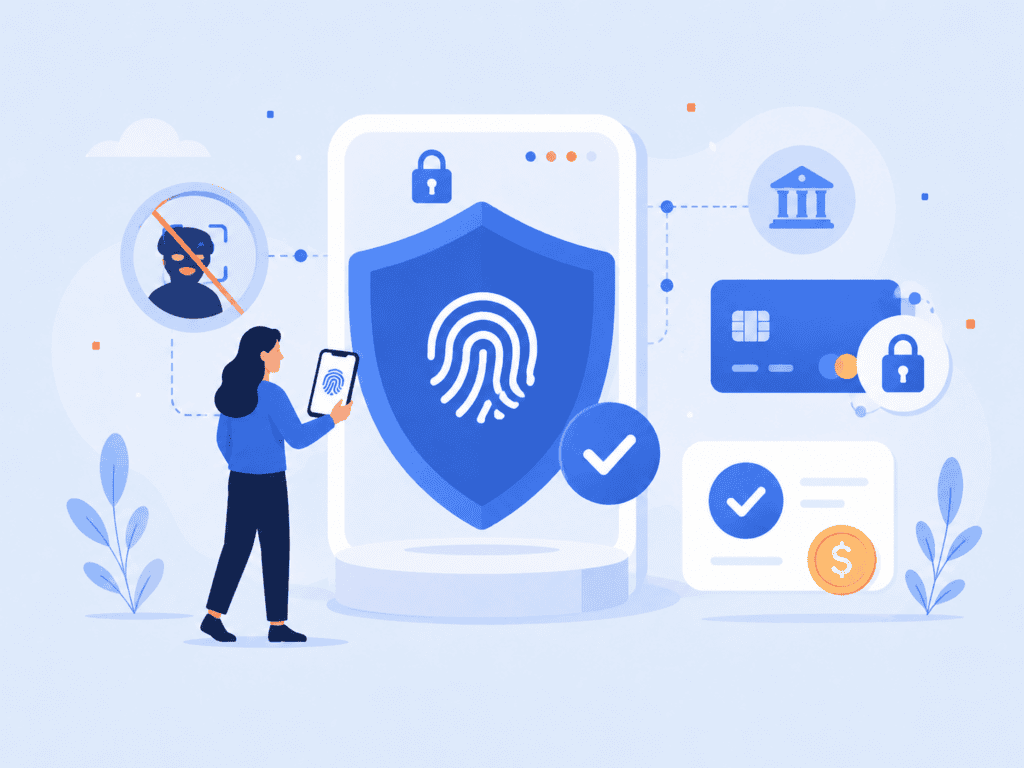
This is where liveness detection also matters. A biometric system that accepts a printed photo, screen replay, mask, or deepfake does not provide meaningful protection. Banks evaluating facial recognition banking should look closely at presentation attack detection, injection attack protection, and performance across different devices and lighting conditions. PrivateID’s guide to liveness detection for biometric authentication explains why liveness is not an optional add-on for face-based authentication.
User consent, accessibility, and fallback options
Biometric banking security must work for real customers, not just ideal test users. Some customers cannot use a fingerprint sensor. Some may wear face coverings. Some may have speech conditions that affect voice recognition. Others may simply decline biometric enrollment.
Banks need fallback paths that are secure without being punitive. That may include passkeys with device PINs, hardware security keys for business banking users, in-branch verification, or enhanced support review for account recovery.
The enrollment screen should also explain what is collected, where it is processed, whether images are stored, and how customers can revoke or change their authentication method. Trust is easier to maintain when the user understands the system before they use it.
Fraud monitoring after launch
Biometric systems are not “set and forget” security controls. Banks need to monitor false accepts, false rejects, spoof attempts, device changes, recovery requests, and suspicious enrollment behavior.
A useful banking dashboard might track:
- Enrollment completion rate by device type.
- Failed biometric attempts by workflow.
- Step-up authentication triggers.
- Account recovery attempts after failed biometrics.
- Known presentation attack attempts.
- Customer support tickets tied to biometric login.
This monitoring helps security teams tune thresholds without creating unnecessary friction. For example, a bank may use a stricter match threshold for adding a new payee than for checking an account balance. That is not inconsistency. It is risk-based authentication.
The most mature banks treat biometrics as part of a broader identity layer. They connect it with device intelligence, behavioral signals, passkeys, transaction risk, and fraud operations. That is where biometric authentication becomes more than a faster login. It becomes a way to protect the full account lifecycle.
Conclusion
Biometric authentication in banking is not just about replacing passwords with a fingerprint or face scan. The real value comes from pairing a user-friendly biometric check with passkeys, liveness detection, privacy-preserving architecture, and risk-based controls.
Banks that get the architecture right can improve security without making every customer interaction harder. Banks that treat biometrics as a standalone shortcut risk creating new privacy and spoofing problems. The difference is design.
FAQs
What is biometric authentication in banking?
Biometric authentication in banking verifies a customer using a physical or behavioral trait, such as a fingerprint, face, palm, or voice. Banks use it for app login, payment approval, account recovery, call center verification, and sometimes branch or ATM access.
Is bank biometric login safer than passwords?
A bank biometric login can be safer than a password when it is combined with device possession, passkeys, liveness detection, and risk monitoring. A biometric alone should not be treated as a complete security system. The strongest setups use biometrics to unlock a cryptographic credential rather than sending biometric data as the login secret.
How does fingerprint banking authentication work?
Fingerprint banking authentication usually relies on the device’s fingerprint sensor. The fingerprint unlocks a local credential or confirms the user on the device, and the bank receives an authentication result or cryptographic proof. In well-designed systems, the bank does not need to store the customer’s raw fingerprint image.
What is facial recognition banking used for?
Facial recognition banking is used for mobile login, identity verification, payment approval, account recovery, and fraud checks. Strong implementations include liveness detection so attackers cannot use photos, videos, masks, or injected media to impersonate a customer.
Can biometric bank account access be hacked?
No authentication method is impossible to attack. Biometric bank account access can be targeted through spoofing, device compromise, social engineering, poor enrollment controls, or weak recovery processes. Banks reduce risk by using liveness detection, passkeys, protected templates, on-device processing, and transaction-level risk checks.
What happens if a biometric login fails?
A bank should provide secure fallback options when biometric login fails. These may include a device PIN, passkey recovery, hardware security key, document verification, branch verification, or support review. The fallback path needs to be strong because attackers often target recovery flows.
Do banks store biometric data?
Some systems store biometric templates, while others process biometrics locally on the device and avoid transmitting raw images. Banks should be transparent about what they collect, where it is processed, and how it is protected. For customers, the safest question to ask is not only “Does the bank use biometrics?” but “Where does my biometric data go?”