
 Back
Back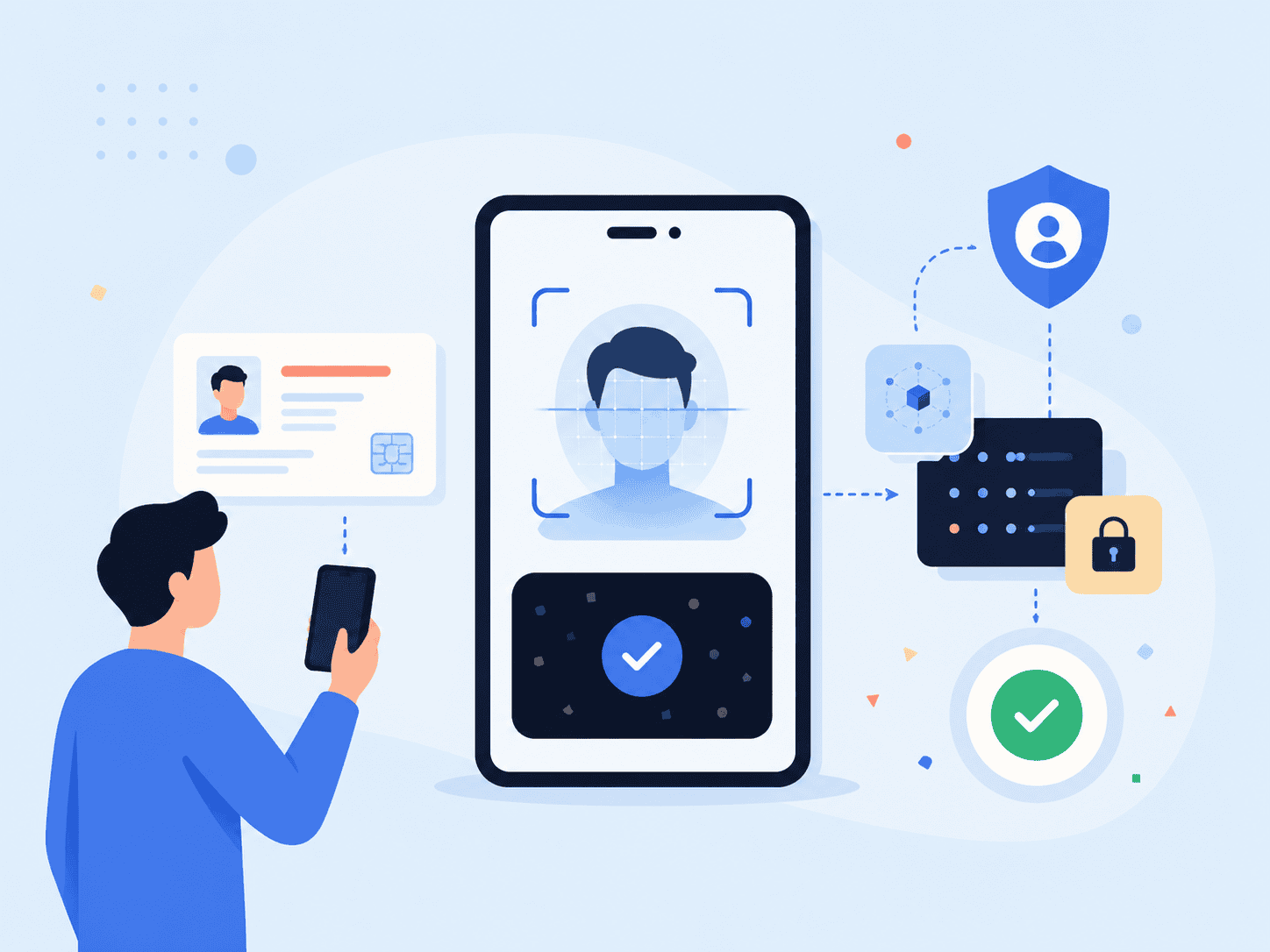
A customer can abandon onboarding in less than a minute if identity checks feel confusing, repetitive, or risky. That’s the problem eKYC is meant to solve. Instead of asking people to complete a slow traditional KYC process with manual forms, scans, and back-and-forth reviews, electronic know your customer workflows help businesses verify customer identities through a digital process that can be faster, more consistent, and easier to audit.
The real question isn’t just “What is eKYC?” It’s how the process should work when compliance, fraud prevention, privacy, and customer experience all matter at the same time.
Key Takeaways
- eKYC is the digital version of know your customer checks, often used during customer onboarding, account opening, and high-risk transactions.
- A typical eKYC process may include identity document capture, document verification, selfie matching, liveness detection, database checks, and risk review.
- Biometric verification can reduce friction, but it must be handled carefully because biometric data carries privacy and security risks.
- Financial institutions and regulated businesses still need risk-based due diligence, AML screening, and clear records. eKYC supports those obligations but doesn’t replace compliance judgment.
- The best eKYC systems are designed around both security and user experience, not one at the expense of the other.
What eKYC Means in Practice
eKYC stands for electronic know your customer. It refers to digital identity verification workflows used to confirm that a person is who they claim to be. In a traditional KYC process, a customer might need to visit a branch, email identity documents, wait for manual review, or repeat steps if the image quality is poor. eKYC moves much of that customer verification process into a website, mobile app, kiosk, or other digital onboarding flow.
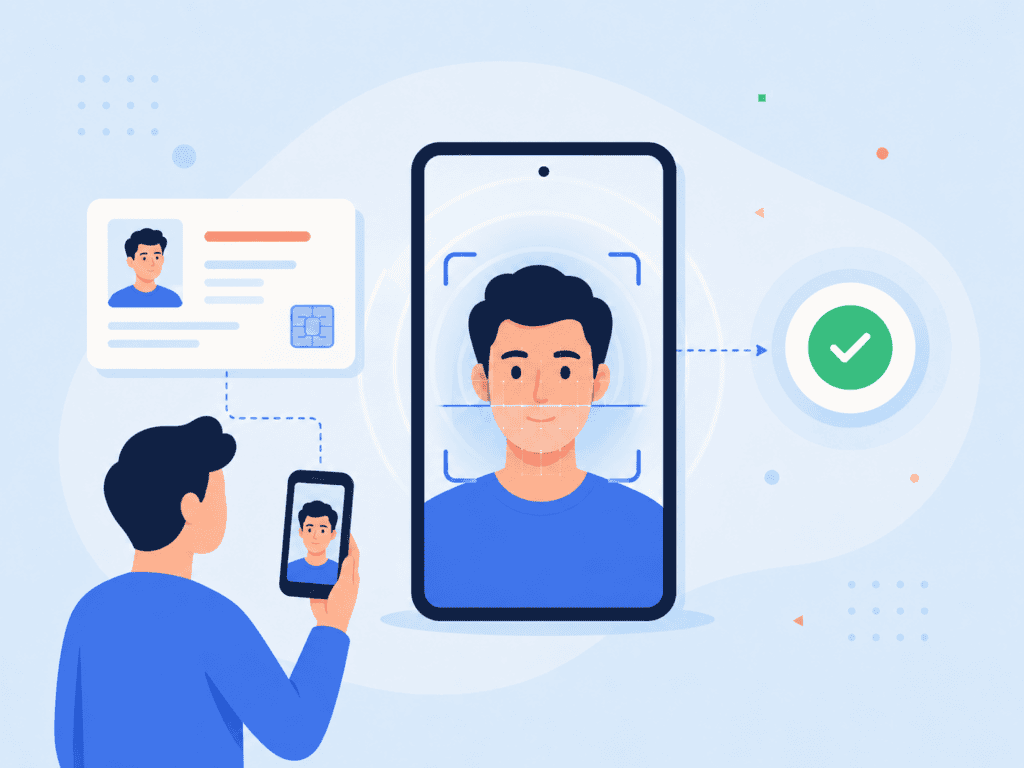
At a practical level, eKYC usually combines several checks. A person may scan a passport, driver’s license, or national identity document. The system may inspect the document for signs of alteration, extract key fields, compare the portrait against a live selfie, check for liveness, and screen the customer against relevant databases or watchlists.
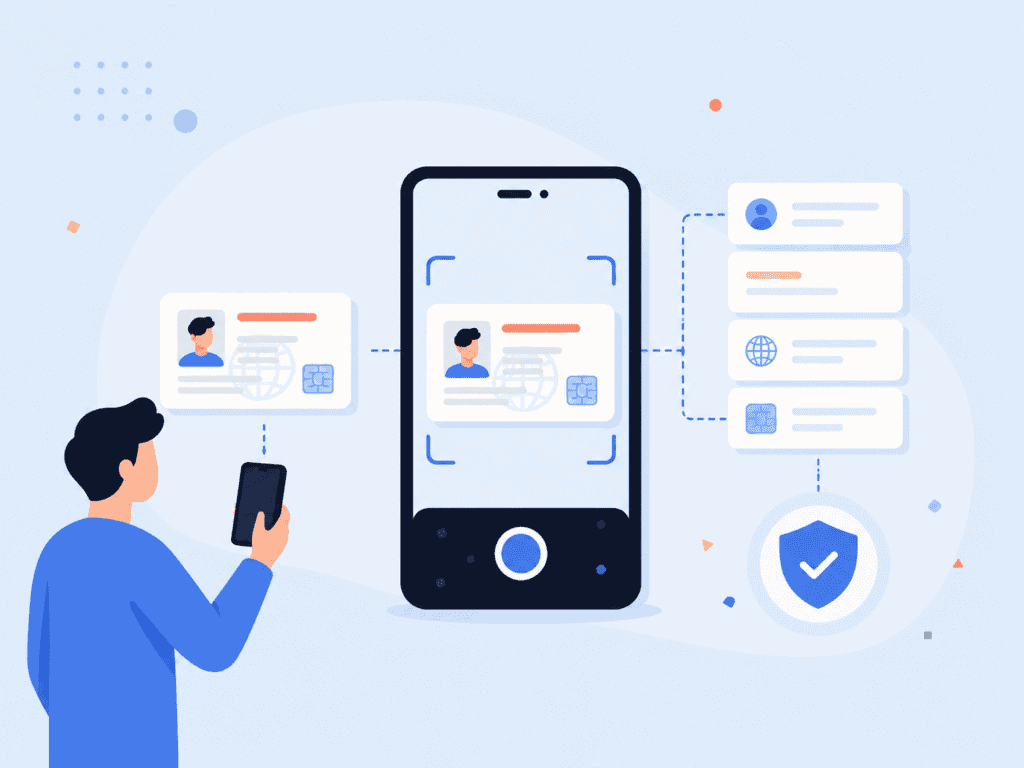
That process matters because identity verification is not just a front-end convenience feature. For financial institutions and other regulated businesses, customer identity verification connects directly to anti-money laundering obligations, fraud prevention, account security, and customer trust. FATF’s guidance on digital identity explains how digital ID systems can be used for customer identification and verification as part of customer due diligence under Recommendation 10, especially for onboarding natural-person customers in financial services FATF digital identity guidance.
The main benefit of eKYC is not simply speed. Speed helps, but the bigger value is consistency. A well-designed digital identity verification process can apply the same checks every time, create an audit trail, reduce manual review load, and flag risky cases for closer inspection.
How the eKYC Process Works
A strong eKYC process usually has several layers. The exact flow depends on the business model, risk level, jurisdiction, and customer type, but most workflows follow a similar pattern.
| Step | What Happens | Why It Matters |
| Identity data collection | The customer enters basic information such as name, date of birth, address, or phone number. | Creates the starting point for customer identity verification. |
| Document capture | The customer scans or photographs an identity document such as a passport or driver’s license. | Provides evidence that can be checked against the claimed identity. |
| Document verification | The system checks document format, security features, expiry, and signs of tampering. | Helps detect forged, expired, altered, or mismatched documents. |
| Biometric check | The customer submits a selfie or live facial scan for selfie-to-ID comparison. | Confirms that the person presenting the document appears to match the document holder. |
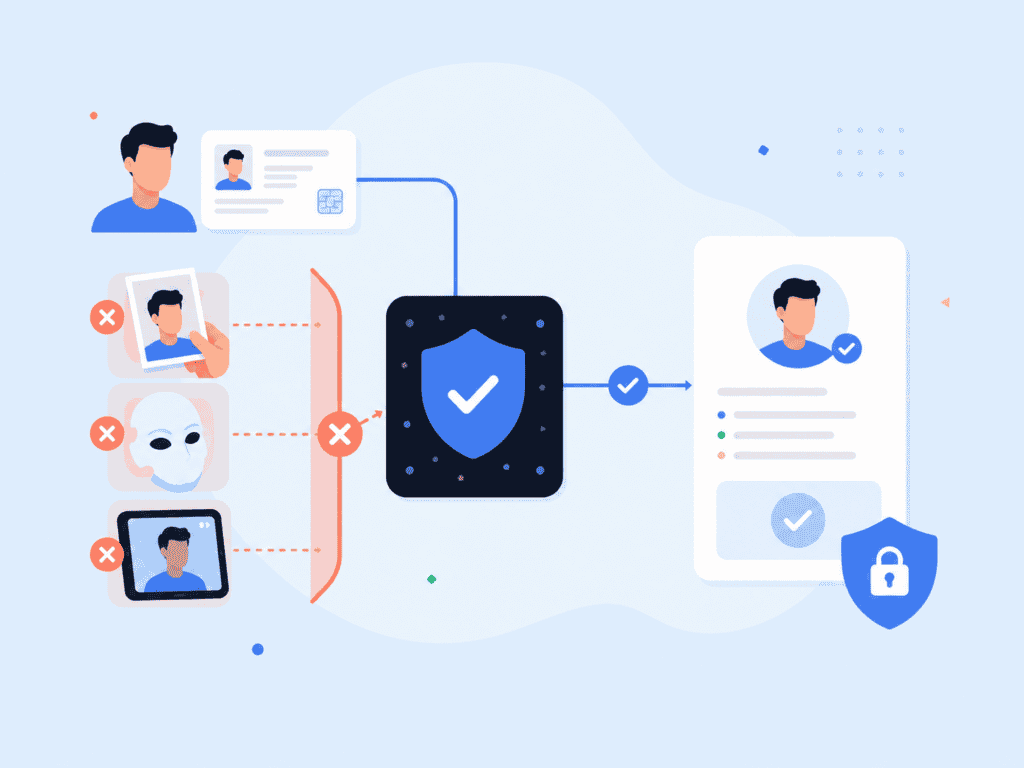
| Liveness detection | The system checks whether the selfie is from a real person in real time. | Helps block spoofing attempts using printed photos, masks, screens, or deepfakes. |
| Database and AML checks | Customer data may be checked against sanctions, PEP, adverse media, fraud, or internal watchlists. | Supports compliance, risk scoring, and fraud prevention. |
| Decision and audit trail | The system approves, rejects, or routes the case for manual review. | Gives compliance teams a record of how the verification decision was made. |
NIST describes identity proofing as a process where evidence and attributes are collected, resolved to a unique identity, validated, and verified before being bound to an authenticator or account NIST SP 800-63A. That framing is useful because it shows why eKYC is more than a document upload. The system needs to answer several questions: Does this identity exist? Is the document genuine? Does the person match the document? Is the person physically present? Does the customer present a known risk?
For example, a fintech onboarding flow may approve a low-risk customer automatically if the document is valid, the selfie match passes, liveness is confirmed, and AML screening returns no hits. But the same system may route another case to manual review if the document image has glare across the birth date, the face match score is borderline, or the customer’s name resembles a sanctions-list entry.
That exception handling is where many businesses get eKYC wrong. They design for the happy path only. In real onboarding, customers upload blurry images, use old phones, move through the process in poor lighting, enter names differently from their identity document, or abandon the flow when they don’t understand why a retake is needed. A better process gives clear prompts, keeps the number of steps low, and only asks for more data when the risk level justifies it.
Where Biometric Verification Fits
Biometric verification is often the part of eKYC that customers notice most. They may be asked to take a selfie, turn their head, blink, or simply look at the camera while the system checks whether the face matches the identity document. The purpose is straightforward: document verification confirms the document, while biometric verification helps confirm that the person using the document is likely the legitimate holder.
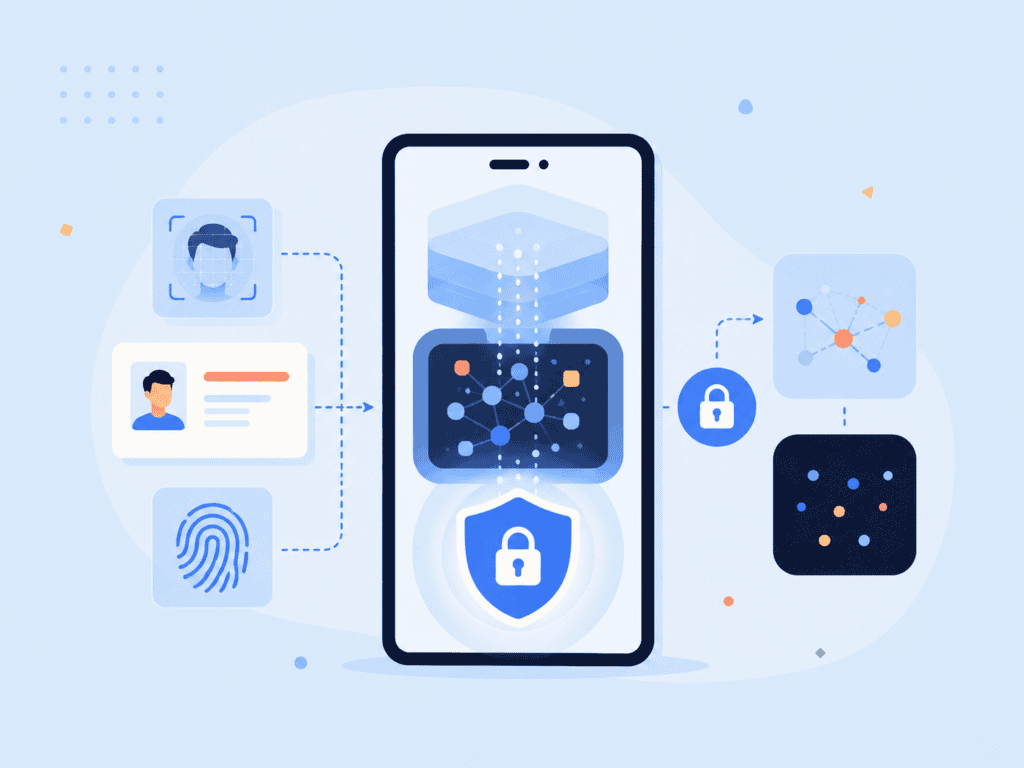
There are two important layers here. The first is face matching, where facial recognition software compares the live selfie against the portrait on the identity document. The second is liveness detection, which checks whether the submitted image or video comes from a real person rather than a spoofing attempt. Businesses that need this layer can pair identity checks with on-device liveness detection to reduce the risk of fake selfies, screen replays, masks, or deepfake-style attacks.
Biometrics can improve the user experience because people don’t have to remember extra credentials or complete long manual steps. But using biometric data also creates privacy responsibilities. A centralized database of face images or biometric templates can become a high-value target if it is poorly protected. That’s why modern eKYC systems increasingly focus on minimizing data collection, processing more information on-device, and avoiding unnecessary storage of raw biometric data.
For higher-trust workflows, biometric authentication may also continue after onboarding. A user who completed customer identity verification during sign-up might later confirm account access, approve a payment, or recover an account through biometric authentication rather than relying only on passwords or SMS codes.
A practical way to think about biometrics in eKYC is this: biometrics should reduce uncertainty, not create a bigger data liability. If a business collects biometric data, it should be clear about what is collected, why it is needed, how it is processed, how long it is retained, and what happens when verification fails.
Common eKYC Use Cases
eKYC is most often associated with financial service onboarding, but its use cases are broader. Any business that needs to verify identities remotely may need a digital identity verification method that balances speed, compliance, and fraud prevention.
Financial institutions use eKYC for account opening, lending, wallet creation, card issuance, and high-risk transaction review. These workflows often combine document verification, AML checks, customer due diligence, and ongoing monitoring. FinCEN’s Customer Due Diligence rule requires covered financial institutions to identify and verify customer identities, identify and verify beneficial owners of legal entity customers, understand customer relationships, and conduct ongoing monitoring on a risk basis FinCEN CDD Final Rule.
Marketplaces and gig platforms may use eKYC to verify sellers, drivers, contractors, creators, or hosts. The risk is different from a bank, but the core problem is similar: the platform needs to know whether a real person is behind the account and whether that person is tied to suspicious activity.
Age-restricted services may use identity verification, age estimation, or document-based checks to confirm eligibility. In some flows, a quick selfie can estimate age while a higher-risk edge case may require a document check. For businesses that need age checks alongside identity assurance, age assurance workflows can combine facial age estimation, liveness, and document-based verification depending on the level of confidence required.
Healthcare, insurance, and benefits platforms may use eKYC to reduce identity theft and protect sensitive records. A fraudster who gains access to a patient portal or benefits account can cause serious harm, so the verification process has to consider both convenience and account security.
A useful visual for this section would be a process graphic showing how different industries apply eKYC differently. For example: banking may need document verification plus AML screening, marketplaces may need seller identity checks, and age-restricted platforms may need age assurance with escalation to document verification. Suggested alt text: “eKYC use cases across financial services, marketplaces, healthcare, and age-restricted platforms.”
What to Check Before Implementing eKYC
Implementing eKYC is not just a software selection project. It affects compliance, product design, fraud operations, customer support, privacy review, and data governance. Before choosing an eKYC system, teams should map the actual onboarding process from the customer’s point of view and from the compliance team’s point of view.
Start with the risk model. A prepaid wallet, digital bank, crypto platform, insurance portal, and healthcare account do not all need the same verification process. Some users may qualify for a lower-friction path, while others need enhanced due diligence. If every customer is pushed through the strictest flow, conversion may suffer. If every customer gets the fastest flow, fraud and compliance exposure may increase.
Then review what data is truly needed. A common mistake is collecting more customer data than the business can justify. More data can create more privacy risk, more storage obligations, and more internal review complexity. A cleaner eKYC process collects the minimum information required for the business purpose and regulatory context.
Teams should also test the actual onboarding experience on older devices, low bandwidth, dim lighting, and different document types. This is where real-world friction appears. A passport may scan cleanly on a new phone under bright lighting, while a worn driver’s license under a kitchen light may trigger retakes. Good onboarding copy matters here. “Move closer to the document” is more useful than “Image quality failed.”
Here’s a practical pre-launch checklist:
- Confirm which regulations, internal policies, and risk thresholds apply to each customer segment.
- Define when the system approves, rejects, or sends a case to manual review.
- Test identity document capture with passports, licenses, and regional IDs from the markets you serve.
- Check how the system handles expired documents, document glare, cropped images, mismatched names, and duplicate accounts.
- Review how biometric data, identity document images, and customer data are processed, stored, deleted, or retained.
- Make sure customer support can explain common verification failures in plain language.
- Measure completion rate, retake rate, manual review rate, fraud rate, false rejects, and average time to verify.
The best implementation teams involve compliance early, but they don’t let compliance design the entire user flow in isolation. Product, fraud, security, legal, customer support, and data privacy teams should all have a say because eKYC touches all of them.
A Better Way to Think About Customer Verification
The strongest eKYC programs don’t treat verification as a single gate at sign-up. They treat it as part of the full customer lifecycle. A user may need a lighter check during initial registration, a stronger check before a high-risk transaction, and biometric authentication later when recovering an account or approving sensitive changes.
That lifecycle view also helps reduce friction. Instead of asking for every possible document and data point upfront, a business can apply risk-based checks at the moments that matter most. This is especially useful for customer onboarding because the first session is fragile. When users are ready to sign up, unnecessary steps can cause drop-off.
A good eKYC system should answer three questions clearly: Is this a real person? Is this person tied to the claimed identity? Does this customer create a risk that needs further review? When the verification process answers those questions with minimal data, clear user prompts, and strong auditability, the business gets more than a faster onboarding flow. It gets a cleaner foundation for trust.
FAQs
What is eKYC?
eKYC means electronic know your customer. It is a digital process for verifying customer identities, often using identity document checks, biometric verification, liveness detection, and database screening. It is commonly used in financial services, marketplaces, digital wallets, healthcare portals, and other remote onboarding flows.
What is the difference between eKYC and traditional KYC?
Traditional KYC often relies on in-person checks, manual document review, paper forms, or emailed scans. eKYC moves the verification process into a digital flow, usually through a website or mobile app. The goal is to verify identities faster while keeping appropriate compliance, fraud, and audit controls in place.
How does the eKYC process work?
A typical eKYC process collects customer information, captures an identity document, verifies the document, compares a selfie against the document photo, checks liveness, and screens the customer against relevant databases or AML watchlists. The system may approve the customer automatically or send the case to manual review if something looks risky or unclear.
Is biometric verification required for eKYC?
Not always. Some eKYC workflows rely on document verification and database checks only, while others use biometric verification to confirm that the person presenting the document matches the document holder. Biometric verification is especially useful when businesses need stronger assurance during remote onboarding.
What documentsare used in eKYC?
Common identity documents include passports, driver’s licenses, national identity cards, residence permits, and other government-issued IDs. The accepted documents depend on the country, regulatory requirements, customer risk level, and the business’s own identity verification policy.
Can eKYC help reduce identity fraud?
Yes, eKYC can help reduce identity fraud when it combines document checks, biometric verification, liveness detection, duplicate account detection, and risk-based review. It is not a complete fraud prevention program by itself, though. Businesses still need monitoring, account security, fraud operations, and clear escalation procedures.
What should businesses look for in an eKYC system?
Businesses should look for accurate document verification, reliable liveness detection, privacy-conscious biometric processing, configurable risk rules, audit trails, and a user experience that works on common customer devices. They should also check whether the system supports the identity documents, jurisdictions, AML checks, and compliance workflows required for their market.