
 Back
Back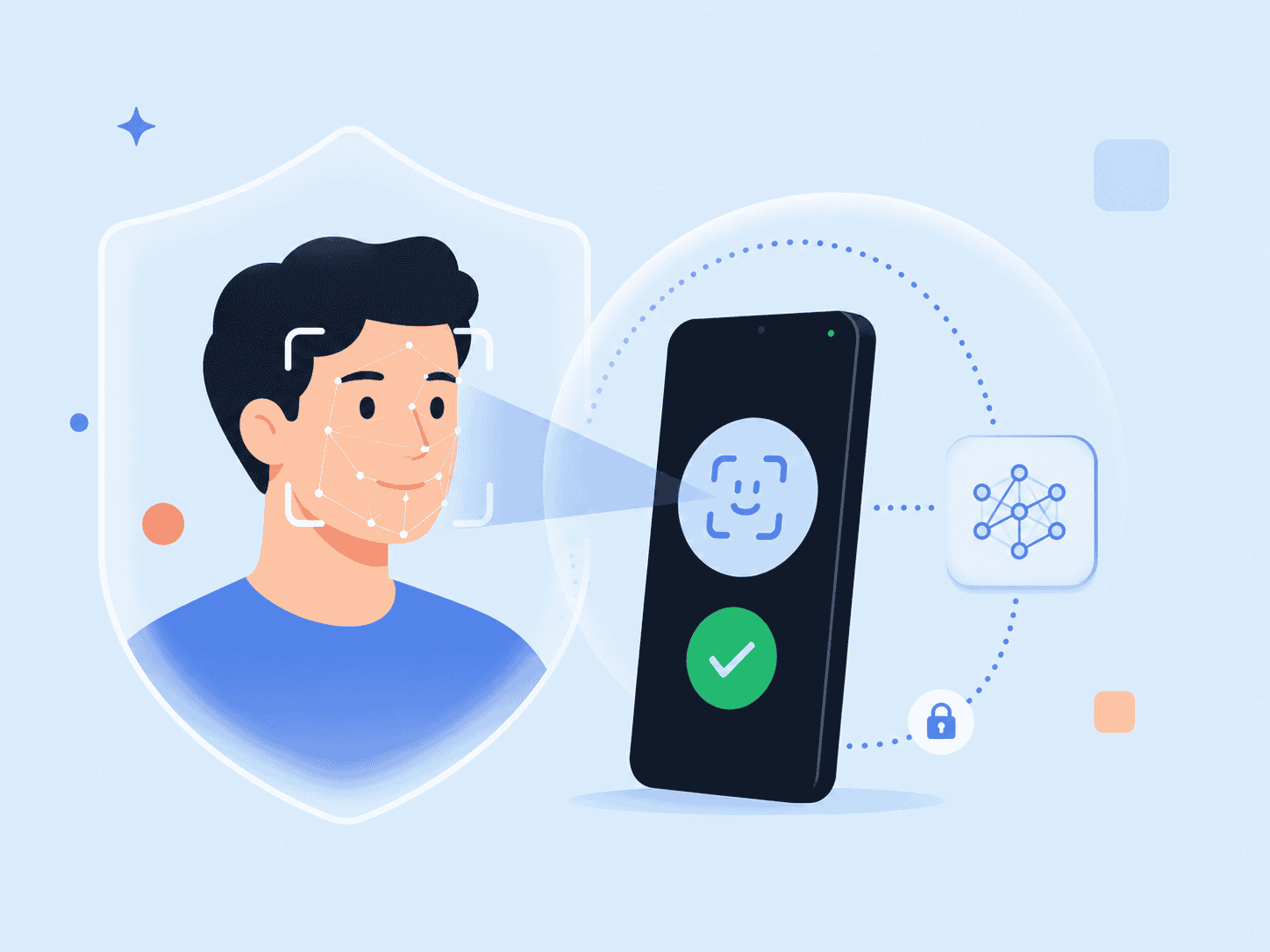
Facial Recognition is no longer just a phone sign-in feature or an airport security tool. For businesses, it has become a practical way to identify or verify users, reduce account fraud, and make digital access less dependent on passwords. The harder question is not whether face recognition technology works. It’s whether a facial recognition system can be accurate, private, explainable, and appropriate for the risk level of the workflow.
This guide focuses on a specific angle: how organizations should evaluate facial recognition for identity verification without treating biometric data like ordinary account data.
Key Takeaways
- Facial recognition is a biometric technology that uses facial features to identify or verify a person.
- The biggest business decision is whether the system performs 1:1 verification or 1:N identification.
- Accuracy matters, but privacy architecture, liveness checks, consent, and fallback options matter just as much.
- Storing face recognition data as raw images or reusable templates creates long-term risk.
- The safest implementations minimize biometric data movement, avoid unnecessary databases of faces, and keep humans in the loop for high-impact decisions.
What Facial Recognition Actually Does
Facial recognition compares a face in an image or live camera capture against a stored reference. At a simple level, the system first performs face detection, separates the face from the background, maps facial landmarks, extracts key facial features, and converts those features into a mathematical representation often called a facial signature, embedding, or template.
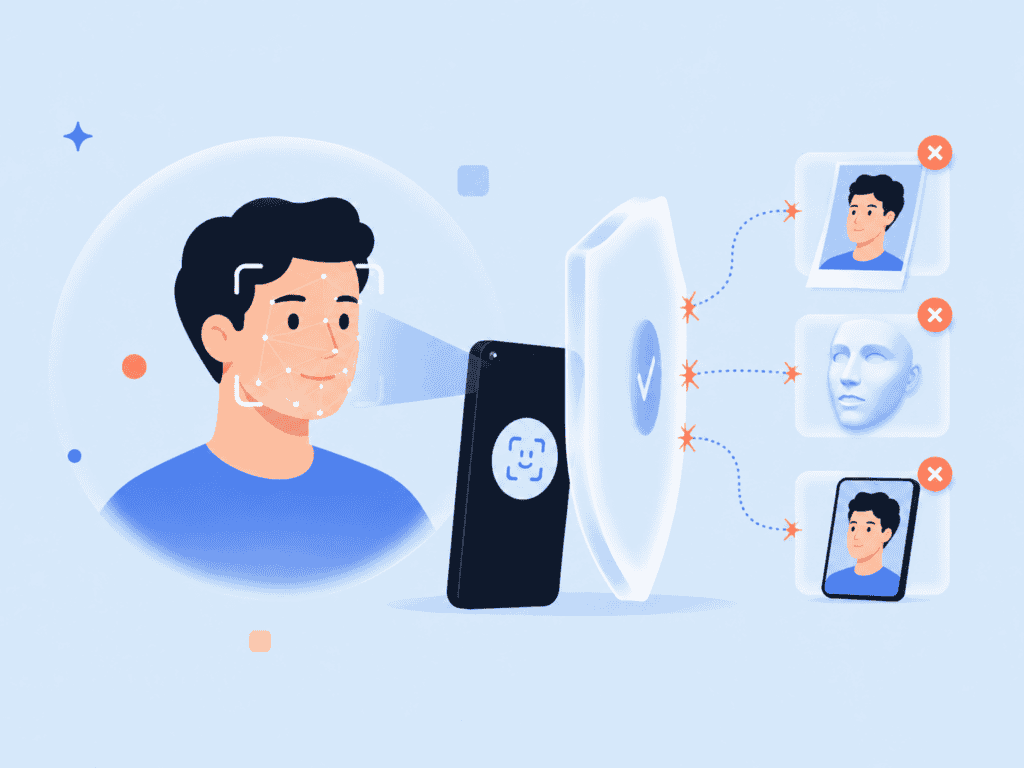
That process is why facial recognition is a biometric technology rather than a normal password check. A password can be changed after a breach. A person’s facial characteristics cannot. That one difference changes the security model.
There are two common operating modes:
| Mode | What it does | Common example | Main risk |
| 1:1 face verification | Confirms whether a live face matches one enrolled identity | Account login, employee access, banking verification | Account takeover if spoofing or enrollment is weak |
| 1:N face identification | Searches one face against a database of known faces | Watchlist search, photo investigation, venue screening | Misidentification, surveillance, civil liberties concerns |
Many public debates about facial recognition involve 1:N identification, especially when police departments use facial recognition to identify suspects from camera footage or images. Business authentication usually needs a narrower flow: “Is this the same person who enrolled?” That distinction matters because it changes the consent model, database design, error handling, and privacy risk.
NIST has long tested face recognition algorithms through its Face Recognition Technology Evaluation program, including accuracy and demographic effects across algorithm submissions. Those evaluations are useful because they show that performance is not one fixed number. It varies by algorithm, capture quality, demographics, image conditions, and use case. NIST’s demographic effects reports are especially important for teams comparing face recognition algorithms rather than relying on a vendor’s headline accuracy claim.
How Facial Recognition Works in a Verification Flow
A practical face verification workflow has more steps than “take selfie, approve user.” For a real online system, the quality of each step affects both accuracy and user trust.
A typical flow looks like this:
- Enrollment: The user provides a reference facial image or completes a live capture.
- Quality check: The system checks pose, lighting, blur, obstruction, and whether enough facial landmarks are visible.
- Liveness or presentation attack detection: The system checks whether the face appears to be a real person present during the session, not a printed photo, replayed video, mask, or deepfake.
- Facial feature extraction: Machine learning models convert unique facial features into a usable biometric representation.
- Comparison: The new capture is compared to the enrolled reference.
- Decisioning: The system accepts, rejects, routes to step-up verification, or sends the case for manual review.
- Retention and deletion: The system applies rules for what is stored, where it is stored, and for how long.
The practical issue many teams miss is step seven. They spend months testing facial recognition software accuracy, then treat the storage model as an implementation detail. It isn’t. A database of faces or reusable face recognition data can become a permanent liability if exposed.
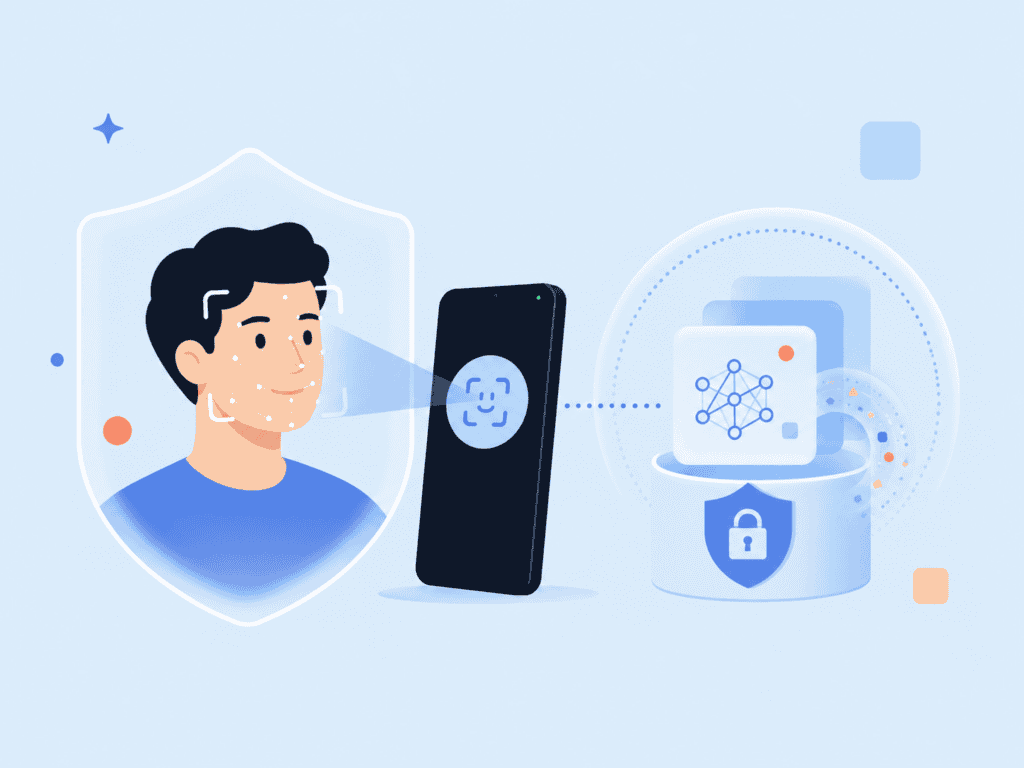
For privacy-preserving biometric authentication, the better design pattern is to reduce how much sensitive biometric data moves through the system in the first place. For example, facial recognition software built around on-device matching can avoid sending raw facial images to a central server for ordinary verification. That architecture can reduce breach exposure because the business is not collecting and transmitting the same type of biometric artifact at every login.
A useful visual for this section would be a process graphic showing a user capture moving through face detection, liveness, feature extraction, encrypted comparison, and final verification. Suggested alt text: “Facial recognition verification flow from face capture to identity decision.”
Where Facial Recognition Helps and Where It Creates Risk
Facial recognition can be used in many places, but not every use case deserves the same level of trust. A low-risk convenience feature and a high-impact identity decision should not use the same policy.
Useful business applications
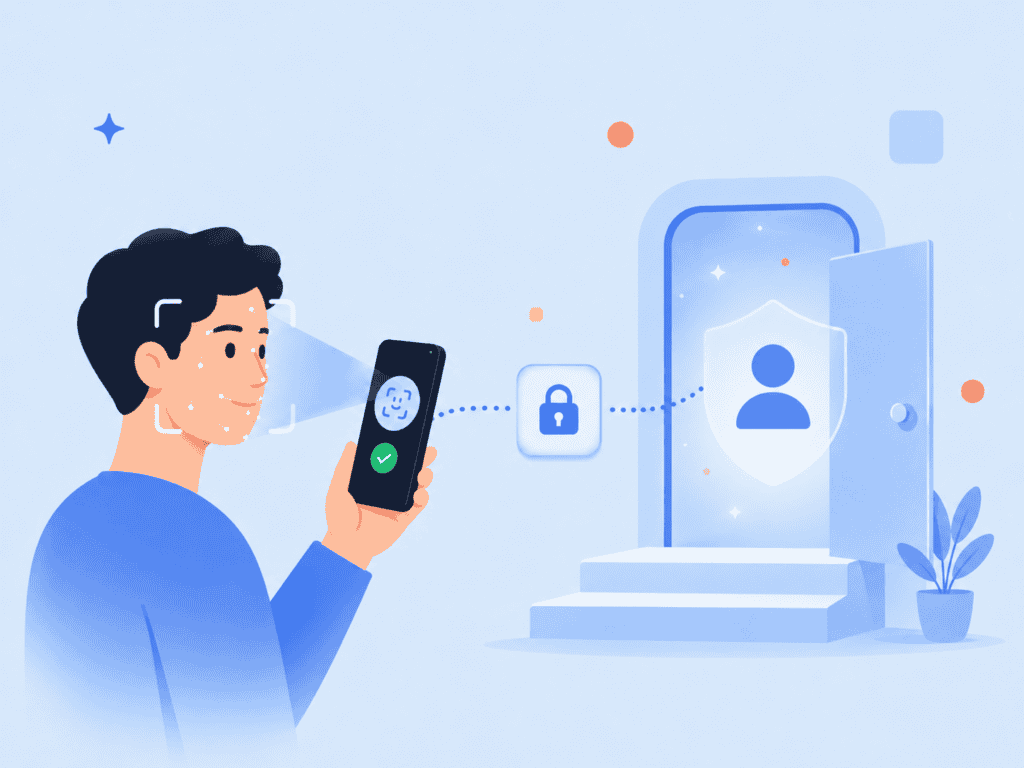
Face recognition can be used when the goal is to reduce friction while maintaining reasonable assurance that the person is the rightful user. Common examples include:
- Passwordless sign-in for workforce or customer accounts
- Step-up verification before high-risk account changes
- Age assurance or identity proofing support
- Device access and app access
- Airport security or travel identity checks
- Financial account recovery
- Healthcare portal access where identity confidence matters
- Workforce attendance where local law and consent requirements are addressed
In these contexts, facial recognition enhances security when it replaces weak factors like SMS OTPs, reused passwords, or knowledge-based questions. But it should still be paired with fallback methods, audit logs, user notice, and anti-spoofing controls.
For account access, the strongest pattern is usually layered identity rather than face recognition alone. A system may combine face verification with a passkey, device signal, risk scoring, or transaction context. That is why biometric authentication is often most effective when it supports a broader identity workflow instead of acting as a standalone gate.
Higher-risk uses
The use of facial recognition becomes more sensitive when it identifies people without a direct account relationship or searches a database of known individuals. Examples include retail surveillance, public camera monitoring, and investigative searches by a local police department.
This is where public concern around Clearview AI, bans on facial recognition, and statements from civil liberties groups such as the American Civil Liberties Union come into the conversation. The concern is not only whether facial recognition algorithms can match a face. It is whether people were included in a database of faces without meaningful consent, whether the system is audited, and what happens when it is wrong.
The FTC has warned businesses against deceptive or unfair practices involving biometric technologies, including unsupported claims about accuracy, inadequate disclosure, and failure to assess foreseeable harms. Its biometric information policy statement is a useful reference for teams building customer-facing verification systems because it frames biometric information as a consumer protection issue, not just a technical feature.
How to Evaluate a Facial Recognition System
A buyer evaluating facial recognition technologies should not start with a demo alone. Demos are usually captured in good lighting, with cooperative users, clean camera angles, and limited edge cases. Real deployments include dim rooms, older webcams, hats, mobility limitations, nervous users, duplicate accounts, fraud attempts, and users who need a non-biometric fallback.
Use this evaluation checklist before integrating facial recognition into a production identity workflow.
| Evaluation area | What to ask | Why it matters |
| Matching type | Is this 1:1 verification, 1:N identification, or both? | 1:N search carries higher privacy and misidentification risk. |
| Data handling | Are raw facial images stored, transmitted, or retained? | Stored biometric data creates long-term breach exposure. |
| Template security | Can extracted facial data be reversed, reused, or linked across systems? | Reusable templates can become sensitive identifiers. |
| Liveness detection | Does the system detect photos, videos, masks, and deepfake-style attacks? | Face recognition without anti-spoofing is easier to bypass. |
| Accuracy testing | Are error rates documented by use case, image quality, and demographics? | A single accuracy score hides practical risk. |
| Fallback process | What happens when a user cannot pass face verification? | Accessibility and account recovery need a safe alternative. |
| Consent and notice | Does the user understand when facial data is used and for what purpose? | Notice and choice affect trust and compliance posture. |
| Human review | Are high-impact decisions reviewed before adverse action? | Automated facial recognition should not be the only control for serious outcomes. |
| Retention | How long are images, templates, logs, and audit artifacts kept? | Data minimization lowers downstream risk. |
| Integration | Can it work inside the existing app, browser, SSO, or IAM flow? | Poor integration leads to workarounds and weaker adoption. |
One practitioner test is to ask the implementation team to draw the data path on a whiteboard. Start with the camera capture and end with the decision. Mark every place where a facial image, biometric template, token, log, or match score is created, transmitted, stored, or deleted.
That exercise often reveals hidden risk. A team may think it is only “using face recognition,” but the diagram shows a raw image sent to a vendor API, a template stored in cloud infrastructure, logs retained in a monitoring tool, and screenshots kept in a support ticket. Each copy changes the risk profile.
For developers, documentation should also be clear about how sign-in, enrollment, and matching happen. A useful starting point is the PrivateID quick start guide, which outlines integration paths for privacy-preserving biometric authentication across application environments.
A Better Standard for Biometric Identity
Accurate facial recognition is not enough. A responsible system needs to be accurate, private by design, clear to users, and proportionate to the decision being made.
That means a low-risk app login may use fast face verification with a passkey fallback, while a high-risk financial recovery flow may require face verification, device trust, document verification, and manual review. Airport security may use facial comparison technology differently again, with passenger identity checks tied to travel documents and screening procedures. TSA describes its use of facial comparison for identity verification in travel contexts through its digital identity and facial comparison resources.

The better business question is not “Can we use facial recognition?” It is “What is the least invasive biometric design that gives us enough assurance for this workflow?”
For many teams, that points toward three implementation principles:
- Verify rather than identify whenever possible. A 1:1 face verification flow is usually more appropriate for account access than searching a broad database of faces.
- Keep biometric data close to the user. On-device processing and privacy-preserving tokens can reduce unnecessary exposure.
- Design for failure. Good systems expect poor lighting, false rejects, accessibility needs, spoofing attempts, and edge cases.
Facial recognition works best when it is treated as one part of identity assurance, not as a magic answer to trust. The organizations that get it right are the ones that design the privacy model before they ship the feature.
Responsible Facial Recognition Comes Down to Data Control
The most important decision in a facial recognition project is not the camera, the model, or the login screen. It is what happens to the person’s biometric data after capture.
A system that can verify identity without spreading raw facial images across servers, logs, and databases gives the business a stronger foundation. It also gives users a clearer reason to trust the process.
FAQs
What is facial recognition?
Facial recognition is a biometric technology that uses facial features to identify or verify a person. It usually involves face detection, facial landmark mapping, feature extraction, and comparison against a stored reference or database of known faces.
Is facial recognition the same as face verification?
No. Face verification usually answers, “Is this person the same person who enrolled?” Face identification answers, “Who is this person among many possible people?” Verification is typically used for account access, while identification is more common in search, security, and investigative settings.
How does facial recognition technology work?
Facial recognition technology detects a face in an image or live camera feed, measures facial landmarks, and converts distinct facial features into a mathematical representation. The system then compares that representation with stored face recognition data to calculate whether there is a likely match.
Can facial recognition be used without storing face images?
Yes, depending on the system architecture. Some biometric technologies process data on-device or use privacy-preserving representations so raw facial images do not need to be stored or transmitted for every match. Buyers should ask exactly what is stored, where it is stored, and whether the stored data can be reused or linked.
What are the main benefits of facial recognition?
The main benefits of facial recognition include faster verification, lower dependence on passwords, stronger account recovery, and better fraud resistance when paired with liveness detection. It can also improve user experience because people do not need to remember a secret or carry a separate hardware token for every interaction.
What are the biggest risks of facial recognition?
The biggest risks include biometric data exposure, inaccurate matches, spoofing attacks, unclear consent, and inappropriate use of 1:N identification. Civil liberties concerns become especially important when systems identify people in public spaces or search large databases without a direct user relationship.
What should companies check before using facial recognition?
Companies should review the matching mode, data retention, liveness detection, fallback options, audit logging, accessibility, and legal obligations in the markets where they operate. They should also test real-world capture conditions instead of relying only on polished demos or headline accuracy numbers.