
 Back
Back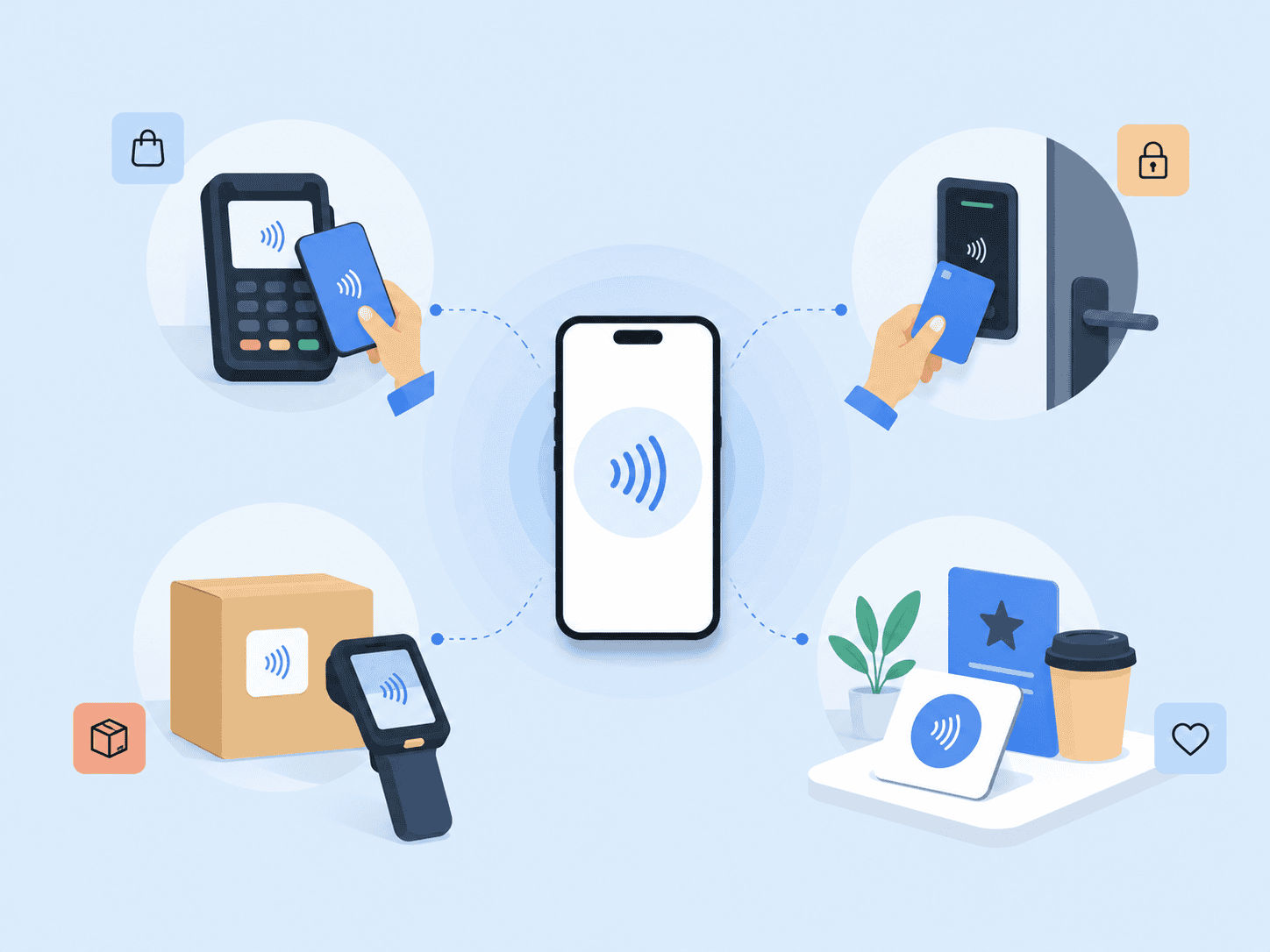
A tap feels simple, but a lot happens in that split second. NFC (Near Field Communication) is the short-range wireless technology behind contactless payments, mobile wallet checkouts, access cards, NFC tags, and some secure authentication flows. For businesses, the real question isn’t just “What is NFC?” It’s where this contactless technology belongs in a secure, low-friction customer or employee workflow.
This guide focuses on a practical business angle: how NFC technology works, where it’s useful, where it isn’t enough by itself, and how to think about NFC authentication when identity, fraud prevention, and user trust matter.
Key Takeaways
- NFC is designed for short-range wireless communication, which makes it useful for tap to pay, access control, device pairing, and proximity-based identity workflows.
- NFC payments are not just “card data over the air”; modern contactless payments rely on standards, device verification, and transaction-specific security data.
- NFC is convenient, but it doesn’t prove who a person is unless it’s paired with a stronger authentication or identity verification layer.
- For business use, NFC should be evaluated by user intent, fraud risk, fallback process, device coverage, and what happens after the tap.
- NFC works best when it reduces friction without becoming the only security control.
What NFC (Near Field Communication) Actually Does
NFC is a short-range wireless communication method that lets two compatible devices exchange small amounts of data when they’re very close together. An NFC-enabled smartphone can communicate with a payment terminal, an NFC card can open a building door, and an NFC reader can pull data from an NFC tag embedded in packaging, signage, or hardware.
On Android, Google describes NFC as a short-range wireless technology that typically requires a distance of 4 cm or less to initiate a connection and can exchange small data payloads between NFC tags and Android-powered devices or between two Android devices. That limited range is part of the user experience: the person intentionally brings a device, card, or tag close to a reader before anything happens. Android’s NFC overview is a useful technical reference for how NFC works in mobile environments.
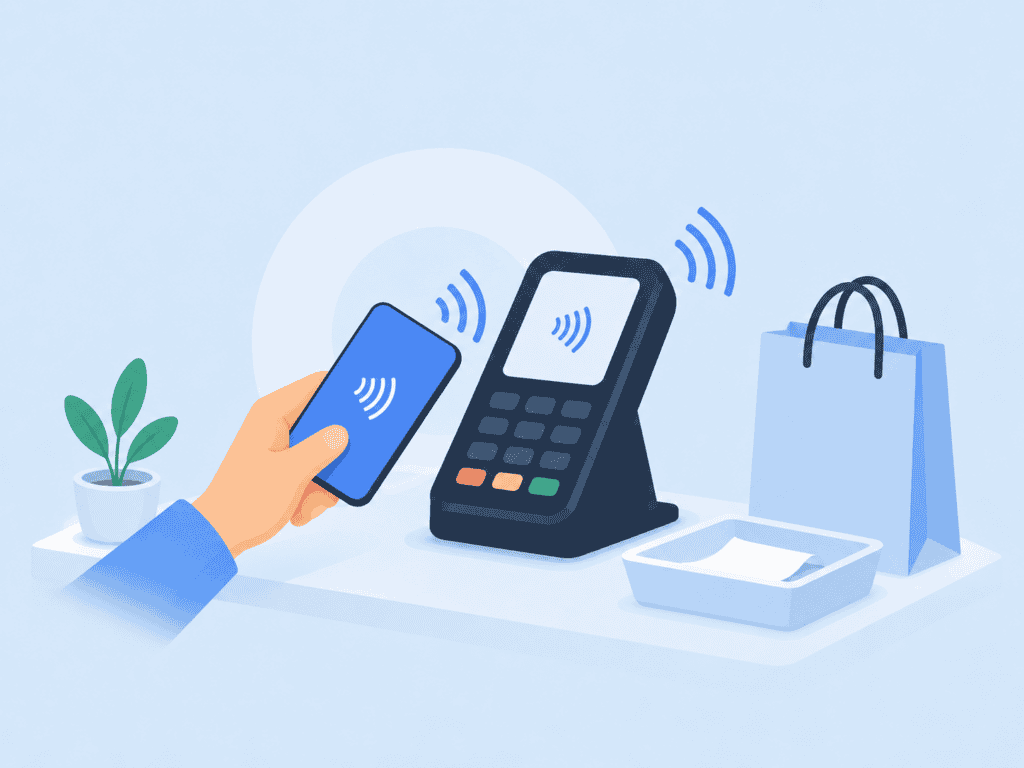
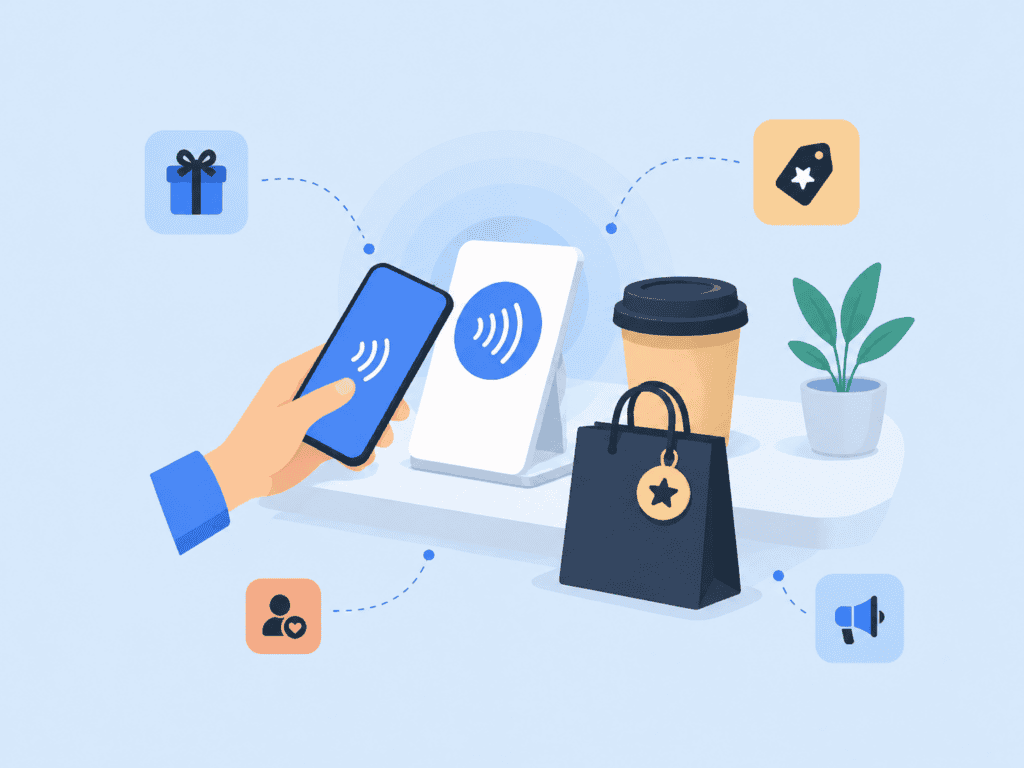
The most familiar example is tap to pay. A customer holds a smartphone, smartwatch, contactless card, or other NFC-enabled device near a point of sale terminal. The POS terminal reads the payment credential through contactless communication, the payment network validates the transaction, and the customer leaves without inserting a card or typing a PIN for many low-risk transactions.
That same pattern can apply outside payments. The business value is not the radio signal itself. It’s the ability to create a fast proximity checkpoint: “This card, phone, tag, or device is physically here right now.”
Common NFC Use Cases for Business
NFC use cases usually fall into four practical categories: payments, access, identity, and data transfer. Each one has different security expectations.
NFC payments are the most visible. Contactless payments, smartphone payments, mobile payments, and digital wallet transactions all rely on the same basic tap interaction. EMVCo notes that EMV Contactless supports secure transactions made with contactless chip cards and NFC-enabled mobile devices, and that a one-time use security code is generated for every transaction to help protect against fraud. EMVCo’s contactless chip overview explains the payment-side standards behind that experience.
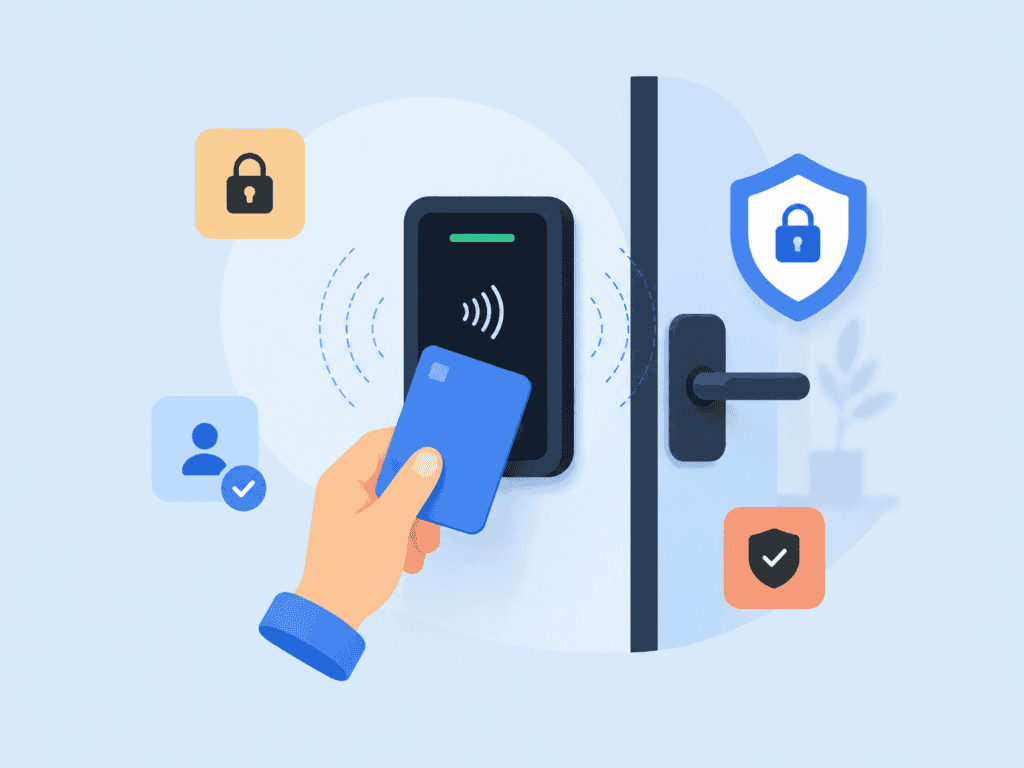
Access control is another common use. An employee taps an NFC card at a door, a visitor taps a credential at reception, or a contractor uses a phone-based credential to enter a controlled area. This can be useful in offices, warehouses, events, schools, healthcare facilities, and multifamily buildings. But an NFC card alone usually proves possession of the card, not the person’s identity. If the card is shared or stolen, the system may still accept it unless additional checks exist.
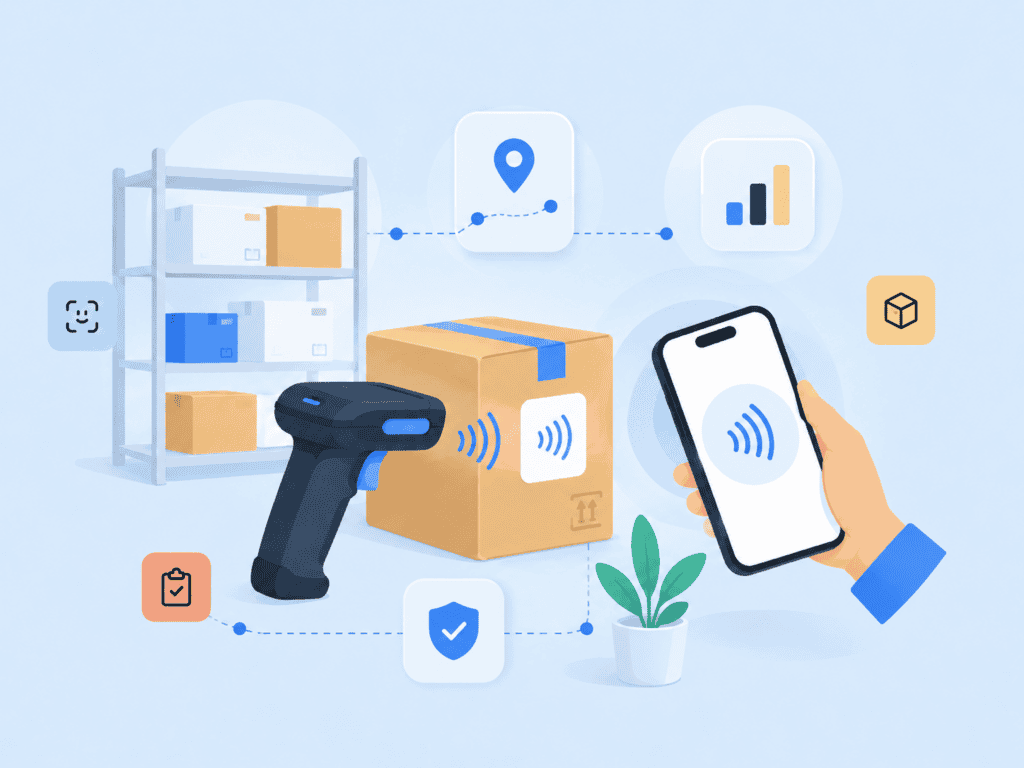
NFC tags are useful when a business wants a physical object to trigger a digital action. A tag on a product package can open a verification page. A tag on a medical device can pull up maintenance records. A tag on a conference badge can check someone into a session. These are small, practical uses of NFC data transfer where the tap removes typing, scanning, or searching.
NFC authentication sits between convenience and security. A business may use NFC as one step in confirming that a user has a trusted device, card, or token. For example, a financial services app might let a user tap a contactless card during onboarding as an extra possession signal, then complete selfie-to-ID matching and liveness checks through a separate identity verification flow. For higher-risk onboarding or account recovery, NFC should support the process, not replace identity proofing.
For companies designing identity workflows, pairing NFC with document verification can be useful when the process needs to connect a real-world credential, a device interaction, and a verified user. The tap can help confirm proximity to a credential, while document checks and biometric matching help answer the more important question: “Is this the rightful person?”
How NFC Security Works and Where Risk Remains
NFC security often gets misunderstood. People hear “short range” and assume it’s automatically secure. Short range helps, but it doesn’t eliminate risk.
The physical proximity requirement makes casual remote attacks harder than with long-range wireless systems. A criminal usually has to get close enough to interact with the NFC chip or reader. That’s one reason NFC works well for intentional actions like tap to pay, device pairing, and secure access.
But proximity is not identity. A phone can be stolen. A contactless card can be borrowed. An NFC tag can be copied if it doesn’t use the right protection. A payment terminal can be legitimate or compromised. A poorly designed application can treat a tap as proof of trust when it should only treat it as one signal.
A practical way to think about NFC security is to separate the layers:
| Layer | What it helps prove | What it does not prove by itself |
| NFC tap | A device, card, or tag is physically near the reader | The person holding it is legitimate |
| Device unlock | The user passed a local phone security check | The account is not compromised |
| Payment token or cryptogram | Transaction data is not simply static card data | The merchant workflow is fraud-proof |
| Biometric authentication | A person matches an enrolled biometric factor | The full identity proofing process is complete |
| Document verification | A submitted ID appears valid and matches a person | Future access attempts remain safe forever |
This is where many NFC implementations go wrong. They treat the tap as the finish line. In a lower-risk workflow, that may be fine. Tapping a tag to open a product manual doesn’t need a full identity check. Tapping into a bank account recovery flow is different.
For higher-risk scenarios, NFC should be paired with authentication factors that match the risk level. A privacy-preserving biometric authentication flow can help confirm that the user is not just holding a device or card, but is also the person expected to complete the transaction or access request.
The NFC Forum also continues to refine the technology. NFC Release 15 extends the operating volume for compliant NFC connections up to 2 cm, improving reliability for smaller devices like wearables and rings while preserving close-proximity interaction. The NFC Forum’s Release 15 announcement is a helpful reference for how the standard is evolving.
NFC vs Bluetooth vs RFID
NFC often gets grouped with Bluetooth and RFID technology, but they solve different problems. Choosing the wrong one can create a clunky user experience or a weak security model.
| Technology | Typical range | Common business use | Best fit |
| NFC | Very short range | Tap to pay, access cards, digital wallet use, NFC tags | Intentional tap-based interactions |
| RFID | Short to long range, depending on system | Inventory, asset tracking, badges, logistics | Reading many tagged items or credentials |
| Bluetooth | Longer range than NFC | Device pairing, wearables, location-aware experiences | Ongoing wireless connection between powered devices |
The biggest difference is intent. NFC requires an intentional close tap or near-tap. Bluetooth can connect at a much greater distance and often supports continuous communication. RFID can be passive and useful for scanning items without the same deliberate consumer interaction.
For example, a retailer may use RFID technology to track inventory in the stockroom, NFC tags on premium product packaging for authenticity checks, and NFC payments at the checkout counter. Those are not competing systems. They’re different tools for different points in the customer and operational journey.
In identity and secure access, NFC works best when a tap is meaningful. A door tap says, “I’m at this entrance.” A card tap says, “I possess this credential.” A phone tap at a payment terminal says, “I’m approving this transaction here.” The security design should then decide what else is needed based on risk.
How to Evaluate an NFC Workflow
When reviewing an NFC workflow for business use, don’t start with the chip. Start with the decision the system is making after the tap.
Here’s the process I use when assessing whether NFC belongs in a payment, access, or identity flow:
| Question | Why it matters | Example decision |
| What does the tap prove? | Prevents over-trusting NFC | Possession only, not full identity |
| What happens if the device or card is stolen? | Reveals account takeover risk | Require biometric recheck for sensitive actions |
| Is the NFC reader trusted? | Protects against rogue or misconfigured terminals | Use certified readers and monitor terminal IDs |
| What is the fallback path? | Prevents support friction | Offer manual review or alternate verification |
| Does the user understand the action? | Reduces accidental consent | Show clear pre-tap and post-tap messaging |
| Is the data static or dynamic? | Static data can be replayed or copied more easily | Prefer cryptographic or transaction-specific validation |
| What logs are retained? | Supports audits and fraud review | Log timestamp, device type, reader, and risk result |
A strong NFC workflow also needs plain UX copy. The user should know what the tap does before they do it. “Tap your card to verify you have it with you” is clearer than “Scan NFC credential.” For higher-risk steps, the screen should explain whether the tap is verifying a payment card, reading an ID chip, pairing a device, or checking a physical access credential.
Businesses should also define what happens when NFC fails. Some users won’t have NFC-enabled devices. Some phones have NFC turned off. Some contactless cards or credentials may be damaged. A secure fallback should not be a weaker shortcut. If the fallback is “call support and answer easy questions,” attackers will target the fallback instead of the NFC flow.
Make the Tap Part of a Stronger Identity Flow
NFC is most valuable when it reduces effort at the exact moment a user needs to prove proximity, possession, or intent. That makes it powerful for contactless payments, secure access, device pairing, and some identity verification workflows.
But it should be treated as one part of a broader trust decision. The tap can confirm that an NFC card, NFC chip, NFC reader, smartphone, wearable, or NFC-enabled payment system is present. It cannot, by itself, confirm that the person holding it is the rightful account owner or that the entire transaction is low risk.
For businesses handling onboarding, authentication, fraud prevention, or regulated user access, NFC becomes stronger when connected to identity management that can combine possession, biometric checks, document verification, risk signals, and privacy-preserving authentication.
The better question is not “Should we use NFC?” It’s “What should a tap prove, and what else must be verified before we trust the result?”
FAQs
What is NFC in simple terms?
NFC is a short-range wireless technology that lets a device, card, reader, or tag communicate when they’re placed very close together. It’s the technology behind tap to pay, many contactless cards, some access badges, and phone-based device pairing. The short range makes the action feel intentional because the user usually has to bring the device or card near the reader.
Is NFC the same as contactless payment?
Not exactly. NFC is the communication technology, while contactless payment is one major use case. NFC payments use payment standards, digital wallet controls, payment terminal rules, and transaction security features that go beyond the basic NFC radio connection.
Is NFC secure enough for identity verification?
NFC can support identity verification, but it usually should not be the only factor. It can help prove possession of a card, phone, tag, or credential, but it doesn’t automatically prove that the person holding it is the rightful user. Stronger workflows often pair NFC with biometric authentication, document verification, device checks, or risk scoring.
What is the difference between NFC and RFID?
NFC is a type of short-range contactless communication that is closely associated with smartphones, contactless cards, payment terminals, and intentional tap experiences. RFID is broader and often used for inventory, logistics, asset tracking, and badge systems. NFC is usually better for user-facing tap interactions, while RFID is often better for scanning many tagged items.
Do all smartphones support NFC?
Many modern smartphones support NFC, especially for digital wallet and tap to pay use. Support can still vary by device model, region, operating system, and whether the user has NFC enabled. Business workflows should include a fallback path for users whose phones, cards, or settings don’t support NFC.
Can NFC tags be copied?
Some simple NFC tags can be copied if they store static, unprotected data. More secure NFC applications use protected memory, cryptographic checks, transaction-specific values, or backend validation to reduce cloning and replay risk. The right choice depends on whether the tag opens a public webpage or grants access to something sensitive.
When should a business use NFC instead of Bluetooth?
Use NFC when the interaction should be short, intentional, and proximity-based, such as tapping to pay, opening a door, reading a tag, or starting a secure workflow. Use Bluetooth when two powered devices need a longer-range or ongoing connection. For many products, NFC can also be used to simplify initial device pairing before another connection method takes over.