
 Back
Back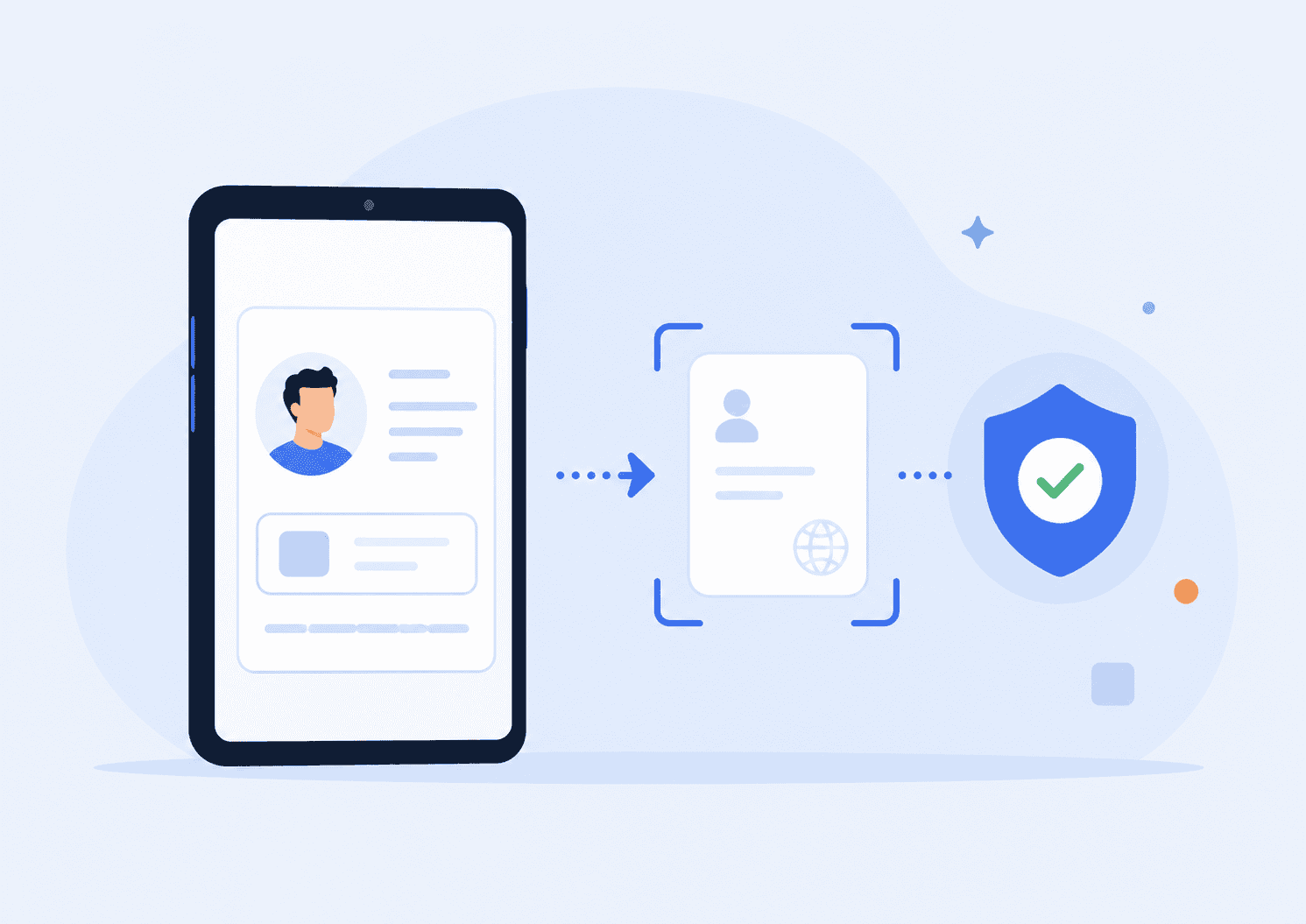
A slow identity check can turn a ready customer into an abandoned signup. The best document verification software does more than scan a passport or driver’s license. It captures the document cleanly, extracts the right fields, checks authenticity signals, compares the person to the ID, and returns a usable decision without forcing operations teams to review every case manually.
This guide focuses on a specific buying angle: choosing document verification tools that improve KYC onboarding speed without weakening fraud controls or privacy standards.
Key Takeaways
- The strongest tools combine document capture, OCR extraction, authenticity checks, liveness, face matching, and risk-based review.
- Faster onboarding depends on image quality guidance, API reliability, clear decision codes, and smart fallback paths.
- Privacy matters because ID document verification often handles passports, licenses, national IDs, selfies, and extracted personal data.
- The right provider depends on your market coverage, compliance obligations, fraud risk, developer resources, and tolerance for manual review.
- Teams should test vendors with real onboarding edge cases, not just clean sample documents.
What Document Verification Software Should Do
Document verification starts with evidence. A customer provides a passport, driver’s license, national ID card, residence permit, or another approved document. The system then checks whether the document is readable, genuine, current, and connected to the person presenting it.
NIST describes identity validation as confirming the authenticity, integrity, and accuracy of identity evidence, including whether the evidence is genuine and whether the data is valid and connected to a real person. That framing is useful because it separates “reading an ID” from actually trusting it. A good ID scanning / OCR software layer may extract a name and date of birth, but KYC document verification also needs checks for tampering, expired documents, format inconsistencies, and presentation attacks. See NIST’s current Digital Identity Guidelines for the broader identity proofing context.
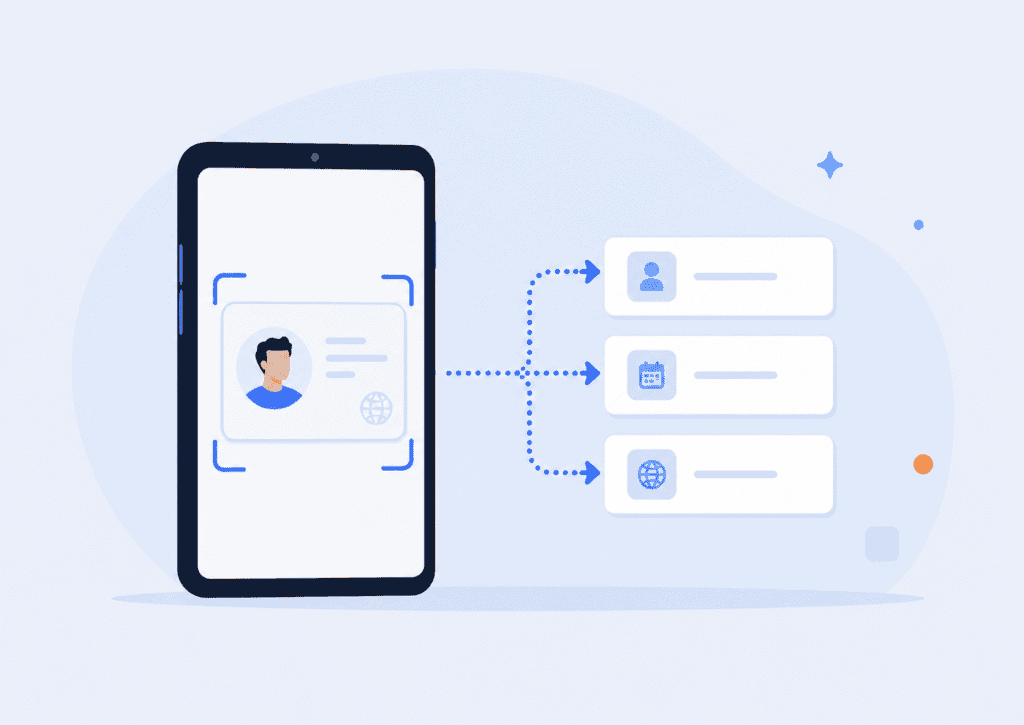
For regulated onboarding, the real question is not “Can this tool scan a document?” It is “Can this tool return a decision your compliance, fraud, product, and engineering teams can defend?” That means the platform should provide structured results, reason codes, audit trails, API documentation, and configurable rules for when a case should pass, fail, or move to manual review.
A practical document verification workflow usually includes:
| Step | What happens | Why it matters |
| Document capture | The user photographs or uploads the ID. | Poor capture quality is one of the biggest causes of onboarding drop-off. |
| OCR extraction | The system reads fields such as name, document number, date of birth, and expiry date. | Clean data extraction reduces manual typing and form errors. |
| Authenticity checks | The system checks security features, layout, MRZ, barcode, NFC, metadata, or document templates. | Fraudsters often submit edited, expired, synthetic, or mismatched documents. |
| Biometric comparison | A selfie or live capture is compared with the document portrait. | This helps confirm the presenter is the document holder. |
| Liveness detection | The system checks whether the person is real and present. | This reduces spoofing with printed photos, screens, masks, or synthetic media. |
| Decisioning | The result is returned through dashboard, webhook, API, or case management flow. | Fast, explainable results help teams onboard users without unnecessary review. |
For teams building a privacy-first identity stack, it also helps to understand how document verification connects with biometric authentication after onboarding. The document proves the initial identity claim. Authentication helps protect the account after that first verification event.
Top 10 Document Verification Software Options
1. PrivateID
PrivateID is a strong fit for teams that want document checks for onboarding without sending sensitive images and personal data through unnecessary cloud processing. Its identity verification workflows are built around privacy-preserving, on-device processing, including OCR-based document data extraction, selfie-to-photo ID matching, liveness detection, and biometric checks.
The practical advantage is speed and data minimization. If an onboarding flow can pre-screen document quality, extracted fields, and biometric match signals before escalating to heavier server-side review, the business can reduce friction while keeping high-risk cases under control. PrivateID’s identity management platform is especially relevant for KYC, AML, CFT, login, authentication, and verified identity workflows.
PrivateID is best for organizations that care about fast onboarding, lower data exposure, and identity workflows that extend beyond the first KYC event. It is less of a generic OCR vendor and more of a privacy-first identity verification layer.
2. Entrust Identity Verification
Entrust, which includes Onfido identity verification capabilities, is widely used for document verification, biometric checks, and workflow orchestration. Its documentation describes an Identity Verification API that can trigger verification journeys, monitor progress, retrieve results, and initialize SDK flows.
This makes Entrust a good option for companies that need a mature identity verification provider with flexible workflows, SDKs, and API integration. Its document verification capabilities are suited to businesses that operate across multiple countries and need configurable review journeys.
The main buying consideration is implementation scope. Entrust can support sophisticated flows, but larger systems often require closer product, compliance, and engineering coordination before launch.

3. Stripe Identity
Stripe Identity is a practical choice for businesses already using Stripe and wanting a relatively developer-friendly way to verify government IDs. Stripe’s documentation says Identity can verify the authenticity of government-issued ID documents from more than 120 countries, capture photo IDs, match ID photos with selfies, and validate certain identity information.
For marketplaces, fintech apps, creator platforms, and payment-adjacent products, Stripe Identity can be attractive because it fits naturally into an existing Stripe account and developer workflow. It can also reduce vendor sprawl when payments and identity checks sit close together.
The trade-off is specialization. Stripe Identity may not be the best match for every high-risk compliance workflow, especially when you need deep customization, highly specific document authentication software controls, or complex review operations.
4. Persona
Persona is known for configurable identity workflows, government ID verification, database checks, case review, and orchestration. Its government ID via API documentation emphasizes orchestration, consent language, workflow setup, verification requirements, and post-verification business logic.
That flexibility makes Persona useful for teams that want to tune onboarding based on risk. For example, a low-risk user may only need an ID and selfie check, while a higher-risk user may trigger additional steps such as proof of address, sanctions screening, or manual review.
Persona is best for teams that have enough internal resources to design a thoughtful verification flow. The tool is powerful, but the value depends on how well the workflows are configured.
5. Trulioo
Trulioo is a global identity verification provider with document verification, person matching, business verification, and data source coverage across many markets. Its KYC Document API includes endpoints for transaction creation, document upload, verification, and retrieval of results.
Trulioo is especially relevant for businesses expanding across borders. If your onboarding flow needs to verify users in many countries, support multiple document types, and connect identity checks with broader KYC or KYB requirements, Trulioo is worth reviewing.
The key question is whether your use case needs global data coverage, document verification, or both. Some businesses buy a global provider for document checks when what they really need is a narrower, faster workflow for a few core markets.
6. Sumsub
Sumsub offers identity verification, KYC and AML workflows, OCR for identity documents, case management, and ongoing monitoring. Its OCR product supports extraction and verification of document data across many languages, which can matter for global onboarding.
Sumsub is a strong fit for fintech, crypto, marketplaces, gaming, and other regulated or fraud-exposed industries that need document verification plus risk operations. Its workflow and review features can help teams avoid stitching together too many separate tools.
The main evaluation point is configuration. A broad platform can cover many needs, but buyers should test whether the default flow is fast enough for their specific onboarding funnel and whether review queues are easy for operations teams to manage.
7. Jumio
Jumio provides identity verification, document checks, biometric verification, and KYC APIs. Its products cover primary ID verification as well as supporting document proof, such as utility bills and bank statements, depending on the workflow.
Jumio is often considered by larger organizations that need AI-assisted identity verification and compliance workflows at scale. It may be useful when onboarding requires more than one document type or when teams need a combination of ID checks, selfie matching, and supporting evidence.
The buyer’s checklist should include country coverage, document type support, review speed, false rejection rates, and the quality of reason codes returned to your internal systems.

8. Veriff
Veriff offers identity verification through APIs, native SDKs, web flows, and document-only IDV options. Its documentation describes document-only verification as a flow where the system analyzes ID document images, verifies data, and returns extracted data and a decision.
Veriff is a good fit for teams that want multiple integration options and a user-facing verification flow that can be adapted to brand and product requirements. It can support both document-only checks and broader identity verification workflows.
When testing Veriff, focus on capture experience, webhook reliability, review turnaround, and how clearly the platform explains rejected or resubmitted cases. Those details affect support tickets as much as compliance outcomes.
9. Regula
Regula is a document-centric provider with document reader SDKs, OCR, MRZ reading, barcode extraction, RFID or NFC chip reading, and document authenticity checks. It is often a strong choice when the document itself is the main technical challenge.
Regula can be particularly useful for border control, travel, enterprise onboarding, telecom, fintech, or any use case where document parsing accuracy and document coverage matter deeply. Its SDK approach may also appeal to teams that want more control over document processing.
The main distinction is that Regula is highly document-focused. Teams that need full KYC orchestration, ongoing monitoring, and case management may pair it with other systems.
10. IDnow
IDnow provides identity verification and document verification for regulated customer journeys, especially in European markets. Its document verification product checks authenticity, integrity, and ownership of passports, ID cards, residence permits, and other official documents.
IDnow is worth considering if your business operates in markets where video identification, automated identity checks, e-signature flows, or region-specific compliance expectations matter. It is often a better match for structured regulated onboarding than for lightweight ID scanning alone.
As with any regional or compliance-heavy provider, confirm supported countries, accepted document types, language coverage, audit trail requirements, and manual review options before making a decision.
How to Choose the Right Document Verification Software
The best document verification software is the one that fits your risk model, not the one with the longest feature list. A crypto exchange, online marketplace, telehealth platform, and age-restricted commerce site may all ask for ID verification, but they do not share the same threat profile or regulatory burden.
Start with the documents you must accept. Passports, driver’s licenses, national IDs, residence permits, proof-of-address documents, and business documents require different extraction and authenticity checks. A vendor that performs well on U.S. driver’s licenses may struggle with handwritten fields, non-Latin scripts, older document formats, or low-light mobile capture in another country.
Next, look at the decision path. Faster onboarding comes from reducing unnecessary manual review, not from approving risky users faster. A strong system should let you define what happens when the ID is expired, the OCR confidence is low, the selfie match is borderline, the liveness check fails, or the document country does not match the user’s claimed address.

For KYC and AML contexts, the Financial Action Task Force explains that digital ID systems can support customer due diligence when they are reliable, independent, and risk-appropriate. That matters because document verification is usually one part of a wider compliance process, not the entire program. FATF’s Guidance on Digital Identity is a useful reference for compliance teams evaluating digital identity systems.
Here is a practical vendor evaluation scorecard:
| Evaluation area | What to check | Red flag |
| Document coverage | Supported countries, document types, scripts, MRZ, barcode, NFC, and expiry checks. | Vendor only shows coverage counts, not acceptance quality by market. |
| Capture experience | Auto-capture, blur detection, glare prompts, mobile SDK quality, and retry logic. | Users must guess why an upload failed. |
| OCR accuracy | Field-level confidence scores and structured extraction. | Extracted data is returned without confidence or review signals. |
| Fraud controls | Tamper detection, template checks, metadata signals, face match, and liveness. | The tool only reads text and calls it verification. |
| API quality | Clear docs, webhooks, test mode, sandbox data, retries, and status codes. | Engineering must rely on support tickets to understand errors. |
| Privacy and security | Data minimization, retention controls, encryption, regional processing, and audit logs. | Vendor cannot clearly explain where document images are processed or stored. |
| Operations fit | Manual review queue, case notes, reason codes, and escalation flows. | Reviewers get a pass/fail result without enough context. |
One practitioner tip: test vendors with “messy normal” documents, not just fraud samples. Use a slightly bent ID, glare on a laminate, a passport with a long name, a document with non-English characters, an expired ID, a cropped selfie, and a slow mobile connection. These cases reveal whether the tool can handle real onboarding traffic.
A Practical KYC Document Verification Workflow
A good onboarding flow should feel simple to the user, but it should not be simplistic behind the scenes. The cleanest setup is usually a risk-based workflow with clear pass, retry, review, and reject outcomes.
A baseline KYC document verification workflow might look like this:
- Collect the minimum required data first. Ask for only what you need to start the identity check, such as country, document type, and consent.
- Guide the user through document capture. Use auto-capture, glare detection, blur detection, and clear retry messages.
- Run OCR and document checks. Extract name, date of birth, document number, expiry date, and address where relevant. Check format, template, MRZ, barcode, NFC, and authenticity signals.
- Compare the person to the document. Use selfie matching and liveness detection where the risk level requires it. For more context on presentation attack checks, see this guide to liveness detection.
- Apply business rules. Decide what happens for expired IDs, underage users, unsupported countries, sanctions hits, duplicate identities, or mismatched names.
- Return a clear result. Your system should receive a decision, extracted fields, confidence scores where available, timestamps, and review reasons.
- Store only what you need. Retention should match your legal, compliance, and security requirements. More stored data can mean more breach risk.
The most common implementation mistake is treating “verified” as a single state. In practice, you need more nuance. A user can pass document authenticity but fail face match. OCR can succeed while the document is expired. A selfie can pass liveness but not match the ID portrait. Your product should know the difference.
That nuance is where document verification API design matters. Engineering teams need stable response objects, consistent webhook events, retry behavior, and readable failure codes. Compliance teams need auditability. Support teams need customer-safe explanations. Fraud teams need signals they can investigate without exposing unnecessary personal data.
FAQs
What is document verification software?
Document verification software checks identity documents such as passports, driver’s licenses, national IDs, and residence permits during onboarding. It usually combines document capture, OCR extraction, authenticity checks, and sometimes selfie matching or liveness detection. The goal is to confirm that the document is genuine, readable, current, and connected to the person presenting it.
What is the difference between OCR and document verification?
OCR reads text from a document image and turns it into structured data. Document verification goes further by checking whether the document appears authentic, whether the extracted data is valid, and whether the person submitting it is likely the rightful holder. OCR is one component of ID document verification, not the full process.
What documents are usually accepted for KYC onboarding?
Common documents include passports, driver’s licenses, national identity cards, residence permits, and sometimes proof-of-address documents such as bank statements or utility bills. Accepted documents vary by country, industry, risk level, and compliance requirement. A good provider should let you configure accepted document types by market.
What makes a document verification API useful for developers?
A useful document verification API has clear documentation, sandbox testing, SDK support, webhooks, predictable status codes, retry logic, and detailed verification results. Developers should be able to create a verification session, upload or capture documents, receive decisions, and handle edge cases without manual support from the vendor.
How does document verification reduce onboarding fraud?
It helps detect forged, edited, expired, stolen, synthetic, or mismatched identity documents. When combined with face matching and liveness detection, it can also reduce impersonation attempts using someone else’s ID. The strongest systems connect document signals with broader fraud rules instead of relying on a single pass/fail check.
Is on-device document verification better than cloud processing?
On-device processing can reduce latency and limit how much sensitive data leaves the user’s device. That can be valuable when onboarding speed and privacy are priorities. Cloud processing may still be useful for heavier checks, manual review, or certain compliance workflows, so the best approach depends on your risk model.
How should a business compare document authentication software vendors?
Compare vendors using real documents from your target markets, not only polished demos. Measure completion rate, retry rate, OCR accuracy, false rejection rate, manual review volume, API reliability, fraud detection quality, privacy controls, and support workload. The best choice is the tool that improves both conversion and confidence.