
 Back
Back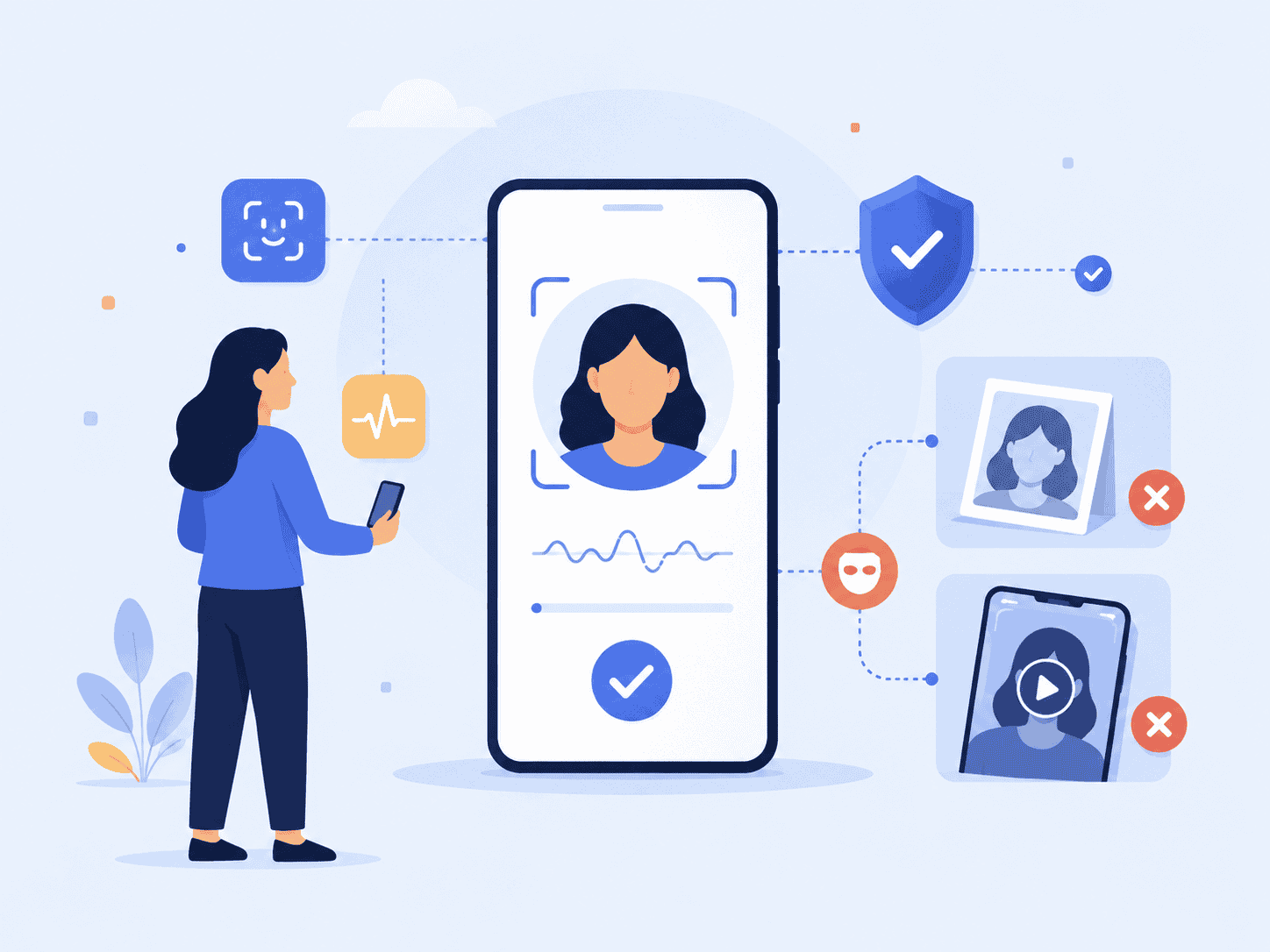
A face scan is only useful if the person in front of the camera is real. That is the problem liveness detection solves. If you’re asking what is liveness detection, the short answer is this: it is technology that checks whether a biometric sample comes from a live person, not a photo, mask, replayed video, deepfake, or injected digital image.
This guide explains liveness detection through a practical identity workflow lens: what happens at the camera, what the system checks, what attacks it is designed to stop, and how teams should evaluate it before using it in banking, age assurance, account recovery, or identity verification.
Key Takeaways
- Liveness detection confirms that a biometric sample is being captured from a real, present person.
- Face liveness detection helps stop spoofing attempts such as printed photos, screen replays, masks, and synthetic media.
- A biometric liveness check is not the same as face matching. Liveness asks, “Is this real?” Face matching asks, “Is this the right person?”
- Passive liveness detection usually creates less user friction because it does not require the user to blink, turn, smile, or follow prompts.
- Strong implementation depends on privacy, speed, device support, attack testing, and how the liveness result is used in the larger identity workflow.
What Is Liveness Detection?
Liveness detection definition: liveness detection is a biometric security method that determines whether the person presenting a face, fingerprint, voice, or other biometric trait is physically present and alive at the time of capture.
In face-based identity flows, liveness detection looks at a selfie or camera feed and decides whether the system is seeing a genuine human face in real time. It is commonly used during account onboarding, biometric authentication, age assurance, remote identity proofing, and fraud prevention.
The simplest way to understand it is to separate three questions:
| Identity question | Technology involved | Example |
| Is there a real person present? | Liveness detection | Detecting whether a selfie is live or spoofed. |
| Is this the right person? | Face matching or biometric authentication | Comparing a selfie to an enrolled face or ID photo. |
| Should this user be allowed through? | Risk and policy decisioning | Combining liveness, match score, device signals, and business rules. |
That distinction matters. A system can match a face well and still be vulnerable if it accepts a high-resolution photo of the enrolled user. Liveness detection closes that gap by checking the capture event itself.
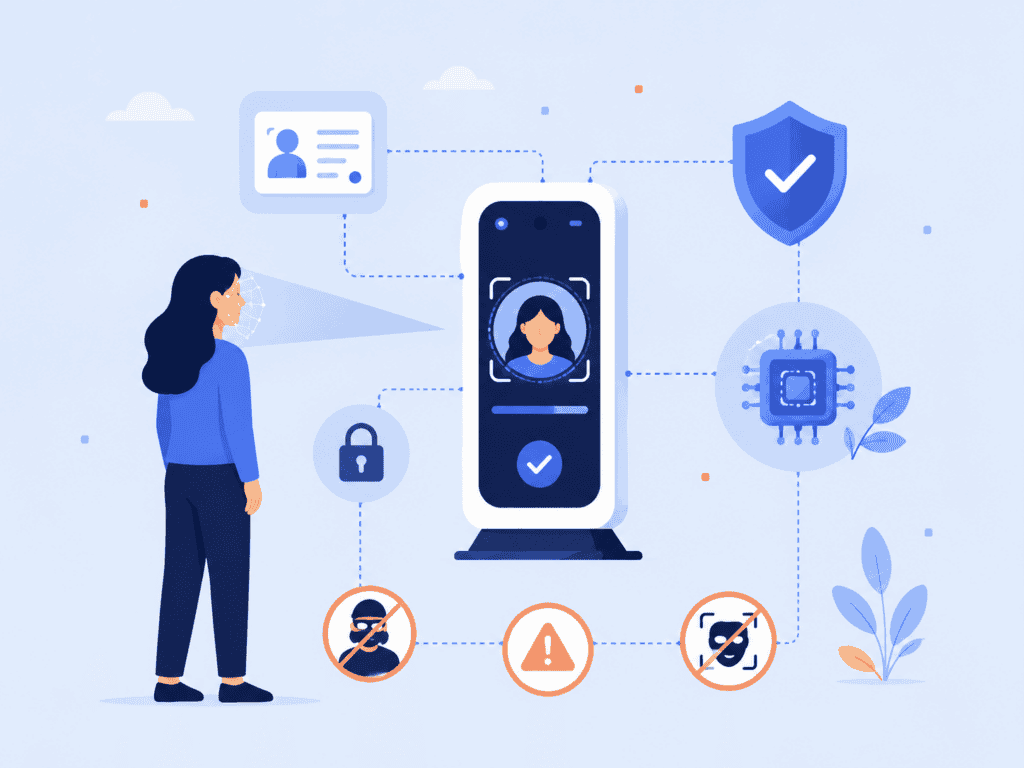
In technical standards, this problem is often described as presentation attack detection, or PAD. The international standard ISO/IEC 30107-3:2023 covers biometric presentation attack detection testing and reporting, including known attack categories and evaluation methods.
NIST’s digital identity guidance also treats presentation attacks as a serious biometric risk. The NIST Digital Identity Guidelines for Authentication and Lifecycle Management state that biometric systems should implement presentation attack detection and demonstrate resistance against relevant attack types.
How Liveness Detection Technology Works
Liveness detection technology works by analyzing whether the biometric input behaves like a real person captured through a real sensor. For face liveness detection, that input usually comes from a phone camera, laptop camera, kiosk camera, or embedded camera in a connected device.
A typical face liveness flow has four stages:
| Stage | What happens | Why it matters |
| Capture | The user presents their face to the camera. | The system needs a usable image or short camera sequence. |
| Quality check | The system checks lighting, blur, framing, and face visibility. | Poor capture quality can create false rejects or weak security decisions. |
| Liveness analysis | The model evaluates signals associated with a live face and real capture environment. | This helps separate genuine users from spoofing attempts. |
| Decision | The system returns a pass, fail, or risk score to the identity workflow. | The application decides whether to continue, retry, step up, or block. |
The exact signals vary by vendor and implementation. Some systems analyze texture, depth cues, motion, reflection patterns, camera noise, facial geometry, or inconsistencies that appear when an attacker uses a screen, printed image, mask, or synthetic media. Others use multi-frame analysis to inspect how a face behaves across a short sequence.
The important point is that liveness detection explained properly is not “the camera sees a face.” It is a risk check on the authenticity of the presentation.
A practical example: imagine a user opens a banking app to recover account access. The app asks for a selfie. Without liveness detection, an attacker may try holding up a stolen profile photo on another phone. With a biometric liveness check, the system evaluates whether the camera is seeing a real, live user rather than a replayed image on a screen.
That check should happen before the workflow places too much trust in the face match. If the input itself is fake, a strong match score becomes meaningless.
For privacy-sensitive flows, where the user should not have to send raw images to a centralized server, on-device liveness detection can reduce exposure by processing the check locally instead of transmitting camera imagery for remote analysis.
Active vs Passive Liveness Detection
Liveness detection is usually grouped into two categories: active and passive. Both aim to answer the same question, but the user experience is different.
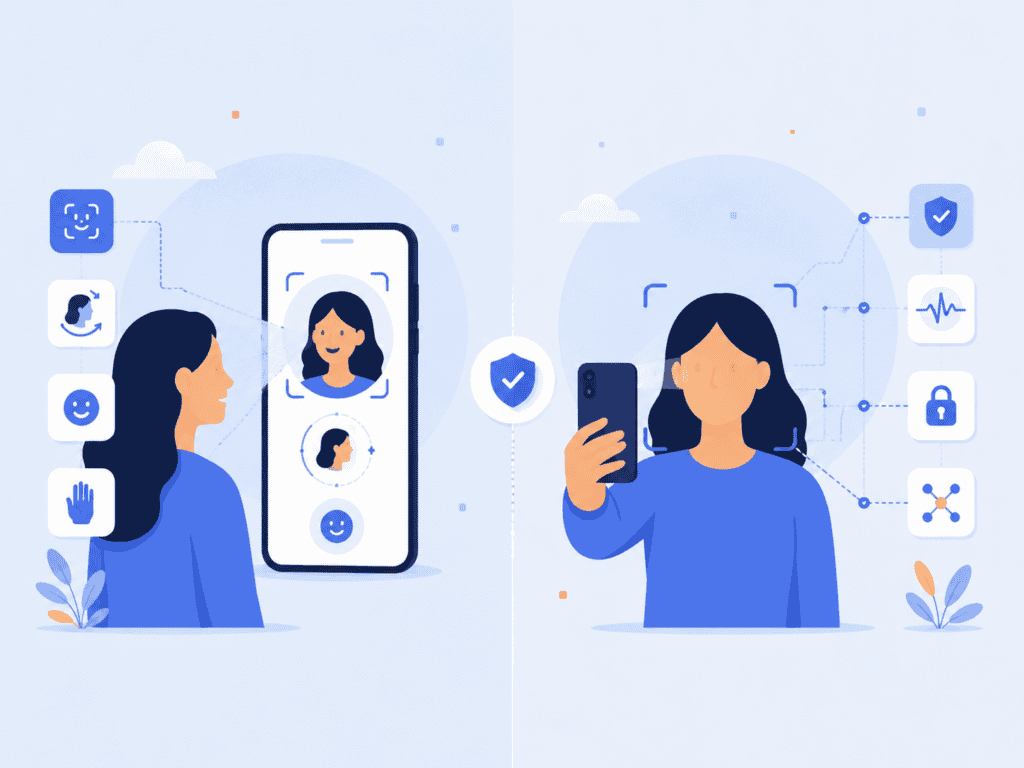
Active liveness detection asks the user to perform an action. The user may need to blink, turn their head, smile, move closer, read numbers, or follow an on-screen prompt. The system checks whether the response matches the requested action.
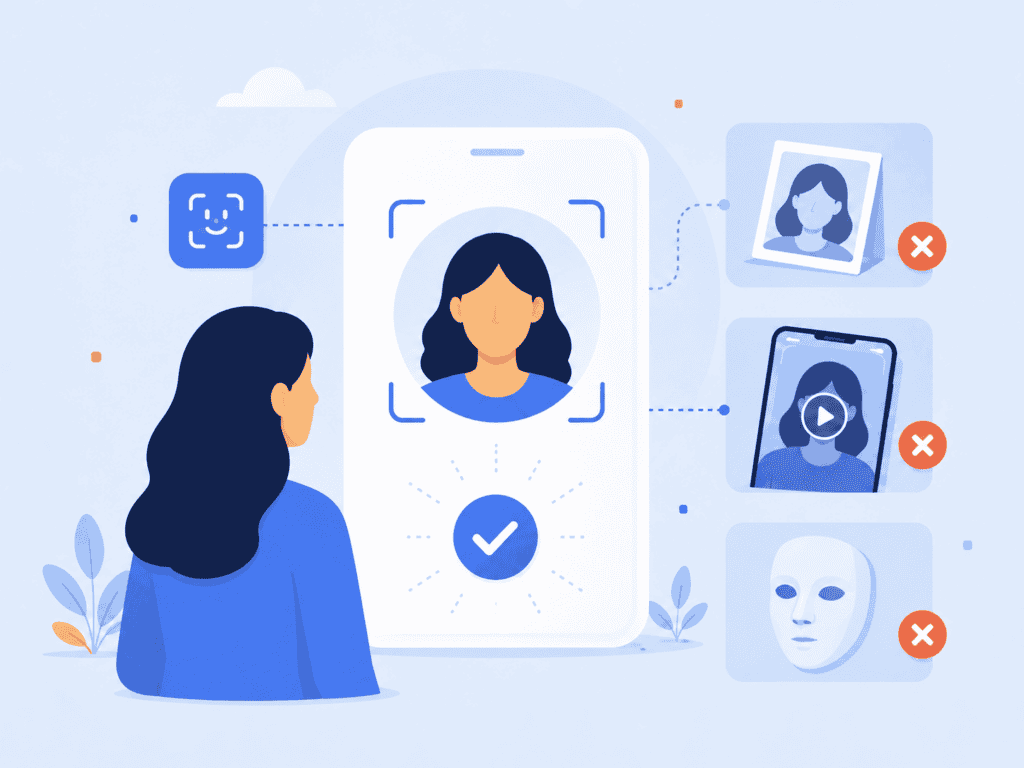
Passive liveness detection performs the check without asking the user to complete visible challenges. The user may only need to look at the camera as they normally would for a selfie. The system evaluates liveness signals in the background.
| Method | User action | Strengths | Trade-offs |
| Active liveness | User follows prompts. | Easy for users to understand because the challenge is visible. | Adds friction and can create accessibility issues. |
| Passive liveness | User takes a normal selfie. | Faster, simpler, and often better for high-volume flows. | Requires strong behind-the-scenes detection and clear testing evidence. |
Active systems were common in earlier remote identity flows because simple instructions made the process easier to reason about. “Turn your head left” feels intuitive. But active prompts can slow down onboarding, frustrate users in low-light environments, and exclude people who cannot easily perform the requested motion.
Passive liveness detection is often better suited to commercial identity workflows where completion rate matters. Banking, marketplace onboarding, age assurance, and workforce access flows usually need security without making genuine users feel like they are passing a test.
This is why the implementation detail matters. A passive biometric liveness check should still defend against realistic attack materials and injection attempts. It should simply avoid putting that burden on the user.
A good mental model is airport security versus badge access. Some checks are visible to the traveler. Others run quietly in the background. The best identity systems often use both ideas: visible steps only when needed, invisible risk checks wherever possible.
Where Face Liveness Detection Fits in Identity Verification
Face liveness detection is one layer in a larger identity workflow. It does not replace identity proofing, document checks, fraud signals, device intelligence, or policy decisions. It makes those layers more trustworthy by improving the integrity of the biometric capture.
A common remote onboarding flow looks like this:
- The user opens an app or web session.
- The user captures a selfie.
- Liveness detection checks whether the selfie comes from a live person.
- The system compares the selfie to an ID photo, enrolled biometric, or account record.
- The system applies business rules, risk checks, and compliance requirements.
- The user is approved, rejected, asked to retry, or sent to manual review.
The liveness check should sit close to the point of capture. That is where presentation attacks happen. Waiting until later in the workflow can leave the system making decisions from compromised input.
For a broader view of how biometric checks support secure authentication, see this guide to facial biometrics and face recognition. It explains how facial features are used for recognition, while liveness focuses on whether the face being presented is genuine in the moment.
Face liveness detection is especially useful in four scenarios.
First, new account creation. Fraudsters may try to open accounts using stolen identity data and a manipulated face image. Liveness checks reduce the chance that a static image or video replay passes the selfie step.
Second, account recovery. Recovery flows are high risk because attackers often target them after credentials have been compromised. Liveness detection adds a barrier before access is restored.
Third, high-value transactions. A bank, crypto platform, or fintech app may require a fresh biometric liveness check before changing payout details, approving withdrawals, or resetting security settings.
Fourth, age assurance and regulated access. A platform may need to confirm that a real person is present before estimating age or matching a selfie to an ID document. This lowers the risk of someone using another person’s image to pass the check.
Modern facial recognition systems also need to account for synthetic media. As deepfake tools improve, identity teams need more than a simple “does this image contain a face?” check. A modern stack should pair recognition with liveness, anti-spoofing, privacy controls, and sensible fallback paths. For more context, see this article on rethinking facial recognition software.
How to Evaluate a Biometric Liveness Check
Not all liveness detection systems solve the same problem. Some are designed for document verification. Some are built for mobile authentication. Some work well against printed photos but perform poorly against screen replays, masks, or injected video.
A useful evaluation starts with the workflow, not the feature list.
Ask: where will users complete the check, what devices will they use, what attacks are realistic, and what happens when the liveness result is uncertain?
Here is a practical review framework security and product teams can use.
| Evaluation area | What to ask | Why it matters |
| Attack coverage | Does it address printed photos, screen replays, masks, deepfakes, and injection attempts? | A narrow check can create false confidence. |
| User friction | Does the user need to follow prompts, or is the check passive? | More friction can reduce completion and accessibility. |
| Processing location | Does the check run on-device, in the cloud, or both? | Processing location affects privacy, latency, and data exposure. |
| Device support | What cameras, browsers, and hardware conditions are supported? | A model that works only on ideal devices may fail in real deployments. |
| Error handling | What happens when lighting is poor, the image is blurry, or confidence is low? | Retry and fallback design affect both fraud and conversion. |
| Testing evidence | Has the system been tested against recognized PAD standards or realistic attack materials? | Claims need evidence, not marketing language. |
| Data retention | Are images stored, transmitted, or converted into privacy-preserving tokens? | Biometric data handling carries security and privacy obligations. |
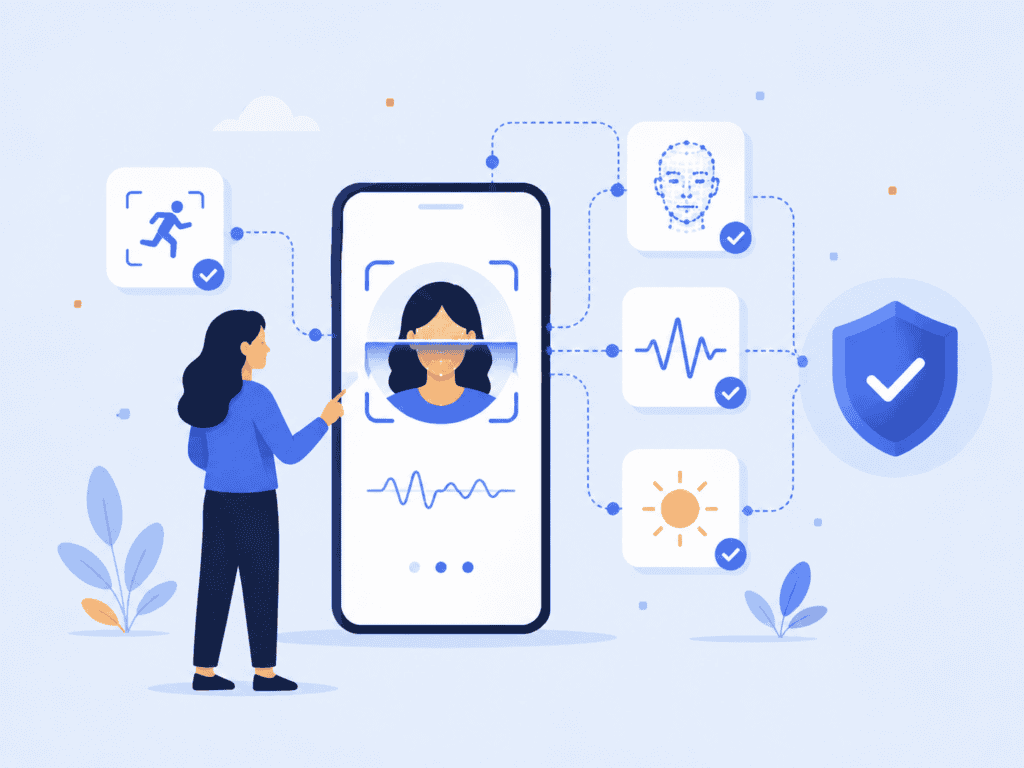
One original process we recommend when reviewing liveness detection is the capture-to-decision trace. Map one real user session from camera open to final decision and write down every system handoff:
- What raw input is captured?
- Where is it processed?
- What liveness result is produced?
- Is the result binary, scored, or risk-based?
- What other signals are combined with it?
- What data is stored after the session?
- What can support teams see if the user fails?
- What happens if the user retries three times?
This exercise often exposes gaps that a product demo will not. For example, a vendor may show a fast liveness result, but the implementation may still upload full images to a backend for manual review. Or the system may pass liveness but fail to distinguish between a genuine low-quality capture and a sophisticated replay attempt. The trace makes those trade-offs visible.
A strong liveness detection implementation should also have sensible failure paths. Genuine users fail checks for ordinary reasons: poor lighting, low camera quality, glare on glasses, unstable hands, or network interruptions. A secure workflow does not simply block everyone who fails once. It gives clean retry instructions, limits repeated suspicious attempts, and routes edge cases to a higher-assurance step when needed.
Privacy should be reviewed with the same seriousness as fraud prevention. Biometric systems deal with data people cannot easily change. If a password leaks, the user can reset it. If a face template or selfie archive is mishandled, the risk is harder to contain. That is why privacy-preserving design, limited retention, and local processing can be meaningful security choices, not just product preferences.
The best liveness systems are quiet when the user is genuine and strict when the presentation is suspicious. That balance is what makes the technology useful in real products.
Conclusion
Liveness detection is the part of a biometric workflow that asks whether the system is interacting with a real, present person. It does not replace face matching or identity proofing. It protects them.
For teams building authentication, onboarding, age assurance, or account recovery, the main takeaway is simple: evaluate liveness detection at the capture point, test it against realistic attacks, and choose an approach that protects both security and user privacy.
FAQs
What is liveness detection in biometrics?
Liveness detection in biometrics is a method for checking whether a biometric sample comes from a live person at the time of capture. In face-based systems, it helps determine whether the camera is seeing a real human face rather than a printed photo, video replay, mask, or synthetic image.
Is liveness detection the same as face recognition?
No. Face recognition compares a face to a stored image, template, or account record to determine identity. Liveness detection checks whether the face being presented is real and live. Strong biometric systems often use both.
What is face liveness detection?
Face liveness detection is liveness detection applied to facial biometrics. It analyzes a selfie or camera feed for signals that indicate whether the user is physically present. It is commonly used in banking apps, identity verification, age assurance, and secure account recovery.
What attacks can liveness detection stop?
Liveness detection can help stop presentation attacks such as printed face photos, screen replays, masks, cutouts, and some synthetic media attempts. The exact protection depends on the system’s design, testing, and whether it can handle both physical and digital spoofing methods.
What is the difference between active and passive liveness detection?
Active liveness asks the user to complete an action, such as blinking or turning their head. Passive liveness runs the check without visible challenges, often during a normal selfie capture. Passive methods usually reduce friction, but they still need strong attack testing.
Does liveness detection store biometric data?
It depends on the implementation. Some systems process images in the cloud and may retain data according to their policies. Privacy-preserving systems can process liveness on-device or avoid storing raw biometric images, which can reduce data exposure.
Why does liveness detection matter for fraud prevention?
Fraudsters often try to bypass biometric checks with stolen photos, videos, or manipulated media. Liveness detection makes that harder by validating the capture event itself. Without it, a face match can be fooled by a convincing fake input.