Category: CATEGORY

  • Top 10 Verifiable Credentials Platforms

    Top 10 Verifiable Credentials Platforms

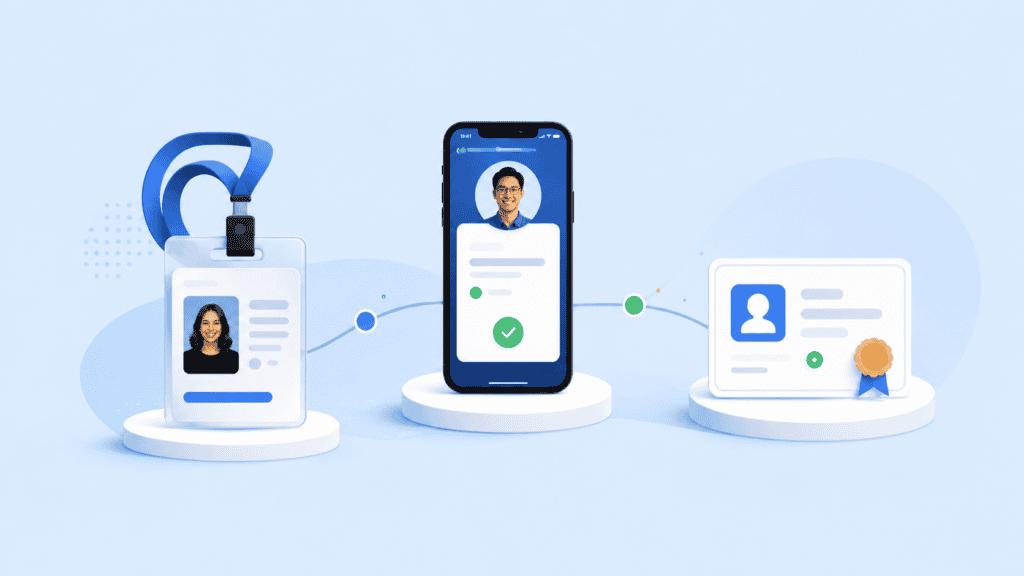
    Choosing a verifiable credentials platform is no longer just a question of whether a vendor can issue a cryptographically signed credential. The harder questions are whether that credential works with other wallets, how revocation is handled, what the verifier actually checks, where personal data travels, and how the system fits your existing identity stack.

    This guide compares ten current options through that buyer’s lens. The focus is on practical differences between platforms for organizations evaluating W3C verifiable credentials, mobile identity, workforce credentials, reusable identity proofing, and decentralized identity infrastructure.

    Key takeaways

    • A strong platform should cover the full credential lifecycle, not issuance alone.
    • Standards support needs to be checked at the protocol, credential-format, wallet, and cryptographic levels.
    • Microsoft, Okta, Auth0, IBM, and Ping Identity increasingly connect digital credentials with broader identity and access management.
    • MATTR, SpruceID, Affinidi, and cheqd offer more specialized digital credential infrastructure.
    • Privacy architecture matters as much as interoperability, especially when credentials begin with identity proofing or biometric verification.

    What to look for in a verifiable credentials platform

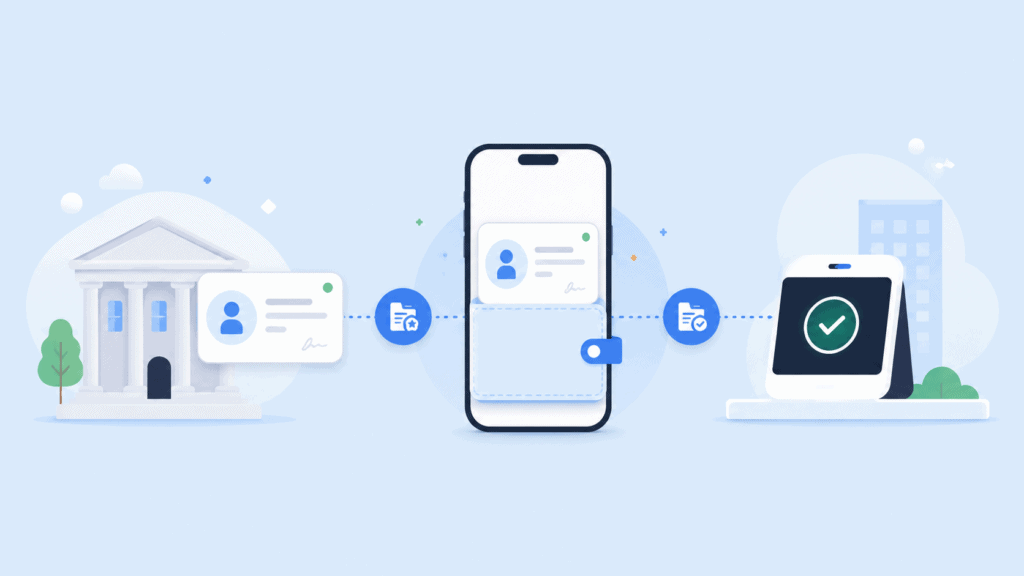
    The World Wide Web Consortium published the Verifiable Credentials Data Model v2.0 as a Recommendation in May 2025. It defines the basic issuer, holder, and verifier model behind W3C verifiable credentials.

    That standard is a starting point, not a complete procurement checklist.

    Two platforms can both advertise W3C support and still behave very differently in production. One may concentrate on employee credentials inside an existing identity tenant. Another may give developers APIs for building an independent credential network. A third may combine credential issuance with identity proofing.
    Top 10 Verifiable Credentials Platforms

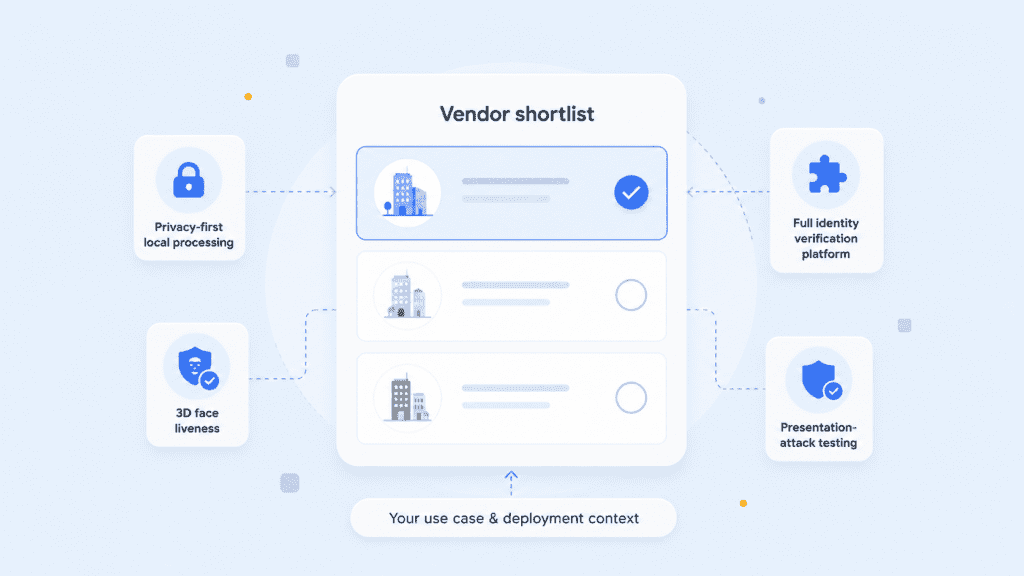
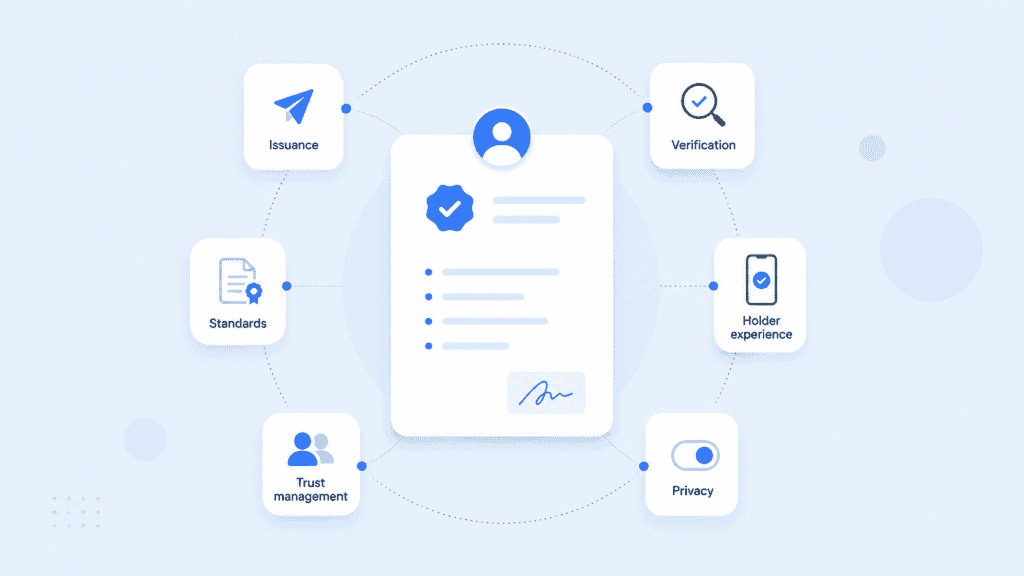
    When comparing verifiable credentials software, look at six areas:

    Evaluation areaWhat to check
    IssuanceCredential creation, schemas, signing, expiration, renewal, and bulk or automated issuance
    VerificationSignature checks, issuer trust, credential status, presentation policies, and selective disclosure
    StandardsW3C VC versions, OID4VCI, OID4VP, SD-JWT VC, mdoc, DID methods, and status mechanisms
    Holder experienceBuilt-in wallet, browser wallet, mobile SDK, or compatibility with third-party wallets
    Trust managementHow your application determines which issuers, keys, certificates, and credential types it accepts
    PrivacyWhat personal information reaches the platform, what is retained, and whether verification can minimize disclosure

    The last point is easy to underestimate. A credential may be cryptographically portable while the enrollment process that created it still collects sensitive documents, selfies, or identity attributes centrally.

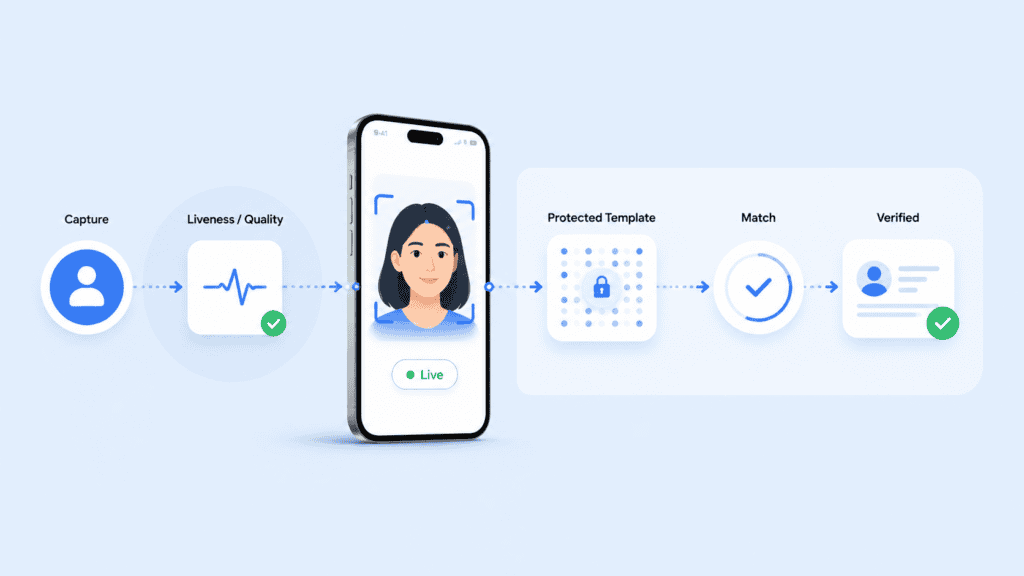
    Organizations considering reusable verified identities should therefore evaluate the credential layer together with the initial identity verification workflow, rather than treating them as unrelated systems.

    Top 10 verifiable credentials platforms

    This comparison is ordered by breadth of fit rather than claiming that one vendor is universally superior. The right choice depends on whether you need identity proofing, enterprise IAM integration, government-grade mobile credentials, developer infrastructure, or a decentralized trust network.

    1. PrivateID

    PrivateID is a useful fit when the credential itself is only one part of the identity journey. Its offering combines verified credential issuance with browser-accessible wallets, identity proofing, and privacy-preserving biometric authentication.

    The platform’s distinctive approach is its browser-based model. Users can access and share credentials without the organization having to make a dedicated mobile wallet the only route into the system. PrivateID also supports white-labeled credentials for workflows such as customer identity, workforce access, age assurance, and expedited enrollment.

    That makes it particularly relevant when an organization needs to establish who the user is before issuing the credential. Its broader verifiable credentials platform sits alongside document verification, liveness, face matching, and identity assurance capabilities.

    Best fit: Organizations that want credential issuance connected to privacy-focused identity proofing, browser-based access, biometrics, or reusable customer identity.

    Check during evaluation: Credential formats required by external wallets and relying parties, supported trust models, status handling, and interoperability requirements for your specific ecosystem.

    2. Microsoft Entra Verified ID

    Microsoft Entra Verified ID is one of the more natural options for organizations already operating heavily inside Microsoft Entra.

    It supports issuance and verification workflows, REST APIs, organization identifiers, and credential management. Microsoft also connects Verified ID with identity recovery and other Entra workflows, which is useful when digital identity credentials need to support an existing workforce or enterprise access environment.

    An important distinction is that a verifiable credential does not replace every authentication mechanism. Microsoft, for example, distinguishes Verified ID identity proof from authentication methods used for sign-in or multifactor authentication.

    Best fit: Microsoft-centric enterprises that want digital credentials tied closely to their existing identity administration.

    Check during evaluation: The exact standards and credential formats supported by the deployment you plan to use. Microsoft has evolved its decentralized identity architecture over time, so do not assume that every W3C or OpenID credential profile is interchangeable.

    3. Okta

    Okta has moved beyond simply discussing verifiable credentials as an identity concept. Its current digital credential architecture includes issuance and verification capabilities and support for modern credential formats such as SD-JWT VC and mdoc.

    That makes Okta verifiable credentials especially relevant to organizations that want reusable credentials within a larger identity security program rather than operating a separate credential stack.

    This is also an example of why buyers should inspect individual protocol support instead of asking whether a provider “supports VCs.” Issuance, mdoc verification, SD-JWT VC verification, Digital Credentials API integration, and presentation protocols are separate capabilities.

    Best fit: Enterprises already using Okta that want credential verification or issuance connected to existing authentication and identity journeys.

    Check during evaluation: Which formats can be issued versus only verified, wallet compatibility, browser Digital Credentials API support, and availability within your Okta product package.

    4. Auth0

    Auth0 deserves separate consideration even though it is part of Okta because its implementation surface is aimed strongly at application developers.

    Current Auth0 verifiable credentials capabilities include verification templates and application flows that can request a credential from a digital wallet. One practical example is mobile driver’s license verification during an authentication journey, where a user receives a QR code or same-device interaction and presents a qualifying credential.

    This makes Auth0 interesting when the principal requirement is not to operate a broad credential ecosystem but to let an application consume digital credentials during login, onboarding, or another user flow.

    Best fit: Development teams that already use Auth0 and want credential presentation inside application authentication journeys.

    Check during evaluation: Whether your project needs issuance as well as verification. Make sure Auth0’s available credential formats and issuer-trust configuration cover the broader lifecycle before treating it as a full replacement for specialized credential infrastructure.

    5. IBM Verify Digital Credentials

    IBM has continued building digital credential functionality into its identity products. Current IBM verifiable credentials capabilities include issuance, credential definitions, wallet interaction, credential-status management, and support for multiple credential technologies.

    IBM’s documentation also shows support for standards used outside traditional W3C JSON-LD deployments, including mdoc and selective-disclosure credential formats. That breadth matters for enterprises that expect digital identity credentials to cross online and in-person use cases.

    For organizations already operating IBM Verify Identity Access, the ability to connect credentials with established access infrastructure is a significant consideration.

    Best fit: Large enterprises using IBM security and access products that need digital credentials as another component of their identity architecture.

    Check during evaluation: Product edition, feature availability, supported OpenID flows, and differences between IBM Verify and IBM Verify Identity Access deployments.

    6. PingOne Credentials

    PingOne Credentials is designed explicitly around creating, issuing, managing, presenting, and revoking digital verifiable credentials.

    Its enterprise IAM heritage is important. Credential policies can connect with Ping identities and wallet experiences while developers can work with credential APIs. Support includes issuer and verifier identifiers, custom credentials, wallet management, issuance rules, and OpenID-based credential issuance.

    This gives PingOne a clearer credential lifecycle than an IAM product that only accepts an external wallet during authentication.

    Best fit: Enterprises using the Ping Identity ecosystem that need managed credential issuance and verification.

    Check during evaluation: Licensing. Credential functionality can depend on whether PingOne Credentials is included in the organization’s product configuration.

    7. MATTR

    MATTR is one of the more specialized verifiable credentials companies in this comparison. Its product family separates cloud credential infrastructure, SDKs, and deployable holder or verifier experiences.

    MATTR VII provides the backend credential platform. It supports issuance, management, verification, REST APIs, credential configuration, claims sources, and administration. MATTR Pi provides SDK-level capabilities, while MATTR GO provides faster routes to branded credential applications.

    Its current platform work is especially relevant to mobile documents and open credential protocols. MATTR has aligned issuance capabilities with OpenID for Verifiable Credential Issuance and provides tooling for formats including mdoc.

    Best fit: Government, regulated identity, and large digital credential programs requiring a configurable issuer, verifier, and wallet architecture.

    Check during evaluation: The credential formats you actually need. MATTR offers several technologies, but format support can differ between issuance, holding, and verification components.

    8. SpruceID

    SpruceID is strongly oriented toward interoperable digital identity infrastructure, with significant emphasis on government digital credentials.

    Its technology supports credential issuance, verification, holder experiences, and standards such as W3C Verifiable Credentials, mobile driver’s licenses, SD-JWT, and OpenID presentation protocols. It is particularly relevant where credentials have to work both online and in person.

    SpruceID’s positioning also illustrates an important procurement distinction. Some deployments are primarily about decentralized identity and verifiable credentials, while others are specifically mobile identity programs where ISO mobile-document standards are just as important as W3C VCs.

    Best fit: Government agencies and programs building mobile IDs, resident credentials, professional credentials, or cross-agency digital identity.

    Check during evaluation: Required wallet ecosystems, mobile document standards, trust-list governance, verifier infrastructure, and accessibility requirements.

    9. Affinidi Elements

    Affinidi Elements provides a managed verifiable credentials stack focused on standards-based issuance and verification.

    Its current offering includes credential issuance through OID4VCI, presentation through OID4VP, credential schema management, multi-wallet support, verification tooling, and an associated user-controlled wallet. It also provides developer libraries across several languages.

    The platform is particularly relevant when an engineering team wants an API-driven credential service without building every issuer and verifier component itself.

    Best fit: Development teams building applications that need reusable W3C credentials, external wallets, and privacy-oriented data exchange.

    Check during evaluation: Which credential formats your target wallets support, how issuer trust is established, and whether Affinidi’s broader wallet and trust-network components are required for the planned deployment.

    10. cheqd Studio

    cheqd takes a more infrastructure-oriented approach to decentralized identity and verifiable credentials.

    cheqd Studio exposes REST APIs for creating and resolving decentralized identifiers, issuing and verifying credentials, revocation, suspension, credential-status lists, presentations, and trust registries. This can be attractive where the team wants to build a custom credential ecosystem while avoiding direct implementation of lower-level decentralized identity components.

    Trust registries are particularly relevant for multi-issuer ecosystems. Checking a valid signature tells a verifier that a credential was signed by a particular key. It does not automatically tell the verifier whether that issuer should be trusted for the claim being presented.

    Best fit: Developers and ecosystem operators that want configurable DID, credential, status, and trust-registry infrastructure.

    Check during evaluation: Dependence on cheqd-specific DID infrastructure, wallet compatibility, governance requirements, and how easily credentials can move into environments that use different trust mechanisms.

    Top 10 Verifiable Credentials Platforms

    How to test verifiable credentials software

    A vendor demonstration can make issuance look deceptively simple: scan a QR code, receive a credential, and present it back.

    A better evaluation tests what happens after that happy path.

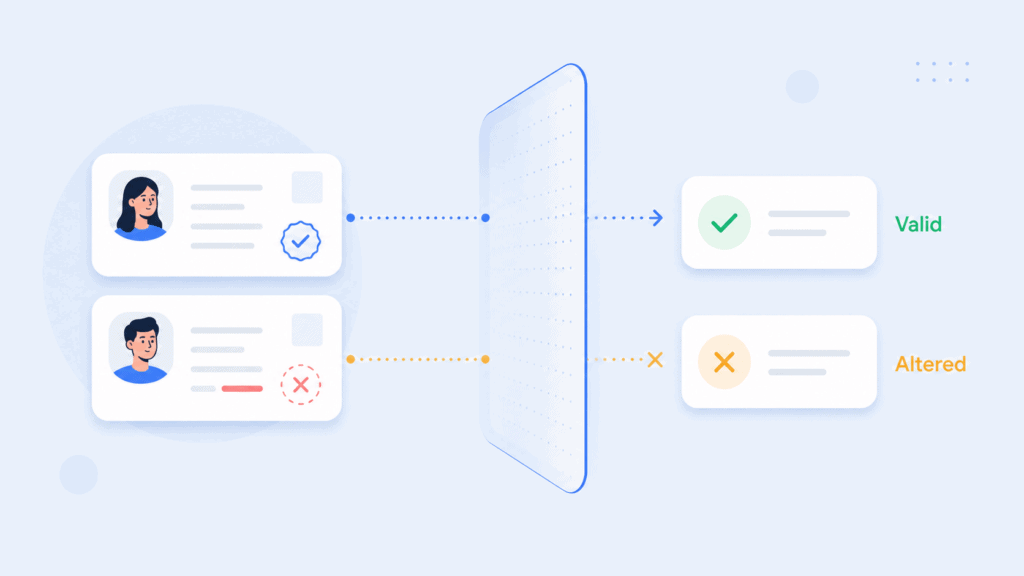
    Use the same six-part proof scenario with every shortlisted verifiable credentials platform:

    1. Issue one realistic credential. Use the fields and assurance level your production workflow would require, not a generic employee badge.
    2. Present it to a separate verifier. The verifier should not simply be another screen inside the issuer’s dashboard.
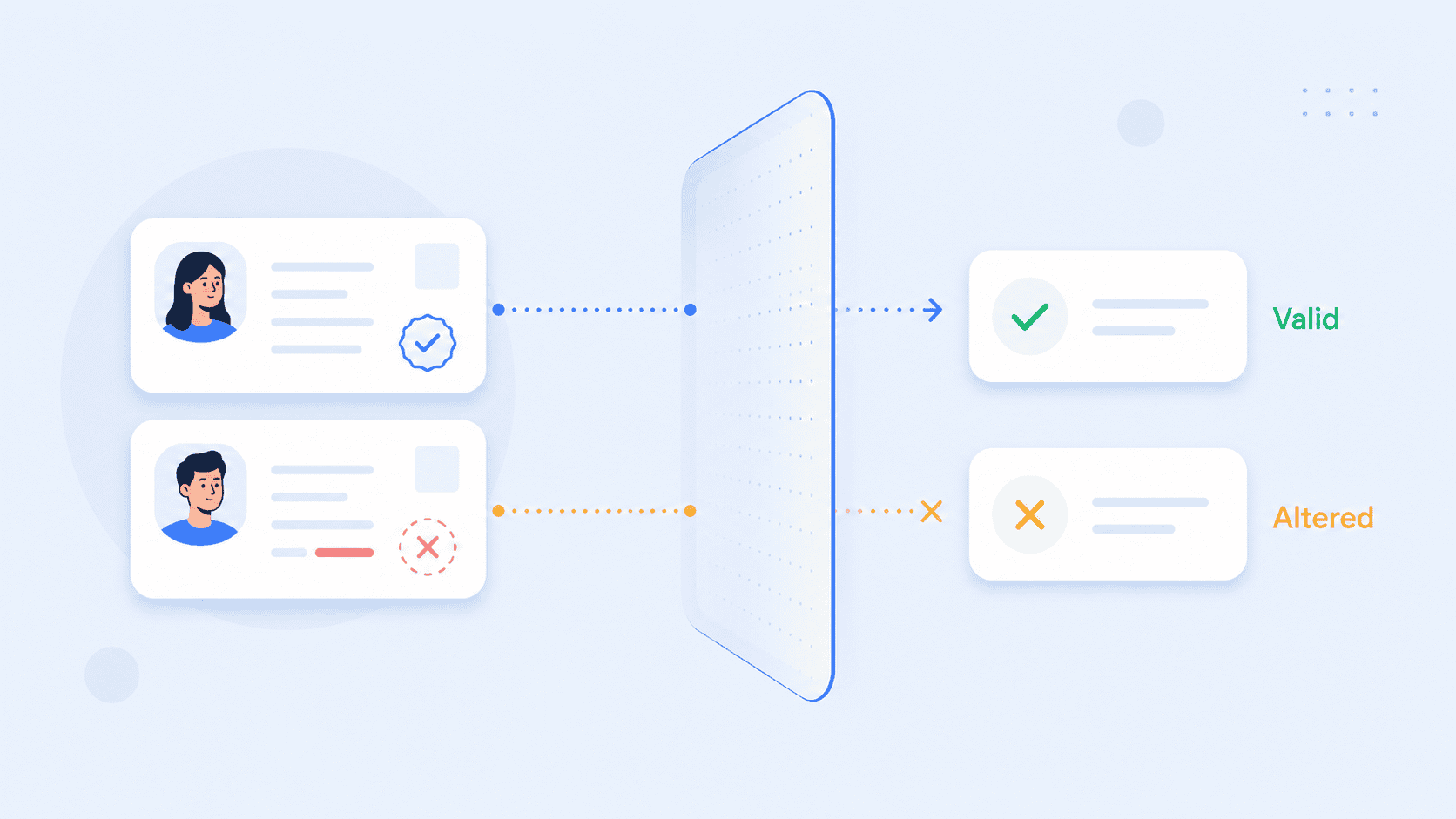
    3. Modify one signed claim. Confirm that the tampered credential fails cryptographic verification.
    4. Revoke or suspend the credential. Test how long it takes before the verifier rejects it and what happens if the status service cannot be reached.
    5. Request fewer attributes. For an age scenario, ask only for the proof required rather than accepting name, address, and full date of birth.
    6. Try another wallet or verifier. This is where claims of interoperability become measurable.

    The fifth test is particularly important. A platform may technically support digital credentials while its default workflows still encourage unnecessary disclosure.

    PrivateID’s explanation of the future of verifiable credentials and digital trust gives a useful example: an age credential can prove that someone meets an age threshold without requiring the verifier to receive every identity attribute stored in the original credential.

    You should also document one failure path. For example, what does your application do when a credential has a correct signature but was issued by an organization your policy does not trust? That question exposes the difference between cryptographic validity and business trust.
    Top 10 Verifiable Credentials Platforms

    W3C credentials, DIDs, and OpenID protocols

    Buyers often use “W3C compliant” as shorthand for interoperability. That is too broad.

    The W3C data model defines how verifiable credential information is represented, but an operational credential system also needs a way to issue, request, present, and validate those credentials.

    The OpenID Foundation’s OpenID for Verifiable Credential Issuance 1.0 defines an API and authorization framework for delivering credentials to holders. OpenID for Verifiable Presentations 1.0 defines how a verifier requests and receives credentials.

    That leads to a more useful standards checklist:

    • What credential data models and formats can the platform issue?
    • Does it support the final OID4VCI and OID4VP specifications required by your other systems?
    • Which wallet applications have actually been tested?
    • Which DID methods, certificate chains, or other issuer identifiers establish trust?
    • How does the verifier discover credential status?
    • Can the holder disclose only the required claims?
    • Can another vendor verify the credential without a proprietary callback to the original platform?
    Top 10 Verifiable Credentials Platforms

    The phrase decentralized identity and verifiable credentials can also create confusion. A W3C credential does not require every part of the architecture to be decentralized. Microsoft, enterprise IAM vendors, government PKI systems, and decentralized networks can all implement credentials with different trust mechanisms.

    Choose the trust architecture first. Then choose software capable of implementing it.

    Conclusion

    A verifiable credential project succeeds when the credential remains trustworthy outside the product screen where it was created.

    Before choosing a vendor, test issuance, external verification, revocation, selective disclosure, wallet interoperability, and issuer trust using one realistic credential. That exercise usually reveals more than a feature matrix.

    The strongest choice is the platform whose identity proofing, credential formats, trust model, privacy architecture, and existing infrastructure match the way your credentials will actually be used.

    FAQs

    What is a verifiable credentials platform?

    A verifiable credentials platform provides infrastructure for creating, signing, issuing, managing, presenting, and verifying digital credentials. Depending on the provider, it may also include wallets, identity proofing, credential schemas, revocation, selective disclosure, and trust registries.

    What are W3C verifiable credentials?

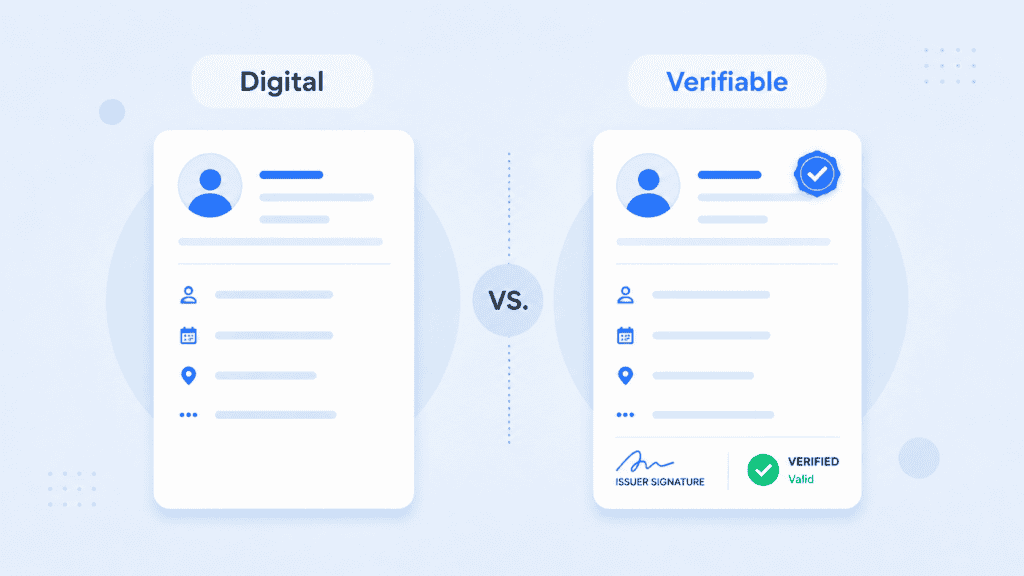
    W3C verifiable credentials are digitally signed sets of claims structured according to the W3C Verifiable Credentials Data Model. The model defines relationships between the issuer that creates a credential, the holder that possesses it, and the verifier that checks it.

    What is the difference between a digital credential and a verifiable credential?

    A digital credential can be any electronic representation of a qualification or identity attribute. A verifiable credential adds cryptographic mechanisms that allow a verifier to check its issuer and integrity rather than trusting the appearance of a PDF, image, or database record.

    Does Microsoft Entra support verifiable credentials?

    Yes. Entra verifiable credentials are provided through Microsoft Entra Verified ID. The service supports credential issuance and verification and can connect credential-based identity proof with other Microsoft Entra workflows.

    Does Auth0 support verifiable credentials?

    Yes. Current Auth0 verifiable credentials functionality includes credential verification workflows and templates for requesting digital credentials such as mobile driver’s licenses. Buyers should confirm whether their use case needs broader issuance and lifecycle capabilities in addition to Auth0’s verification features.

    Does Okta support verifiable credentials?

    Yes. Okta verifiable credentials capabilities include digital credential issuance and verification, with support varying by format and workflow. Organizations should check which credential formats can be issued, which can be verified, and which product capabilities are available in their environment.

    Does IBM support verifiable credentials?

    Yes. Current IBM verifiable credentials functionality is available through IBM’s digital credential capabilities, including issuance, verification, wallet interactions, credential definitions, and status management. Exact functionality varies between IBM identity products and releases, so implementation requirements should be checked before procurement.
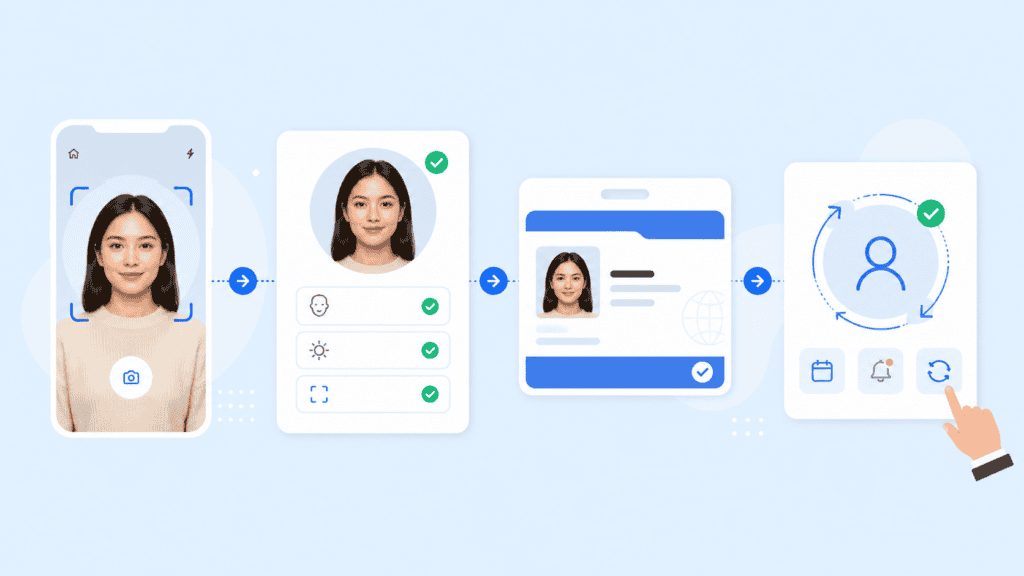
  • Top 10 Photo ID / Digital Credentialing Platforms

    Top 10 Photo ID / Digital Credentialing Platforms

    Choosing photo id creator software is no longer just a matter of finding a card template and connecting a printer. Some organizations need standardized facial images for government or workforce IDs. Others need employee badges tied to access systems. A third group wants digital credentials that users can carry and verify online.

    Those are different requirements, and many platforms specialize in only one of them. This comparison separates photo capture, physical badge issuance, mobile IDs, and cryptographically verifiable credentials so you can choose a platform based on the credential you actually need to issue.

    Key takeaways

    • Photo ID platforms and digital credentialing platforms solve overlapping but different problems.
    • Organizations that need an ISO compliant photo ID should evaluate image capture and validation separately from card design.
    • Employee badging often requires printer, database, access-control, and credential lifecycle integrations.
    • W3C verifiable credentials are a better fit when credentials need to be portable and machine-verifiable rather than simply displayed.
    • The strongest choice depends on the complete issuance workflow, not the number of design features.

    What to look for in photo ID creator software

    The first question is not “Which platform has the best card designer?” It is “What has to happen before and after the card is designed?”

    Consider an employee joining a distributed company. HR may need the employee to submit a photo remotely, confirm that it meets portrait requirements, associate it with a verified identity, issue a physical badge, and perhaps provide a digital credential for online or mobile access. A basic card editor handles only one part of that process.

    Top 10 Photo ID / Digital Credentialing Platforms

    For higher-assurance applications, photo quality also has a technical dimension. ISO/IEC 19794-5 specifies facial-image recording, scene, photographic, and digital image requirements for biometric applications. It is more specific than simply requiring a clear headshot.

    When evaluating photo id creator software, look at five areas:

    • Photo acquisition: Can users submit images remotely, or must an operator take the photo?
    • Image validation: Does the system assess pose, eye position, image dimensions, background, or other required characteristics?
    • Credential creation: Can you produce physical cards, mobile IDs, verifiable credentials, or a combination?
    • Identity assurance: Does the workflow merely accept supplied information, or can it connect credential issuance to identity proofing?
    • Lifecycle management: Can administrators expire, revoke, replace, and update credentials after issuance?

    That distinction matters because creating an attractive employee badge and establishing that the badge belongs to the right person are separate technical problems. NIST’s current Digital Identity Guidelines treat identity proofing and enrollment as their own processes, including requirements for establishing identity at different assurance levels.

    Top 10 photo ID and digital credentialing platforms

    This list is ordered by breadth of fit for photo ID and credentialing use cases, not by claiming one vendor is universally superior.

    1. PrivateID

    PrivateID is a particularly relevant option when photo capture is part of a broader identity workflow rather than a standalone desktop card-printing task.

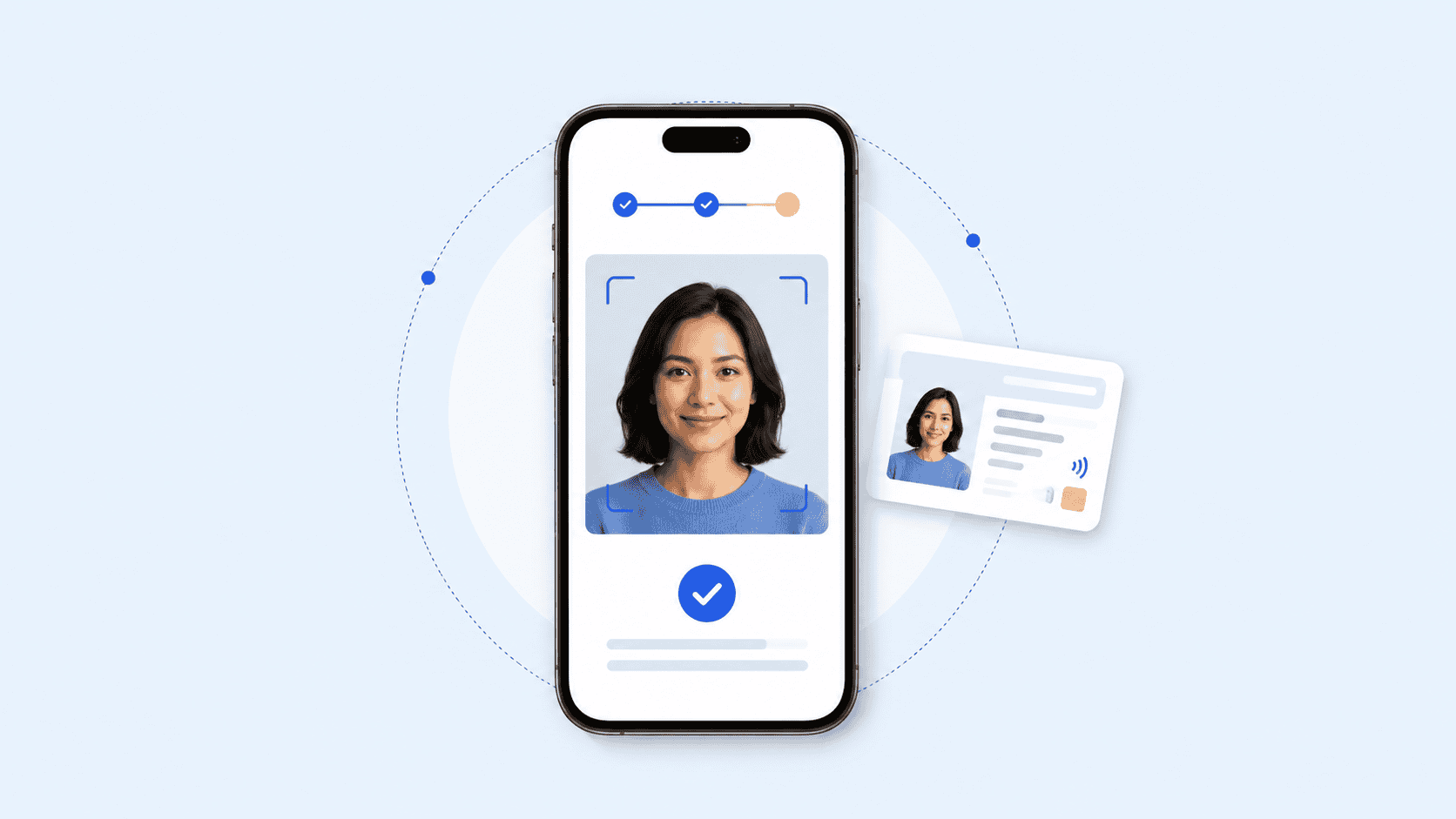
    Its Photo ID Creator captures portraits through camera-enabled phones, tablets, laptops, and browsers. The platform states that it can evaluate configurable characteristics such as illumination, pose, eye separation, eye-axis angle, image dimensions, glasses, closed or obstructed eyes, and head-to-image ratios. It supports ISO 19794-5 and INCITS 385-2004 portrait requirements.

    The practical difference becomes clearer in remote enrollment. Instead of asking an employee to email HR a selfie and having someone manually crop it, an organization can establish image-quality rules before accepting the portrait. The same approach can support employee badges, driver’s licenses, passports, school IDs, CAC enrollment, and other credential programs.

    PrivateID also extends beyond photo generation. Its verifiable credentials platform supports white-labeled browser-accessible credentials, while its broader identity management capabilities combine identity proofing, document verification, and credential issuance workflows.

    Best fit: Organizations that need standardized remote photo capture together with identity proofing or digital credential issuance.

    2. Entrust Instant ID

    Entrust Instant ID is aimed more directly at established physical credential programs. It supports organizations ranging from a single workstation to enterprise deployments and provides card design, issuance, workflow configuration, database connectivity, and printer integration. 

    This makes it a strong employee badge creation software candidate when physical card production is central to the project. Entrust also offers an Instant ID as a Service option that can issue physical and mobile credentials from the same cloud-based environment.

    Entrust is especially relevant when organizations already operate card printers or need features such as smart-card personalization, magnetic stripes, barcodes, QR codes, batch printing, and distributed issuance.

    Best fit: Enterprises, schools, healthcare organizations, and government programs issuing large numbers of physical IDs.

    3. HID Asure ID

    HID Asure ID is another established option for organizations centered on physical ID cards.

    HID provides several Asure ID editions, from entry-level card personalization through enterprise-class issuance. The software is closely aligned with HID’s FARGO card printer ecosystem and supports designing and populating physical credentials. HID’s current release information lists Windows 10 and Windows 11 support. 

    The attraction here is less about remote biometric photo acquisition and more about controlled workstation-based card personalization. That can be exactly what a security office, campus badging desk, or corporate credential center needs.

    Best fit: Organizations using HID FARGO hardware or running traditional on-site badge production.

    4. BadgePass Identity Manager

    BadgePass Identity Manager combines card issuance with credential lifecycle management.

    Rather than treating the employee card as an isolated printed object, the platform is designed to manage photo IDs, credential status, physical-access connections, printers, and enterprise data from a centralized environment. 

    That makes it useful when an employee badge also acts as an access credential. For example, security staff may need to create a badge, activate access privileges, later suspend it, and replace the card without maintaining separate records in several systems.

    Best fit: Corporations, educational institutions, government organizations, and other environments where visual ID and physical access overlap.

    5. ID123

    ID123 approaches credentialing from the mobile-ID side.

    Administrators use its cloud-based management system to issue digital ID cards, while cardholders store them in the ID123 mobile application. The system supports employee, student, membership, guest, contractor, and temporary credentials. Features include expiration controls, offline access, in-app photo submission, screenshot prevention, and support for multiple cards. 

    This is a useful distinction for organizations evaluating digital id creation software. If the requirement is simply to give employees or members a convenient digital card, a mobile-ID system may be more appropriate than implementing a full cryptographic credential infrastructure.

    Best fit: Schools, membership organizations, and businesses that primarily want app-based mobile identification.

    6. Microsoft Entra Verified ID

    Microsoft Entra Verified ID sits on the digital identity side of this comparison rather than the photo-card design side.

    Verified ID provides cryptographic proof of a verified identity and can support identity verification scenarios within Microsoft Entra environments. Microsoft specifically distinguishes Verified ID from authentication methods such as multifactor authentication or normal account sign-in. 

    That makes it most relevant to organizations already invested in Microsoft’s identity ecosystem and looking for digital identity verification rather than a traditional employee card editor.

    Best fit: Microsoft-centric organizations that need verifiable digital identity workflows rather than physical badge production.

    7. Credly

    Credly focuses on digital credentials for skills, qualifications, certifications, and workforce development.

    Organizations use it to issue credentials that recipients can share and employers can verify. Credly also provides credential and workforce-skills data for organizations managing certification or training programs.

    It should not be confused with conventional photo id creator software. Credly is much better suited to answering “What qualification has this person earned?” than “What photograph belongs on this employee’s access badge?”

    That difference makes it highly relevant to the broader credentialing market while keeping it separate from identity-card issuance.

    Best fit: Certification providers, training organizations, and employers issuing skill or achievement credentials.

    8. Accredible

    Accredible serves a similar digital achievement credentialing market, with tools for issuing branded digital certificates and badges.

    Its platform supports verifiable credentials, white-labeling, learner directories, automated issuance, expirations, renewals, learning pathways, integrations, and sharing across websites and social platforms. 

    For universities or professional education providers, those capabilities can matter more than photo-card functionality. Accredible is therefore an alternative to consider when “credential” means proof of education or professional achievement rather than proof of physical identity.

    Best fit: Universities, associations, certification bodies, and employee learning programs.

    9. Dock Certs

    Dock Certs is focused on cryptographically verifiable credentials.

    The platform supports issuing, managing, revoking, and verifying digital credentials, with holders able to present them for verification rather than requiring the verifier to contact the original issuing organization.

    This model reflects the broader move toward portable digital credentials. The W3C’s Verifiable Credentials Data Model 2.0 became a Recommendation in May 2025 and defines a standards-based way to express credentials so they can be cryptographically secured, privacy-respecting, and machine-verifiable.

    Best fit: Organizations building decentralized or portable verifiable credential programs.

    10. MATTR

    MATTR is aimed at developers and organizations building standards-based digital credential ecosystems.

    Its tooling covers credential issuance, holding, and verification, including mobile driver’s license use cases and emerging browser-based credential presentation. MATTR also documents support for the developing W3C Digital Credentials API through its holder technology. 

    Compared with a conventional id card creation platform, MATTR sits much deeper in the infrastructure layer. It is a better candidate when a development team needs to incorporate credentials into applications, wallets, or interoperable identity systems.

    Best fit: Governments, technology providers, and development teams implementing standards-based digital identity infrastructure.

    Top 10 Photo ID / Digital Credentialing Platforms

    How the platforms compare

    The easiest way to narrow the list is to separate the type of credential from the technology used to issue it.

    PlatformPrimary strengthPhysical photo IDMobile/digital IDVerifiable credentialsBest suited to
    PrivateIDRemote compliant photo capture and identity workflowsYesYesYesIdentity-centric credential programs
    Entrust Instant IDEnterprise card issuanceYesYesVaries by implementationPhysical and distributed card programs
    HID Asure IDCard personalizationYesNo primary focusNo primary focusHID/FARGO printing environments
    BadgePassBadge and access credential managementYesPlatform dependentNo primary focusEnterprise and campus badging
    ID123Mobile photo IDsLimited physical focusYesDigital credential capabilitiesSchools, businesses, memberships
    Microsoft Entra Verified IDDigital identity verificationNoYesYesMicrosoft identity environments
    CredlySkills and certification credentialsNoYesYesWorkforce and certification programs
    AccredibleCertificates and digital badgesNoYesYesEducation and training
    Dock CertsPortable verifiable credentialsNo primary focusYesYesDecentralized credentials
    MATTRCredential infrastructureNo primary focusYesYesDeveloper and government ecosystems

    The table also exposes an important procurement mistake: comparing products simply because they all use the word “credential.”

    A university security department creating employee photo badges has very different requirements from the university registrar issuing digital diplomas. The security team may care about portrait quality, card printers, access control, and revocation. The registrar may care about cryptographic verification, sharing, wallet compatibility, and proof of academic achievement.

    Top 10 Photo ID / Digital Credentialing Platforms

    How to choose the right platform

    Start by documenting the issuance workflow before reviewing feature lists.

    Suppose you need to create IDs for 5,000 employees across 20 offices. Ask what happens from the moment an employee is invited through the moment the credential expires:

    1. How is the person’s identity established? Decide whether an administrator already knows the employee or whether remote identity proofing is required. For higher-assurance digital workflows, the NIST SP 800-63A-4 identity proofing framework provides a useful reference for thinking about enrollment and identity assurance.
    2. How is the photo captured? Determine whether employees visit a badge office, upload files, or capture images remotely. If standardized facial images are required, evaluate whether the software actually tests the relevant photographic characteristics.
    3. What gets issued? Be explicit about whether you need a plastic ID card, mobile badge, browser-accessible credential, cryptographic credential, or several formats.
    4. What systems must receive the credential data? Check requirements for human resources information systems, directories, printers, physical access control, identity and access management, or custom applications.
    5. What happens after issuance? A real credential program needs expiration, revocation, replacement, role changes, and offboarding. A polished card designer cannot compensate for weak lifecycle controls.

    For digital credentials, standards also deserve attention. The W3C Verifiable Credentials Data Model 2.0 defines an issuer-holder-verifier model for cryptographically secured credentials. That is fundamentally different from placing an image of an employee card inside an app. 

    The same principle applies to ISO compliant photo ID requirements. Do not assume that a product is standards-compliant because it can crop a face into a rectangular template. ISO/IEC 19794-5 addresses characteristics of facial images used for human verification and automated recognition, including photographic and image-format considerations.

    For many organizations, the selection therefore comes down to one of four paths:

    • Choose a photo-focused platform when portrait quality and remote capture are the hard part.
    • Choose traditional employee badge creation software when printing and physical access are central.
    • Choose mobile ID software when the main goal is replacing a plastic visual credential with a phone-based one.
    • Choose digital credentialing software when credentials must be portable, cryptographically verifiable, and usable between organizations.

    The category matters more than the product ranking.

    Top 10 Photo ID / Digital Credentialing Platforms

    Choosing photo id creator software around the workflow

    There is no single feature checklist that works for every credential program.

    If the main requirement is a remotely captured standards-based portrait, prioritize capture controls and image validation. If you operate badge printers across several facilities, look closely at distributed issuance, permissions, database support, and hardware compatibility. If recipients need to prove qualifications outside your organization, examine interoperability and verifiable credential standards instead.

    The strongest photo id creator software is therefore the platform that removes the weakest point in your own issuance process. Define that process first, then compare products.

    FAQs

    What is photo ID creator software?

    Photo ID creator software helps organizations capture or import a person’s photograph and create an identification credential around it. Depending on the product, it may also handle templates, printers, image validation, databases, identity verification, digital IDs, and credential lifecycle management.

    What is the difference between photo ID software and digital credentialing software?

    Photo ID software usually focuses on visual identification and physical or mobile cards. Digital credentialing software may instead issue cryptographically verifiable claims about identity, qualifications, employment, licenses, or achievements.

    The categories can overlap, but they are not interchangeable.

    What does ISO compliant photo ID mean?

    In biometric contexts, ISO/IEC 19794-5 defines requirements concerning facial image recording, photographic conditions, scene constraints, and digital image attributes. Software claiming support for the standard should therefore do more than resize an ordinary photograph.

    Can employees create their own ID photos remotely?

    Yes. Some platforms allow users to capture portraits through a phone, tablet, laptop, or browser rather than visiting a staffed enrollment location. The important question is whether the system merely accepts the image or validates it against your organization’s required photo rules.

    Is a mobile ID the same as a verifiable credential?

    Not necessarily. A mobile ID may simply display identity information inside an application. A verifiable credential uses cryptographic mechanisms that allow another party to verify its issuer and integrity according to the credential system being used. W3C’s Verifiable Credentials framework formalizes this issuer, holder, and verifier model. 

    Which software is best for employee badges?

    For printer-centered employee badging, products such as Entrust Instant ID, HID Asure ID, and BadgePass are designed around physical credential issuance. Organizations that also require remote portrait validation, identity proofing, or browser-based credentials may need a broader identity platform.

    What should I test before buying an ID card creation platform?

    Run one real enrollment from start to finish. Capture the photo, create the credential, send data to any connected system, issue the badge, revoke it, and replace it.

    That small test often reveals more than a feature comparison because it exposes where administrators must manually re-enter data, correct photos, switch applications, or manage duplicate records.

  • Top 10 Liveness Detection Software Vendors

    Top 10 Liveness Detection Software Vendors

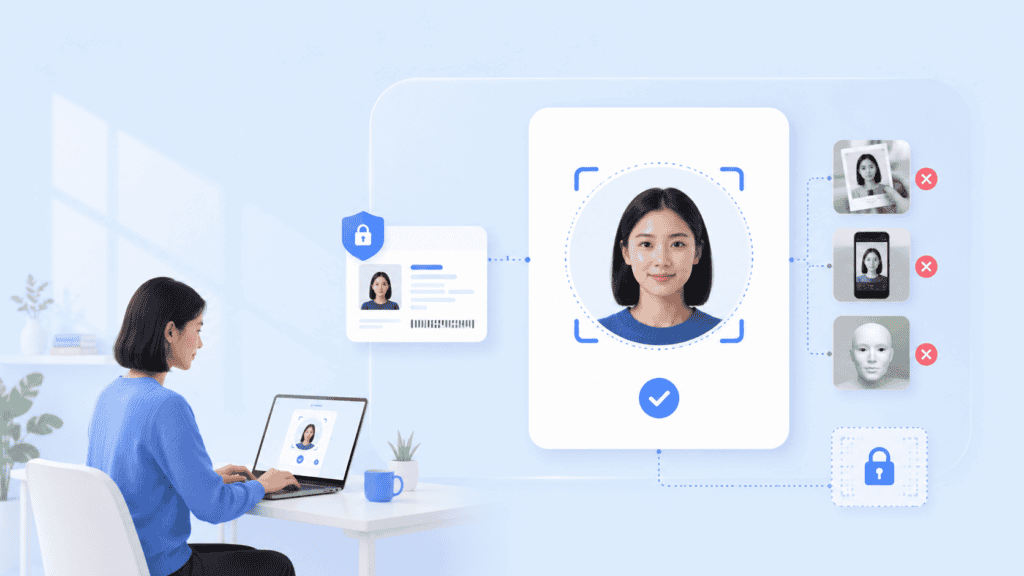
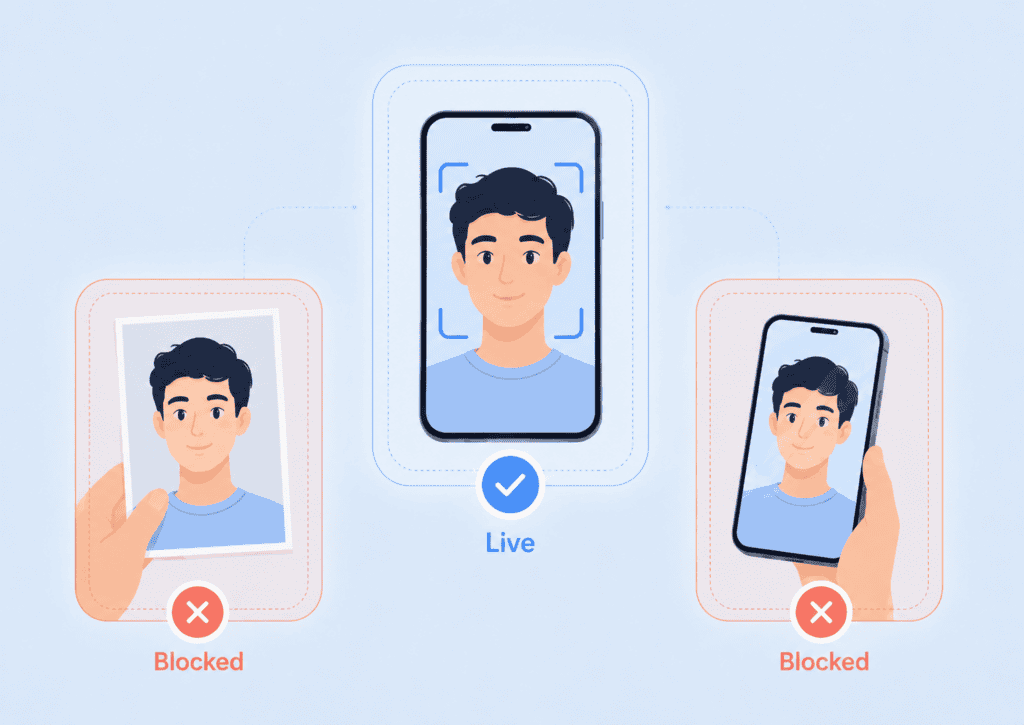
    Choosing liveness detection software is no longer a matter of checking whether a product can reject a printed photograph. Buyers now have to consider screen replays, masks, deepfakes, virtual cameras, injected video, device integrity, user friction, privacy, and how the liveness result connects to face matching or identity verification.

    This comparison focuses on that buying decision. Rather than treating every vendor as interchangeable, it looks at ten notable providers through the factors that matter when deploying face liveness detection in real authentication and verification workflows.

    Key takeaways

    • The best liveness detection product is the one that matches your attack model, deployment architecture, privacy requirements, and acceptable user friction.
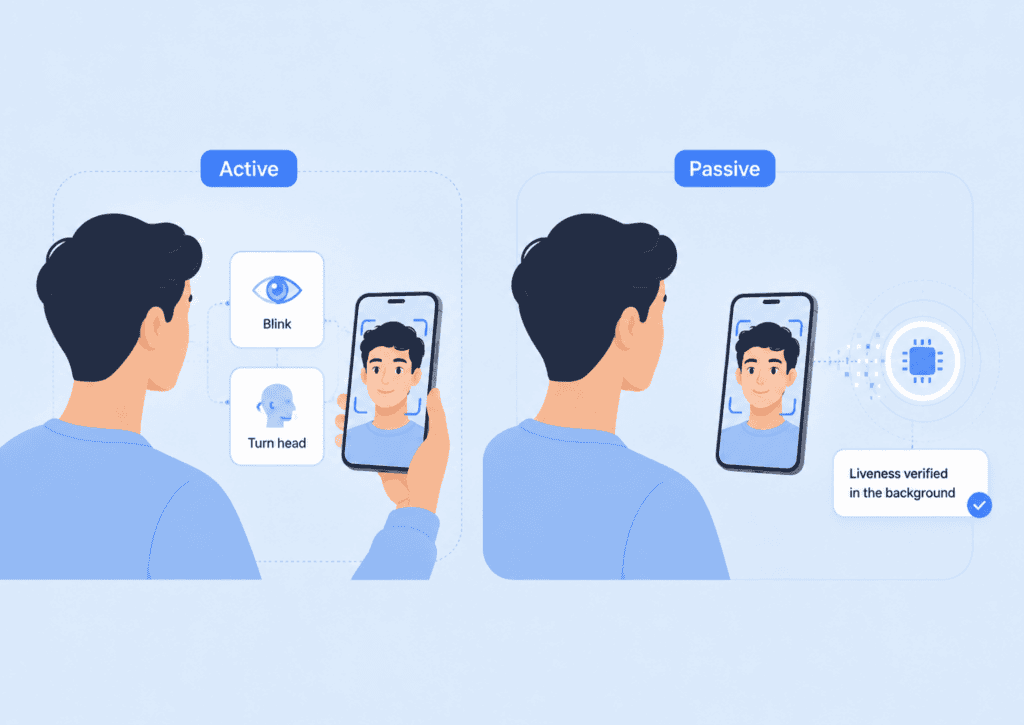
    • Passive liveness can reduce onboarding friction, while active or step-up checks may be useful when a transaction requires stronger evidence of presence.
    • ISO/IEC 30107-3 testing is useful evidence, but buyers should examine the scope, attack instruments, product version, and deployment configuration that were tested.
    • Presentation attacks and digital injection attacks are related but different threats. Ask vendors how they address both.
    • Run a controlled proof of concept with genuine users and known spoof attempts rather than choosing from marketing claims alone.

    What to look for in liveness detection software

    Liveness detection determines whether biometric input comes from a living person who is present during capture rather than from an artifact or manipulated input. If you need more background before comparing products, PrivateID’s guide to what liveness detection is explains how liveness differs from face matching and where it fits in biometric identity workflows. 

    The formal security term you will often encounter is presentation attack detection (PAD). ISO/IEC 30107-3:2023 establishes principles and methods for evaluating and reporting the performance of PAD mechanisms. The standard focuses on attacks taking place at the biometric capture device and does not represent a complete system-level security assessment.

    Top 10 Liveness Detection Software Vendors

    NIST has also evaluated passive, software-based face PAD. Its FATE PAD evaluation assessed algorithms operating on conventional 2D imagery against different presentation attack instruments. The results reinforce an important procurement point: performance against one spoof type should not automatically be assumed to apply equally to every other attack.

    When comparing liveness detection software, examine at least these areas:

    Buying criterionWhat to investigate
    Liveness methodPassive, active, challenge-response, or configurable combinations
    Presentation attacksPrinted photos, display replays, video, 2D masks, 3D masks, and related artifacts
    Injection protectionVirtual cameras, manipulated streams, deepfakes, and digitally injected media
    Independent testingISO/IEC 30107-3 testing, laboratory, test level, date, and tested version
    DeploymentCloud, server, on-premises, browser, mobile SDK, or on-device
    PrivacyWhere images and biometric data are processed, transmitted, and retained
    User experienceCapture time, required movements, retries, accessibility, and low-light performance
    IntegrationSDKs, APIs, web components, supported platforms, and result format
    Face matchingWhether liveness can be combined with selfie-to-ID or enrolled-user matching
    Operational controlsThreshold configuration, risk escalation, retry limits, and audit information

    For remote identity proofing, these questions are not merely theoretical. NIST Special Publication 800-63A requires presentation attack detection for remotely collected and compared biometric characteristics in covered identity proofing scenarios. It also calls for controls that increase confidence digital media came from a genuine sensor, such as detecting virtual cameras, device emulators, or compromised devices. 

    Top 10 Liveness Detection Software Vendors

    Top 10 liveness detection software vendors

    The list below is not a universal ranking from strongest to weakest. Vendors differ significantly in architecture and product scope. A bank building full document-based onboarding has different requirements from an application that only needs a lightweight liveness signal.

    1. PrivateID

    PrivateID is a strong candidate for organizations that place on-device processing and biometric privacy near the top of the requirements list.

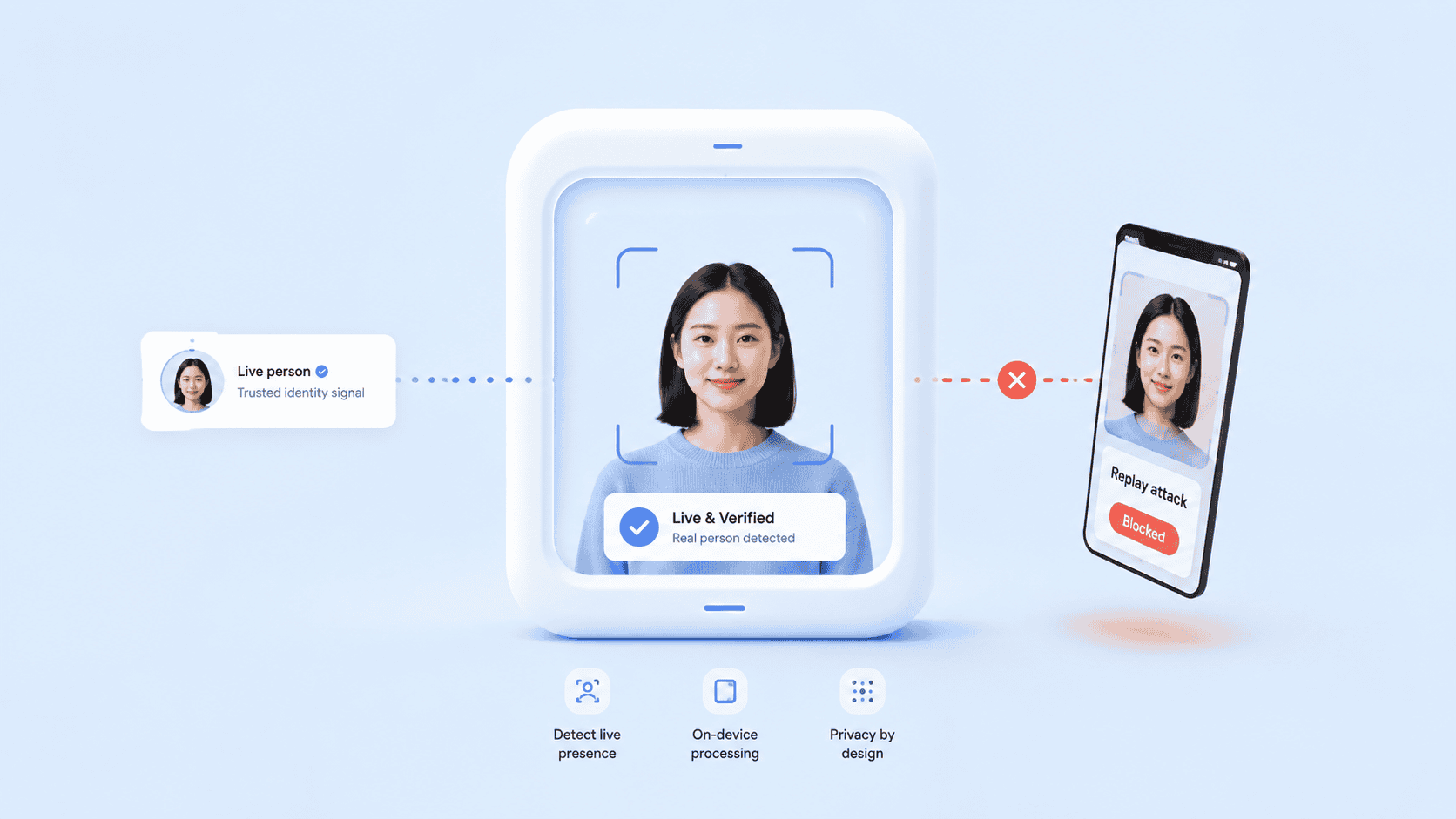
    Its passive liveness technology runs on the user’s device and is designed to detect presentation attempts involving paper images, digital screens, masks, and deepfakes. Images do not need to leave the device for the liveness process. PrivateID also supports active liveness for workflows that require a more explicit step-up check. 

    That architecture becomes particularly relevant when liveness forms part of a broader identity system. An organization can combine liveness with facial recognition, document verification, age assurance, or authentication rather than treating liveness as an isolated API.

    PrivateID states that its liveness technology works with cameras above 480p. Teams assessing a privacy-sensitive deployment should compare that on-device model with server-side alternatives, particularly when sending biometric imagery to centralized infrastructure creates additional governance requirements. 

    Best fit: Privacy-sensitive identity verification, enrollment, age assurance, and authentication workflows requiring edge processing.

    For technical details on the architecture and supported use cases, see PrivateID’s on-device liveness detection page.

    2. iProov

    iProov is well established in remote biometric verification and offers liveness technology intended to identify both presentation attacks and digitally manipulated inputs.

    Its approach is aimed at determining whether the correct person is genuinely present during a remote verification event. That matters in high-assurance environments where the threat model extends beyond somebody simply holding a printed photograph in front of a camera.

    A procurement team evaluating iProov liveness detection should ask for the independent test documentation that applies to the specific product and deployment configuration being considered. Testing performed on one configuration should not automatically be treated as evidence for every implementation.

    Best fit: High-assurance remote identity verification where presentation and injection threats both require close scrutiny.

    3. FaceTec

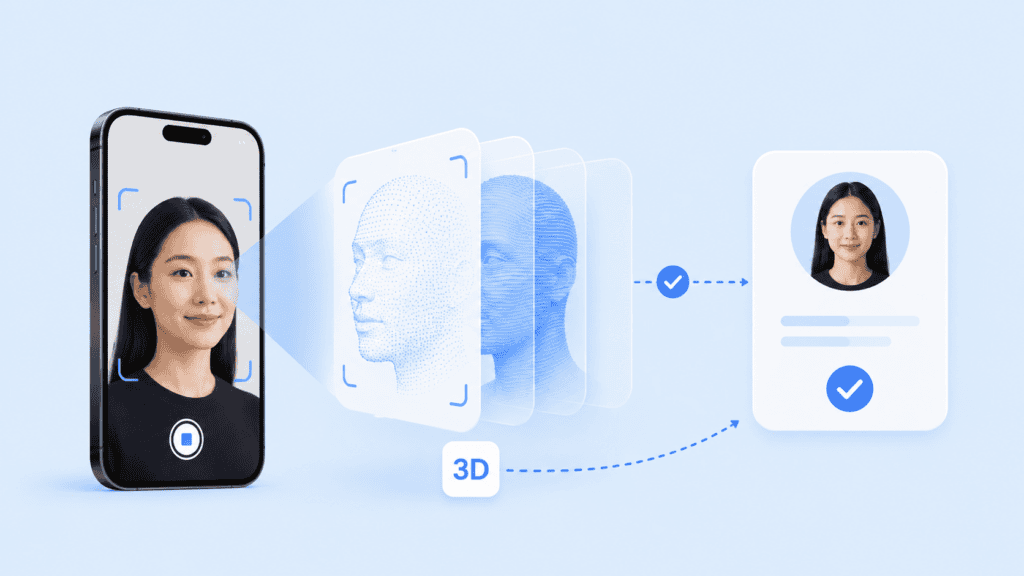
    FaceTec uses a 3D-focused biometric approach. Its ZoOm technology captures facial information that can be used for liveness detection and biometric matching.

    This differs from a single-image passive model. FaceTec gathers additional facial data during capture and uses it to determine whether the subject appears live before or alongside identity comparison.

    The product is relevant to organizations looking for a biometric workflow that can operate across mobile devices and compatible webcam environments.

    Best fit: Teams specifically seeking 3D liveness combined with face matching and repeat biometric authentication.

    When comparing FaceTec liveness with passive alternatives, test the complete capture process rather than security claims alone. Extra user interaction can affect completion rates, particularly across diverse devices and user groups.

    4. Jumio

    Jumio liveness detection sits within a broader identity verification platform rather than functioning only as a standalone biometric component.

    Its identity workflows can combine document verification, facial capture, liveness, face comparison, and additional fraud checks. This can reduce the amount of orchestration an organization needs to build internally.

    That broader platform approach may be useful for regulated onboarding environments where the buyer needs multiple identity controls rather than only a liveness result.

    Best fit: Enterprises seeking liveness as one component of customer identity verification, Know Your Customer (KYC), or authentication workflows.

    5. Entrust Identity Verification, formerly Onfido

    Organizations searching for Onfido liveness detection should be aware that Onfido was acquired by Entrust, and its identity verification technology now forms part of Entrust’s identity security portfolio.

    Onfido’s Motion product introduced a short facial capture for biometric liveness rather than relying entirely on traditional gesture-heavy challenge-response. The larger product offering also connects liveness with document and identity verification processes.

    Its main advantage for some buyers is therefore not simply the biometric check itself. It is the ability to place that check inside a broader onboarding and fraud-management workflow.

    Best fit: Organizations evaluating an enterprise identity verification platform rather than assembling separate biometric services.

    6. Yoti

    Yoti provides active and passive liveness options as part of its identity products.

    Passive liveness allows the system to evaluate the face without asking the user to complete an obvious movement. Active liveness can introduce a movement-based interaction when a workflow requires a more visible challenge.

    This gives implementers a useful design choice. Low-friction onboarding may favor a passive check, while higher-risk actions can justify additional interaction.

    Best fit: Businesses that need configurable active or passive liveness across identity and age-assurance use cases.

    7. Regula

    Regula provides liveness capabilities through its Face SDK alongside face detection, comparison, and identification.

    Its SDK gives developers multiple ways to structure the capture flow, including passive and user-interactive approaches. That flexibility can be useful when one application contains transactions with different risk levels.

    For example, a routine account check could use passive face liveness detection, while an account recovery workflow could require a more explicit interaction.

    Best fit: Developers wanting configurable liveness modes inside a broader cross-platform face SDK.

    8. Veriff

    Veriff integrates passive liveness with broader identity verification and biometric authentication workflows.

    Rather than treating the liveness result as the only fraud signal, the platform can evaluate it alongside other information gathered during identity verification. This model can be useful when attacks involve several techniques at once.

    A fraudulent session, for example, may combine suspicious document evidence, unusual device behavior, and attempted biometric spoofing. Reviewing those signals together can provide more context than an isolated live-or-not-live result.

    Best fit: Digital onboarding programs looking for passive liveness inside an end-to-end identity verification workflow.

    9. BioID

    BioID specializes in biometric anti-spoofing and presentation attack detection.

    Its liveness technology uses multiple types of analysis to identify attempts involving presentation artifacts and manipulated imagery. That makes it relevant for organizations that want a dedicated PAD component rather than a large identity orchestration platform.

    As with any vendor citing independent PAD testing, buyers should request documentation covering the current product version, relevant attack instruments, and the configuration they plan to deploy.

    Best fit: Teams primarily interested in dedicated face anti-spoofing and PAD capabilities.

    10. Innovatrics

    Innovatrics provides multiple liveness methods through its Digital Onboarding Toolkit.

    Its options include passive approaches as well as workflows that introduce additional user interaction. The platform also supports different deployment models, making it relevant for teams that want more control over where biometric processing occurs.

    This configurability can be useful for enterprises and integrators supporting several applications with different risk and infrastructure requirements.

    Best fit: Organizations and integrators needing flexible deployment, detailed SDK control, and multiple liveness modes.

    Top 10 Liveness Detection Software Vendors

    How to test vendors before buying

    A vendor comparison table can help create a shortlist. It cannot tell you how the software will behave in your environment.

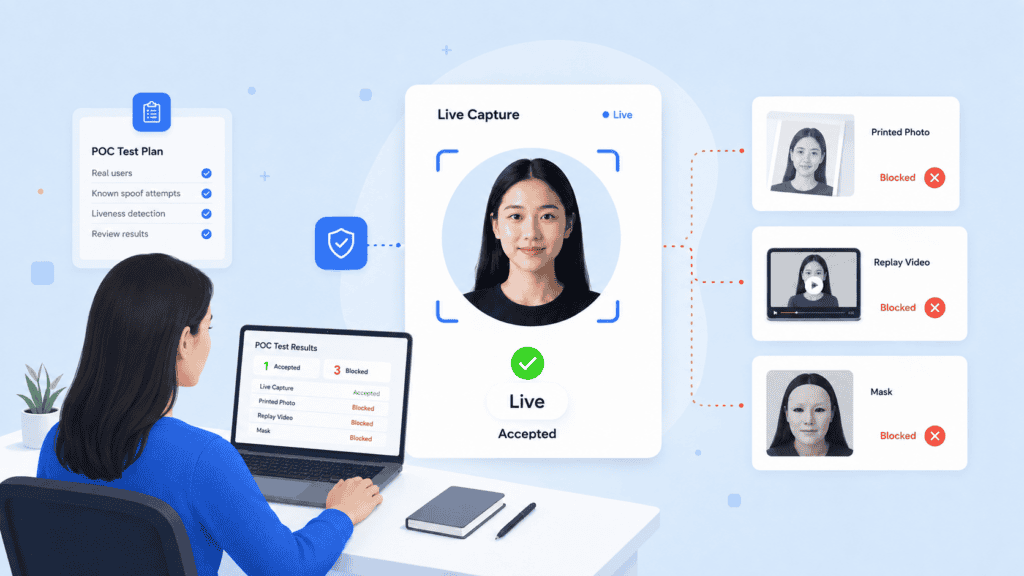
    A practical proof of concept should use the same devices, users, lighting conditions, capture flow, and attack set for every vendor. Otherwise, the comparison becomes difficult to interpret.

    Start by defining your threat model. Consider a financial application that permits remote account recovery. The security team may want to test at least four scenarios:

    1. An attacker presents a printed photograph to the camera.
    2. An attacker replays a victim’s video on another screen.
    3. An attacker presents a realistic mask.
    4. An attacker injects synthetic or manipulated video into the capture process.

    The fourth scenario deserves separate treatment. ISO/IEC 30107-3 concerns attacks taking place at the biometric capture device during presentation, while attacks outside that point are outside the standard’s defined scope.

    NIST likewise distinguishes presentation attack controls from the broader problem of forged or injected digital media. Its current identity proofing guidance specifically calls for controls that increase confidence that remote media came from a genuine sensor.

    That means a procurement team should not interpret “PAD tested” as proof that every virtual-camera, deepfake, or injection attack is covered.

    Next, run genuine users through the same flow. Include older phones, webcams, glasses, varied lighting, different skin tones, facial hair, and realistic network conditions. Track:

    • successful first attempts;
    • retries;
    • average completion time;
    • false rejections;
    • capture failures;
    • user abandonment;
    • spoof attempts accepted;
    • spoof attempts rejected; and
    • cases requiring manual review.

    Passive systems deserve particular attention because user experience is one of their main advantages. PrivateID’s guide to passive liveness detection explains how passive checks differ from visible blink, turn, or movement challenges.

    Finally, verify architecture rather than treating terms such as “on-device,” “SDK,” or “private” as interchangeable. Ask where the image is captured, where liveness inference occurs, what data leaves the device, what is retained, and whether fallback workflows or diagnostic logs change that data path.

    Top 10 Liveness Detection Software Vendors

    Choosing the right vendor for your use case

    There is no single best liveness detection vendor for every deployment.

    For a privacy-first application, on-device processing may outweigh having an extensive cloud identity platform. For regulated onboarding, independent PAD testing and document verification may carry more weight. A marketplace fighting mass account creation may place more emphasis on passive completion rates, bot resistance, and device integrity.

    A useful shortlist can be framed this way:

    RequirementVendors worth evaluating
    On-device, privacy-focused livenessPrivateID, Innovatrics
    3D facial livenessFaceTec
    High-assurance remote presence checksiProov
    Full identity verification platformJumio, Entrust, Veriff
    Active and passive mode flexibilityYoti, Regula, Innovatrics
    Dedicated PAD emphasisBioID
    Privacy-preserving face authenticationPrivateID

    Treat that table as a starting point, not a verdict. Product configurations change, and two customers using the same vendor can implement materially different architectures.

    A better vendor question than “Do you support biometric liveness detection?” is:

    Which attacks does this exact product configuration address, where does detection occur, what independent evidence supports it, and what happens when the system is uncertain?

    Those questions expose much more than a generic claim about anti-spoofing.

    Top 10 Liveness Detection Software Vendors

    Choosing liveness detection software

    The right liveness detection software should fit the threats you actually need to address without introducing unnecessary friction or biometric data exposure.

    Compare architecture, presentation attack coverage, injection defenses, independent testing, genuine-user performance, and integration requirements. Then verify those claims in a controlled proof of concept using consistent devices, users, and test cases.

    A vendor name alone cannot tell you whether a deployment will be secure. The implementation matters just as much as the underlying detection technology.

    FAQs

    What is liveness detection software?

    Liveness detection software checks whether biometric input appears to come from a live, physically present person rather than from a spoof such as a printed image, replayed video, mask, or other artificial representation. It is commonly paired with facial recognition or identity verification.

    What is the best liveness detection software?

    There is no universal best product. PrivateID may suit privacy-focused on-device deployments, while vendors such as Jumio, Entrust, and Veriff may fit organizations looking for broader identity verification platforms. The right choice depends on your attack model, deployment requirements, independent testing needs, and acceptable user friction.

    What is the difference between active and passive liveness detection?

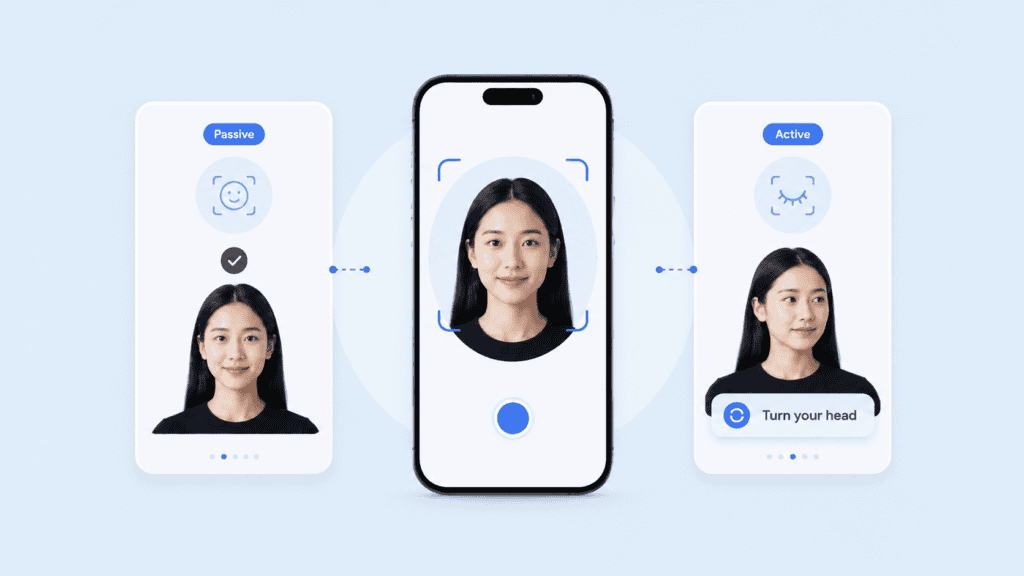
    Active liveness asks the user to perform an action, such as turning their head, moving closer to the camera, or blinking. Passive liveness performs the check without a visible challenge, reducing interaction during the capture process.

    Does liveness detection stop deepfakes?

    Some products include controls intended to identify manipulated facial media, but “deepfake protection” is not one uniform capability. Buyers should ask whether a vendor addresses presentation of manipulated media to the camera, direct digital injection, virtual cameras, or a combination of these attacks.

    What is ISO/IEC 30107-3?

    ISO/IEC 30107-3 defines principles and methods for testing and reporting biometric presentation attack detection performance. It is useful when evaluating anti-spoofing technology, but it does not constitute a complete security assessment of the entire identity system.

    Is face liveness detection the same as facial recognition?

    No. Face liveness detection asks whether the biometric sample appears to come from a live person who is present. Facial recognition asks whether the captured face matches a reference identity or previously enrolled biometric.

    Can passive liveness detection work from one selfie?

    Some passive systems can evaluate a single facial capture, while others analyse multiple frames or video. The number of frames alone does not establish security, so compare independent testing, attack coverage, capture integrity, and genuine-user error rates.

  • Top 10 Employee Verification (KYE) Software

    Top 10 Employee Verification (KYE) Software

    A background check can tell you about a candidate’s history. It can’t, by itself, prove the person submitting that history is the person you interviewed. That gap is why employee verification software is moving beyond pre-employment screening into identity proofing, liveness detection, biometric matching, re-verification, and workforce access.

    This comparison focuses on that broader Know Your Employee (KYE) problem. It covers platforms for organizations that need to verify who a worker actually is, not simply whether a name, degree, or employment record checks out.

    Key takeaways

    • Employee identity verification and employee background screening solve different problems. Strong KYE programs may need both.
    • For remote or privileged workers, verification should not stop after the pre-employment check.
    • Document authenticity, selfie-to-ID matching, liveness, re-verification, and IAM integration are important when identity fraud is the main risk.
    • Background-screening platforms are usually stronger for criminal, employment, education, and other historical checks.
    • The right platform depends on where identity trust can break in your workflow, not on which vendor has the longest feature list.

    What employee verification software should actually verify

    The phrase “employee verification” covers several jobs that are easy to confuse.

    An employee background verification platform may confirm previous employers, education, criminal records, driving history, professional credentials, or other information associated with a candidate. Identity verification answers an earlier question: is the person providing that information actually the person they claim to be?

    That distinction matters. The U.S. Department of Justice has documented remote IT employment schemes in which stolen or fraudulent identities were used to obtain jobs at U.S. companies. In a June 2025 action, the DOJ described schemes involving false identities, remote access to employer-issued computers, and fraudulent employment at more than 100 companies. The case provides a useful example of why checking someone’s history without securely binding that history to the human being entering your systems can leave a gap.

    Top 10 Employee Verification (KYE) Software

    A mature KYE workflow can therefore contain four separate controls:

    1. Identity proofing: Validate identity evidence and confirm it belongs to the person presenting it.
    2. Background screening: Check relevant history or credentials according to the role and applicable law.
    3. Workforce onboarding: Bind the verified person to an employee account, device, credential, or authorization.
    4. Re-verification: Confirm identity again before sensitive events such as account recovery, MFA resets, privileged access, or changes to payroll details.

    NIST’s current SP 800-63A-4 separates identity proofing into identity resolution, validation, and verification. In plain English, you need to establish that the claimed identity exists, that the supplied evidence is valid, and that the person presenting it is actually associated with that identity. NIST SP 800-63A-4 provides the current federal guidance.

    That framework is a useful benchmark when evaluating know your employee software, even outside federal use cases.

    Top 10 employee verification software platforms

    This list is ordered by breadth of fit for KYE rather than claiming one vendor is universally superior. Some products concentrate on workforce identity assurance. Others are primarily background-screening platforms. A few can cover parts of both.

    PlatformStrongest fitIdentity proofingBackground screeningOngoing workforce verification
    PrivateIDPrivacy-focused KYE and workforce identityStrongVia workflow integrationsStrong
    PersonaConfigurable workforce identity workflowsStrongLimitedStrong
    IncodeIdentity verification across high-risk workforce eventsStrongLimitedStrong
    HYPRKYE tied to enterprise authenticationStrongLimitedStrong
    EntrustEnterprise workforce identity assuranceStrongLimitedStrong
    VeriffGlobal employee identity verificationStrongLimitedStrong
    CheckrBackground checks plus candidate identity verificationStrongStrongModerate
    SterlingEnterprise background screening with ID verificationStrongStrongModerate
    HireRightLarge-scale background and employment verificationModerateStrongLimited
    TruliooGlobal identity and data verification infrastructureStrongLimitedConfigurable

    1. PrivateID

    PrivateID is a strong fit when the main problem is proving that an employee or contractor is the same real person throughout onboarding, authentication, and later high-risk interactions.

    Its identity platform combines document verification, liveness, biometric matching, and identity proofing. PrivateID’s differentiating architecture processes biometric information on the user’s device and converts it into homomorphic tokens rather than relying on raw biometric images as the reusable identity record.

    For a KYE workflow, that creates an interesting model. An employer could perform document verification during onboarding, establish a trusted employee identity, and then use biometric authentication when that employee later needs sensitive access or account recovery. The organization doesn’t have to treat the initial ID check as the last time identity is established.

    PrivateID also supports verifiable credentials for workforce identity management, which can be useful when verified identity or employment attributes need to move across systems without repeatedly rebuilding the identity from scratch.

    Best fit: Organizations prioritizing privacy-preserving workforce identity verification, repeat authentication, browser-based workflows, and high-assurance identity proofing.

    2. Persona

    Persona is oriented toward configurable identity verification workflows rather than traditional employment screening.

    That makes it useful for organizations that want verification at multiple workforce checkpoints. A security team might verify a candidate during hiring, perform another check before device enrollment, and require step-up verification when an employee requests account recovery or performs a privileged action.

    Its broader identity toolkit also gives teams flexibility over which signals trigger added verification. This is useful when a universal “scan your ID every time” policy would create unnecessary friction.

    Best fit: Organizations that want highly configurable workforce identity workflows connected to existing IAM, HR, and security processes.

    3. Incode

    Incode approaches KYE as a lifecycle identity problem. Its workforce offering concentrates on establishing identity with a government document and biometric check, then using that established identity again at important moments.

    That model is particularly relevant to remote work. The employee who passed a pre-employment check may later call a help desk, reset MFA, enroll another device, or request access to a sensitive system. Those events create opportunities for impersonation if the company verifies credentials but not the human behind them.

    Best fit: Enterprises seeking biometric identity verification from hiring through account recovery and privileged workforce interactions.

    4. HYPR

    HYPR combines workforce identity verification with authentication and identity risk controls.

    Its fit becomes clearer when KYE is owned jointly by HR, security, identity and access management (IAM), and IT rather than being treated solely as a recruiting function. Identity can be checked during onboarding and re-established when an employee encounters a high-risk authentication event.

    That makes HYPR different from a conventional employee background verification platform. Its strength lies less in researching a candidate’s work history and more in ensuring the verified employee remains connected to the credentials being used inside the enterprise.

    Best fit: Enterprises that want KYE, passwordless authentication, workforce access, and identity risk controls working together.

    5. Entrust

    Entrust offers workforce identity verification as part of a wider identity and authentication portfolio.

    The platform is designed around high-assurance events such as onboarding, MFA enrollment, account recovery, and access to corporate resources. Government ID verification and biometric checks help bind an employee’s digital identity to a real person.

    Entrust is especially relevant to organizations already thinking in terms of enterprise identity architecture rather than a standalone hiring check.

    Best fit: Larger organizations seeking workforce verification within a broader enterprise identity, credential, and authentication environment.

    6. Veriff

    Veriff provides employee identity verification using capabilities such as document checks, biometric matching, liveness, and fraud signals.

    It is particularly relevant to distributed workforces where candidates and contractors may never visit a physical office. The same identity layer can also be used for later re-verification rather than relying exclusively on passwords, knowledge-based questions, or a help-desk agent recognizing someone’s voice.

    Best fit: International organizations that need remote identity verification across a geographically distributed workforce.

    7. Checkr

    Checkr occupies a useful middle ground because it combines conventional employment background screening with candidate identity verification.

    A hiring team can verify a government ID and live candidate before running checks tied to that identity, then perform employment, education, criminal-record, or other screenings based on its configured package.

    This sequencing matters. Running an expensive or time-consuming background investigation against an identity that hasn’t first been established can create unnecessary work and may leave the business checking records for the wrong person.

    Best fit: Employers that want identity verification and traditional pre-employment background checks in a closely connected hiring workflow.

    8. Sterling

    Sterling is another option for organizations where employee verification still centers heavily on background screening but identity fraud has become part of the risk model.

    Its services cover traditional screening alongside digital identity verification. That makes it suitable for HR teams that don’t want to replace their background-screening process with a security-oriented identity platform but do want stronger confidence in the candidate entering that process.

    Best fit: Larger employers seeking established background-screening capabilities with identity verification added before or alongside screening.

    9. HireRight

    HireRight is primarily a background-screening and workforce verification provider rather than a dedicated continuous KYE identity platform.

    Its value is strongest when “employee verification” means confirming employment history, education, credentials, criminal history, or other information used during hiring. It can fit multinational organizations with established screening programs and substantial hiring volume.

    The tradeoff is important. If your primary concern is deepfake interviews, impersonated help-desk requests, or biometric re-verification after hiring, evaluate whether you need a separate workforce identity layer.

    Best fit: Enterprises prioritizing broad pre-employment screening and employment-history verification.

    10. Trulioo

    Trulioo is primarily known for global identity verification rather than HR-specific background screening.

    Its verification infrastructure combines documentary and non-documentary identity checks, biometrics, data-source matching, and fraud signals. For multinational employers or workforce platforms, those capabilities can be incorporated into a custom KYE workflow where geographic identity coverage matters.

    The platform may be more infrastructure-oriented than an HR team needs if the requirement is simply to run standard pre-employment checks.

    Best fit: Global companies or platforms that need configurable identity verification across multiple countries and data sources.

    Top 10 Employee Verification (KYE) Software

    How to compare KYE software

    A vendor comparison gets easier once you separate the controls you genuinely need from features that look impressive in a demo.

    Verify the person before researching the person

    A common procurement mistake is treating background verification and identity verification as synonyms.

    Consider a remote engineering hire. The applicant submits a convincing résumé, valid employment history, and identity details belonging to a real person. A background check may return legitimate records because the stolen identity itself is legitimate.

    The KYE failure occurred earlier. The employer never established that the human attending the interview and receiving corporate access was the person associated with those records.

    A safer sequence looks like this:

    Candidate identity proofing → background and credential checks → onboarding → account and device binding → risk-based re-verification

    That sequence is more useful than simply buying the vendor with the largest screening catalogue.

    Look for liveness, not just face matching

    A selfie-to-ID match answers whether two faces appear to belong to the same person. Liveness or presentation attack detection addresses a different problem: whether the system is interacting with a genuine live person rather than a replay, photograph, mask, manipulated feed, or other spoof.

    For remote KYE, those controls increasingly belong together.

    Ask vendors how liveness works, what happens when confidence is low, whether manual review is available, and how the system handles camera injection or synthetic media. A checkbox labelled “biometrics” doesn’t answer those questions.

    Decide where re-verification should happen

    Continuous verification does not mean repeatedly interrupting employees throughout the day.

    A better model identifies a small set of identity-critical events. Examples include:

    • issuing an employee’s first corporate credentials;
    • enrolling or replacing a trusted device;
    • recovering an account or resetting MFA;
    • changing payroll or banking details;
    • granting privileged administrator access; and
    • restoring access after suspicious activity.

    The employee verification software should let your organization increase assurance at these moments rather than applying maximum friction to every interaction.

    Top 10 Employee Verification (KYE) Software

    Check how identity evidence is stored

    KYE systems handle information that can be more sensitive than a normal password database. Government IDs, facial images, biometric templates, employment records, and background reports can all create long-term data exposure.

    Ask a vendor exactly what is captured, transmitted, retained, and deleted. Also ask whether the same outcome can be achieved with less data.

    Data-minimizing architectures are particularly relevant to biometrics because a compromised password can be replaced, while a person’s face or fingerprint is persistent.

    Keep employment law separate from security engineering

    Strong identity proofing doesn’t make every background-screening practice legally appropriate.

    In the United States, the Equal Employment Opportunity Commission notes that employers using background information for personnel decisions still need to comply with federal anti-discrimination laws. When a third-party company provides a background report, Fair Credit Reporting Act requirements may also apply. State and local requirements can add further restrictions. EEOC guidance for employers explains these distinctions.

    That is another reason to distinguish security-oriented workforce identity verification from employment screening. They may appear in the same KYE program, but they carry different operational and legal requirements.

    Build KYE around the employee lifecycle

    The most useful way to design KYE is to map the moments where your organization changes its level of trust in a worker.

    Start with a candidate who has no trusted identity in your systems. Before granting meaningful access, establish identity using evidence appropriate to the risk. For remote roles, that might mean government ID validation, liveness, and selfie-to-document matching.

    Then bind that verified person to the employee record and the credentials they receive. This is the bridge many KYE projects miss. A successful identity check has limited value if the resulting identity isn’t connected to the IAM, HRIS, device, credential, or access-control record used later.

    Finally, define when trust must be refreshed. A help-desk call requesting an MFA reset is a different security event from an ordinary Monday morning login. Your KYE software should support that distinction.

    Top 10 Employee Verification (KYE) Software

    The result is a simple but stronger model:

    Prove the person → check the relevant history → bind identity to workforce credentials → re-verify when trust changes.

    That is a more useful standard for employee verification software than asking whether a vendor offers “KYE” as a product label.

    Choosing the right employee verification software

    The strongest KYE program isn’t the one that collects the most information. It’s the one that knows exactly what needs to be proved at each point in the employee lifecycle.

    If your main problem is employment history and criminal screening, a background-check specialist may be the better choice. If the risk is impersonation, fraudulent remote hires, account recovery, or privileged workforce access, prioritize identity proofing and repeat verification.

    Most importantly, don’t stop at “the background check passed.” Make sure the person whose history you checked is the same person receiving access to your organization.

    FAQs

    What is employee verification software?

    Employee verification software helps organizations confirm information about candidates, employees, or contractors. Depending on the product, this may include identity documents, biometrics, employment history, education, criminal records, professional credentials, or workforce access events.

    A complete KYE program often uses more than one type of verification because identity proofing and background screening answer different questions.

    What is KYE software?

    KYE software supports Know Your Employee processes. It can verify who a worker is during hiring or onboarding and, in more advanced implementations, re-verify that person during sensitive events later in the employment lifecycle.

    KYE is broader than simply checking whether someone previously worked for the employers listed on a résumé.

    What is the difference between KYE and KYC?

    Know Your Customer (KYC) generally applies identity and due-diligence controls to customers, especially in regulated financial services. Know Your Employee (KYE) applies identity and risk controls to employees, contractors, or other workforce members.

    The underlying identity technologies can overlap, including document verification, database validation, liveness, and biometric matching.

    Is employee verification the same as a background check?

    No. Identity verification establishes whether a candidate is genuinely the person they claim to be. A background check investigates information associated with that person, such as employment history, education, criminal records, or other relevant records.

    For higher-risk hiring, performing both can provide a more complete picture.

    When should an employee be re-verified?

    Re-verification is most useful when the organization’s trust relationship changes. Examples include account recovery, MFA resets, new device enrollment, privileged access, payroll changes, and suspicious security events.

    The appropriate frequency and method depend on role risk, applicable law, internal policy, and the sensitivity of the systems involved.

    What should companies look for in employee verification software?

    Start with the actual risk. For identity fraud, look at document validation, liveness, biometric matching, spoof detection, privacy controls, re-verification, audit evidence, and integration with IAM or HR systems.

    For conventional background screening, evaluate employment and education verification, criminal searches, jurisdictional coverage, candidate consent workflows, dispute handling, and applicable compliance controls.

    Can employee verification software prevent fraudulent remote hires?

    It can reduce important identity gaps, but no single control guarantees that fraudulent hiring will never occur. Stronger workflows combine identity proofing, background checks where appropriate, secure credential issuance, device controls, and re-verification at sensitive points.

    For remote roles, the critical objective is maintaining a defensible connection between the person you assessed, the person you hired, and the person using the company’s credentials.

  • Top 10 Deepfake Detection Tools for Enterprises

    Top 10 Deepfake Detection Tools for Enterprises

    A convincing fake no longer has to arrive as a suspicious video file. It can appear inside a job interview, customer support call, account-opening flow, payment approval, or live meeting. That changes what enterprises need from the best deepfake detection software. Detection accuracy matters, but so do media coverage, real-time performance, deployment options, privacy, explainability, and the ability to fit into an existing risk workflow.

    This comparison focuses specifically on enterprise use. The tools are ordered by breadth of fit rather than claiming that one vendor is universally superior. A bank screening voice calls has different requirements from a media organization authenticating uploaded footage or an identity provider protecting remote onboarding.

    Key takeaways

    • The strongest enterprise tools differ significantly in scope. Some focus on live identity and video streams, while others specialize in media forensics, contact center audio, or high-volume content moderation.
    • Multimodal support matters when attackers can combine synthetic faces, cloned speech, manipulated documents, and injected video in the same fraud attempt.
    • A deepfake score should rarely be the only decision signal. Automated media analysis works better when combined with capture integrity, authentication controls, and manual review for higher-risk cases.
    • Enterprises should test products against their own compressed media, devices, languages, network conditions, and attack types rather than relying on one advertised accuracy figure.
    • Provenance and Content Credentials can provide useful authenticity signals, but they complement rather than replace forensic detection.

    How we evaluated deepfake detection tools

    A useful enterprise comparison needs to look beyond whether a vendor has a product labelled “deepfake detection.” The more important question is where that detection fits into an operational decision.

    We assessed the tools against six practical criteria: supported media, real-time capabilities, deployment model, integration options, explainability, and intended enterprise workflow. We also considered whether the technology concentrates on post-capture forensic analysis or prevents synthetic media from entering a trusted identity or communication session in the first place.

    Top 10 Deepfake Detection Tools for Enterprises

    That distinction matters. NIST’s current identity-proofing guidance calls for digital media to be examined for manipulation and forgery indicators. It also recommends controls such as passive detection, sensor authentication, and testing against known attack artifacts. See the NIST Digital Identity Guidelines for identity proofing for the underlying guidance.

    ToolStrongest fitVideoImagesAudioReal-time focus
    PrivateID MediaSafeIdentity and live video workflowsYesYesLimited focusYes
    Reality DefenderBroad enterprise communicationsYesYesYesYes
    GetReal SecurityIdentity attacks and live impersonationYesYesYesYes
    Sensity AIForensic media verificationYesYesYesFile analysis + integrations
    PindropVoice, calls, and meetingsYesNo primary focusYesYes
    HiveHigh-volume content detection APIsYesYesYesAPI-centric
    Resemble AI DETECT-2BSynthetic voice detectionNoNoYesYes
    Attestiv DeepScanFile validation and video forensicsYesYesYesPrimarily submitted media
    DuckDuckGoose AIKYC and identity fraudYesYesYesYes
    ClarityEnterprise media authenticationYesYesYesYes

    Best deepfake detection software: 10 enterprise tools

    1. PrivateID MediaSafe

    PrivateID MediaSafe is particularly relevant when deepfake detection needs to operate inside a live identity or video workflow rather than as a separate file-checking utility. MediaSafe combines video-stream facial identification and tracking with deepfake detection for use cases involving video conferencing, streaming, access, and identity-related workflows.

    The distinction is important for enterprises that already need to answer questions such as “Is this a real person?”, “Is this the same person we enrolled?”, and “Has this video stream been manipulated?” Detection becomes part of a broader trust decision instead of an isolated synthetic-media score.

    PrivateID’s wider approach also includes passive, on-device liveness detection for presentation attacks such as screen replays, masks, and deepfake video. The liveness checks can run on the user’s device rather than requiring facial imagery to be sent away for server-side processing.

    Best fit: Enterprises that need privacy-focused deepfake detection alongside biometric identity, liveness, or continuous video analysis.

    2. Reality Defender

    Reality Defender is one of the broader top deepfake detection companies for organizations that need to cover several communication channels. Its platform targets synthetic and manipulated video, audio, and images and is intended for workflows including contact centers, video conferencing, user verification, and executive impersonation.

    The platform uses multiple detection models rather than depending on a single classifier. Development teams can also integrate detection into applications and workflows through APIs and SDKs, making it relevant when suspicious media needs to be evaluated automatically rather than uploaded manually.

    That makes it a strong general-purpose option when the same enterprise may need to examine a suspicious recording today and protect a live communications channel tomorrow.

    Best fit: Large organizations looking for multimodal detection across communications, fraud, and media-verification workflows.

    3. GetReal Security

    GetReal Security approaches deepfakes as an identity-security problem. Its platform analyzes manipulated image, audio, and video content while also focusing on impersonation and continuous identity verification during digital interactions.

    Its use cases include remote hiring, executive impersonation, contact centers, IT service desks, and video meetings. This is useful when the security team is less interested in asking “Was this file generated?” and more interested in “Is the person controlling this interaction really the person they claim to be?”

    GetReal also emphasizes forensic context around detections. That can be valuable where an incident may need to be investigated after the fact rather than simply blocked in real time.

    Best fit: Security teams protecting remote workforce, executive, help-desk, and other high-trust human interactions.

    4. Sensity AI

    Sensity is built around forensic analysis of images, video, and audio. Its technology can examine submitted media using detection methods for face manipulation, AI-generated content, synthetic voice, and file anomalies.

    For organizations comparing tools for deepfake detection, one notable characteristic is the emphasis on evidence rather than returning only one probability. Investigators may need contextual findings that help them understand why content was flagged and what part of the media requires closer inspection.

    Deployment flexibility can also matter for investigative, government, legal, or security teams working with material that should not automatically be sent to a general-purpose cloud service.

    Best fit: Investigators and enterprises that need detailed multimodal media forensics and flexible deployment.

    5. Pindrop

    Pindrop is the specialist choice on this list for enterprises where synthetic speech is the primary concern. Its deepfake-detection technology focuses heavily on identifying AI-generated voices in calls and other voice interactions.

    That narrower focus can be an advantage. A financial institution worried about fraudulent wire approvals over the phone does not necessarily need the same product as a media publisher analyzing image uploads.

    Pindrop can combine synthetic-voice signals with other call and authentication indicators, moving the result closer to a fraud-risk decision rather than treating audio detection as an isolated classification task.

    Best fit: Banks, insurers, contact centers, and enterprises with significant voice-cloning exposure.

    6. Hive

    Hive is well suited to enterprises that need deepfake and AI-generated-content classification at API scale. Its detection products cover images, video, and audio, with separate models for tasks such as identifying AI-generated visual media and detecting face-based manipulation.

    This approach can be useful for social platforms, marketplaces, moderation providers, and other systems processing large volumes of user-submitted content. Rather than requiring analysts to inspect every asset manually, detection can become part of an automated review pipeline.

    Hive is less identity-centric than products designed specifically around Know Your Customer (KYC) or biometric authentication. Its strength is the media-detection infrastructure itself.

    Best fit: Platforms and applications needing high-volume automated screening of user-generated media.

    7. Resemble AI DETECT-2B

    Resemble AI’s DETECT-2B concentrates specifically on deepfake detection for audio. It analyzes speech for characteristics associated with synthetic generation and can support more granular analysis than a simple real-or-fake label.

    That specialization matters because voice fraud behaves differently from visual manipulation. Telephony codecs, poor microphones, background noise, short utterances, accents, and language differences can all affect how a system behaves in production.

    Its narrower modality means it should not be selected as the sole deepfake layer when the workflow also accepts images or video. For voice-heavy systems, though, specialization may be exactly what is required.

    Best fit: Contact centers, media teams, trust and safety platforms, and voice-based approval workflows.

    8. Attestiv DeepScan

    Attestiv’s DeepScan sits between deepfake detection and broader digital-file validation. It can examine video and audio for generative content, face replacement, lip-sync manipulation, edits, and other suspicious characteristics.

    The wider platform also addresses digital-media integrity, making it interesting for insurance, financial services, claims, and other processes in which the business is already validating submitted files rather than monitoring a live conversation.

    That distinction affects procurement. If the primary workflow involves uploaded evidence or customer-submitted media, forensic file validation may be more valuable than a detector designed primarily for live meetings.
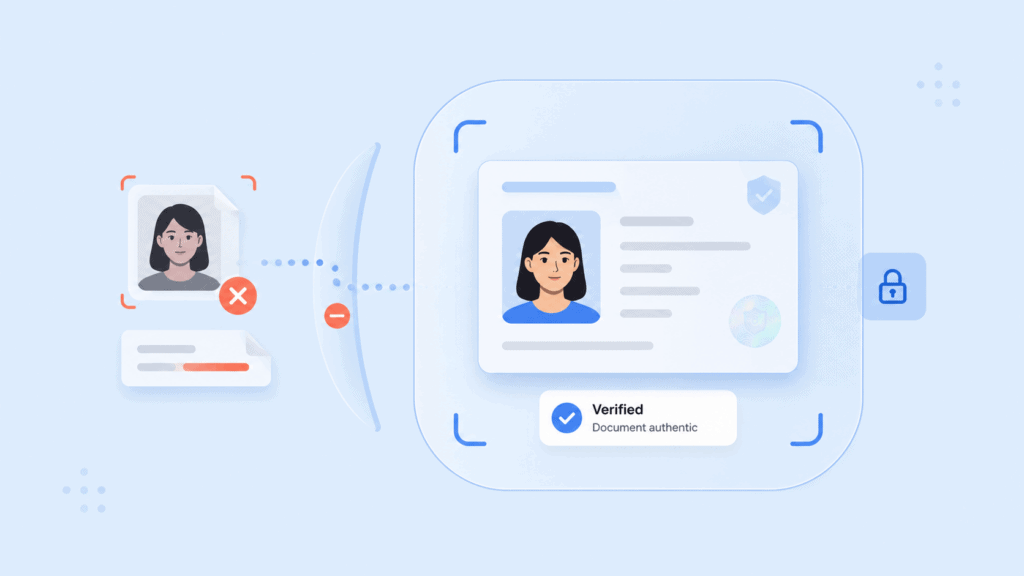
    Best fit: Businesses validating customer-submitted files, evidence, claims media, or other digital assets.

    9. DuckDuckGoose AI

    DuckDuckGoose focuses heavily on the intersection of deepfakes, identity verification, KYC, document fraud, and media forensics. Its product range addresses synthetic speech as well as manipulated images and video.

    One useful angle is explainability. Forensic information such as localized facial analysis, temporal signals, noise patterns, and other indicators can give analysts more to work with than a black-box “fake” result.

    For enterprises already operating identity-verification infrastructure, a dedicated detection layer can also be evaluated alongside existing authentication controls rather than forcing the entire identity stack to be replaced.

    Best fit: KYC providers, financial institutions, government workflows, and fraud teams investigating synthetic identities.

    10. Clarity

    Clarity provides enterprise deepfake-detection infrastructure for teams that want synthetic-media analysis embedded into existing applications and media workflows.

    This can suit call centers, video-conferencing environments, publishers, intelligence teams, and automated review pipelines where a separate consumer-style upload checker would create unnecessary friction.

    For procurement teams, the key question is how the available product configuration maps to the specific channel being protected. A live communication workflow should be tested differently from an archive of uploaded media, even when both use related detection technology.

    Best fit: Enterprises that want programmable deepfake analysis embedded into existing applications and media pipelines.

    Top 10 Deepfake Detection Tools for Enterprises

    How to choose a deepfake detection platform

    The best deepfake detection software is the product that matches the attack surface you actually have. Starting with a generic feature checklist can lead to buying extensive functionality while leaving the most important channel poorly protected.

    First, identify the media entering the decision. A call center needs strong deepfake detection for audio. Remote onboarding needs selfie, video, injection, and liveness controls. A publisher may care more about forensic analysis of externally sourced images and video.

    Next, decide whether you need live detection or post-event analysis. Real-time systems have strict latency requirements. A five-second delay may be acceptable for a manual file review but unusable in a live authentication flow.

    For identity-related applications, avoid treating deepfake detection and liveness as substitutes. A genuine video replay may not technically be a generated deepfake, but it can still defeat a poorly designed authentication process. The guide to how deepfake detection works explains how media analysis, liveness, capture integrity, and identity checks can contribute different signals.

    Provenance adds another layer. The C2PA Content Credentials specification defines a technical framework for cryptographically verifiable information about an asset’s origin and editing history. Provenance should still be treated as one signal rather than an automatic verdict that content is genuine.

    How to test deepfake detection before deployment

    A vendor demo with five obvious synthetic clips tells you very little about how a detector will behave inside your business. A better enterprise evaluation uses media that resembles production traffic.

    Build a test set with at least five groups: genuine media, obvious synthetic media, difficult current-generation deepfakes, benign edited media, and degraded media. The last two groups matter because compression, virtual backgrounds, poor microphones, low light, cropping, and network artifacts can create false alarms.

    For a video onboarding workflow, for example, a useful internal test might contain 20 to 50 examples in each category. Include genuine users recorded on the same types of phones and webcams your customers use. Then add screen replays, face swaps, injected camera feeds, heavily compressed legitimate calls, and newer synthetic outputs.

    Top 10 Deepfake Detection Tools for Enterprises

    Do not collapse the results into one “accuracy” figure. Track at least three operational measures:

    1. False acceptance rate: How often does malicious or synthetic content get through?
    2. False rejection rate: How often does legitimate content get flagged?
    3. Escalation rate: How much additional manual review will the tool create?

    Run the same test after changing compression, file format, or call quality. A detector that performs well on original files but deteriorates after conferencing software recompresses the stream may not suit your actual use case.

    Thresholds should also match the consequence of the decision. A social platform deciding whether to send a meme to human review can tolerate a different false-positive rate from a bank authorizing account recovery.

    NIST’s synthetic-content evaluation work follows the same general principle: detection systems need testing across varying media and attack conditions rather than being judged from one headline metric. Its GenAI image discriminator evaluation plan provides an example of how structured evaluation can be approached.

    The final step is to define what happens after a detection. “Deepfake score: 0.82” is not an incident-response plan. Decide whether the system should request a recapture, demand another authentication factor, pause an approval, route the interaction to an analyst, or block it entirely.

    For identity verification, organizations should also test what happens when the content is genuine but the person presenting it is not. PrivateID’s guide to passive liveness detection explains how presentation attacks such as photos, screens, replays, and synthetic faces create a different problem from media classification alone.

    Conclusion

    There is no single deepfake detector that fits every enterprise.

    Start with the workflow that carries risk, then choose the detection architecture around it. Live identity systems need liveness and capture integrity. Contact centers need strong synthetic speech analysis. Media and investigation teams need forensic evidence and explainability. High-volume platforms need APIs that can process content at scale.

    The right product should reduce uncertainty at the moment your organization needs to decide whether a person, voice, image, or video can be trusted.

    FAQs

    What is the best deepfake detection software for enterprises?

    There is no universal winner because enterprise requirements differ. PrivateID MediaSafe is suited to identity and live video workflows, Pindrop specializes in voice-centric environments, while Reality Defender, GetReal Security, Sensity AI, and Hive address broader or different detection needs.

    Can deepfake detection software detect images as well as video?

    Yes. Several platforms provide deepfake detection for images and video. Some can also distinguish between face manipulation and fully AI-generated content. Check whether the vendor analyzes individual image files, video frames, provenance, and other forensic signals relevant to your workflow.

    What should enterprises use for deepfake detection for video?

    For live video, prioritize low-latency processing, temporal analysis, injection-attack defenses, and integration with identity or meeting workflows. For recorded video, detailed forensic reporting and manipulation localization may be more important than millisecond response times.

    Can deepfake tools detect AI-generated voices?

    Yes. Several tools in this comparison provide audio or synthetic-voice analysis. Voice-focused enterprises should test performance across accents, languages, codecs, background noise, call quality, and the typical duration of speech in their actual workflow.

    Is deepfake detection the same as liveness detection?

    No. Liveness detection asks whether biometric input comes from a real, present person. Deepfake detection looks for evidence that media has been synthetically generated or manipulated. A secure identity workflow may need both because replay and injection attacks do not always fit neatly into one category.

    How accurate are deepfake detection tools?

    Accuracy varies by model, media type, generator, compression level, attack method, and decision threshold. A single vendor percentage should not be treated as universal performance. Enterprises should run representative internal tests and measure both false positives and false negatives under production conditions.

    Can Content Credentials replace deepfake detection?

    No. Content Credentials can provide cryptographically verifiable provenance information about how an asset was created or changed, which makes them useful authenticity signals. They do not guarantee that every piece of media carries complete provenance information, so forensic detection and workflow-specific security controls are still needed.

  • Automated Document Verification: How AI Is Transforming Identity Checks

    Automated Document Verification: How AI Is Transforming Identity Checks

    A government ID can look genuine on a phone screen while containing an altered birth date, a replaced portrait, or data that conflicts with its barcode. Automated document verification helps businesses detect those problems without asking an employee to inspect every submission manually.

    This article focuses on a specific question: how artificial intelligence turns an uploaded identity document into a defensible verification decision. It covers the full process, from image capture and data extraction to authenticity testing, biometric comparison, and risk-based review.

    Key takeaways

    • Automated verification checks document quality, extracted data, authenticity signals, and ownership rather than relying on one visual scan.
    • Artificial intelligence supports document classification, optical character recognition, tampering detection, face matching, and risk scoring.
    • OCR can read a document, but it cannot prove by itself that the document is genuine or belongs to the person presenting it.
    • Strong workflows combine automation with authoritative data checks, biometric verification, and manual review for uncertain cases.
    • Privacy, explainability, and fallback paths matter as much as processing speed.

    What automated document verification does

    Automated document verification is the process of capturing an identity document, extracting its information, checking whether it appears authentic, and returning a structured result with limited human involvement.

    Automated Document Verification: How AI Is Transforming Identity Checks

    The input might be a passport, driver’s license, national identity card, residence permit, or another form of identity evidence. The system does not simply store a photo of the document. It analyzes the image and separates the verification task into several questions:

    1. Is the submitted image usable?
    2. What type of document is it?
    3. What information appears on it?
    4. Is that information internally consistent?
    5. Are there signs of editing, substitution, or counterfeiting?
    6. Does the document appear to belong to the person presenting it?
    7. Should the submission pass, fail, or require review?

    That distinction matters. A basic scan produces an image. An automated ID check produces evidence that another system can use to make a decision.

    The process can support customer onboarding, employee verification, account recovery, age checks, financial services, healthcare access, marketplaces, and other workflows where an organization needs confidence in a claimed identity.

    Automation is more than OCR

    Optical character recognition, or OCR, converts text in an image into machine-readable information. It may extract a name, date of birth, document number, address, issue date, and expiration date.

    That is useful, but text extraction is only one part of verification. A carefully edited fake ID may contain perfectly readable text. The OCR engine could extract every field correctly while missing the fact that the portrait was replaced.

    A complete document verification process places OCR inside a larger sequence that includes capture controls, document authentication, data validation, and identity binding.

    For a closer look at the extraction stage, the guide to OCR for ID checks explains how image preparation, field mapping, and confidence scores affect results.

    How AI verifies an identity document

    An AI document verification workflow normally uses several specialized models rather than one system making a single judgment. Each model examines a different part of the submission.

    Automated Document Verification: How AI Is Transforming Identity Checks

    Capture quality checks the input first

    The first decision happens before text extraction. Computer vision checks whether the document is fully visible and suitable for analysis.

    Typical checks include:

    • Blur and camera focus
    • Glare across important fields
    • Cropped corners or edges
    • Low lighting and heavy shadows
    • Excessive rotation or perspective distortion
    • Screen recapture or photocopy indicators
    • Resolution below the required threshold

    Rejecting a poor image early is better than processing it and returning unreliable data. A useful capture interface also tells the user what went wrong. “Move closer” or “reduce glare over the date of birth” is more actionable than a generic verification error.

    This is one of the most important operational lessons in document automation: accuracy starts at capture, not at extraction.

    Document classification chooses the right template

    The system then identifies the document type, issuing country, format, and sometimes the specific version.

    That classification determines what the software should expect. A United States driver’s license has different fields and security features from a passport, national ID, or residence card. Even documents from the same jurisdiction can change design over time.

    Machine learning document verification models compare the submission with known layouts, proportions, field positions, typefaces, color patterns, and security elements. Correct classification allows later checks to use the right rules rather than treating every ID as a generic rectangle with text.

    Intelligent document processing extracts structured data

    After classification, OCR and intelligent document processing convert visible information into structured fields.

    Instead of returning one block of text, the system may produce output similar to this:

    {

      “document_type”: “driver_license”,

      “issuing_country”: “US”,

      “first_name”: “Jordan”,

      “last_name”: “Lee”,

      “date_of_birth”: “1994-08-17”,

      “document_number”: “D1234567”,

      “expiration_date”: “2029-08-17”,

      “field_confidence”: {

        “first_name”: 0.99,

        “date_of_birth”: 0.94,

        “document_number”: 0.71

      }

    }

    Field-level confidence is more useful than one overall OCR score. A low-confidence address may be acceptable in one workflow. A low-confidence document number may require recapture or review.

    Modern intelligent document processing can also locate fields that move between document versions, recognize multiple scripts, correct perspective, and compare information from the front and back of a card.

    Cross-checks test internal consistency

    Once the fields are extracted, the system checks whether they agree with other information in the document.

    For example, it may compare:

    • Printed text with barcode data
    • Visual-zone passport data with the machine-readable zone
    • Date of birth with an encoded age or identifier
    • Expiration date with expected document validity
    • Front-of-card fields with back-of-card records
    • User-entered information with extracted fields
    • Document number format with issuing-country rules

    The International Civil Aviation Organization’s Doc 9303 specifications define standards for machine-readable travel documents, including passports, visas, biometric data structures, and security mechanisms. These standards give verification systems known formats against which supported travel documents can be checked.

    A mismatch does not always prove fraud. OCR may misread a character, or a legitimate document may be worn. The mismatch should become a risk signal with a clear reason code, not an unexplained rejection.

    Forensic analysis looks for manipulation

    AI can examine visual and digital features that a human reviewer may overlook during a quick inspection.

    Depending on the document and capture method, checks may include:

    • Portrait replacement
    • Font or character inconsistencies
    • Altered dates or document numbers
    • Misaligned text baselines
    • Inconsistent compression around edited regions
    • Abnormal spacing or field placement
    • Missing or distorted security patterns
    • Evidence of image compositing
    • Barcode data that conflicts with printed text
    • Unexpected metadata or digital injection signals

    This stage is often called document authentication or forensic document analysis. It asks whether the evidence behaves like a genuine document, not merely whether it looks plausible.

    NIST’s current identity proofing requirements recognize automated document authentication as a method for validating physical identity evidence. The guidance also separates evidence validation from attribute validation and verification of the applicant’s ownership. That separation is useful because each question requires different controls.

    Automated Document Verification: How AI Is Transforming Identity Checks

    Face matching binds the document to a person

    A genuine document can still be used by someone who stole, borrowed, or purchased it. Automated KYC document workflows therefore often compare the portrait on the ID with a selfie or live facial capture.

    The workflow usually:

    1. Isolates the portrait from the document.
    2. Captures a selfie or short live sequence.
    3. Checks that the submitted face is from a real person.
    4. Compares the facial characteristics.
    5. Returns a match score and decision signal.

    Liveness detection is important here. Without it, a fraudster may present a printed photo, replayed video, screen image, mask, or synthetic media instead of appearing in person.

    Document authenticity and facial similarity answer different questions. The document check asks, “Does this ID appear genuine?” The biometric check asks, “Does the presenter appear to be the person pictured?”

    Decisioning combines the evidence

    The final result should not depend on one model score. A decision engine combines the relevant signals according to the organization’s risk rules.

    A simplified policy might look like this:

    Verification resultWorkflow response
    High-quality image, valid document, consistent data, and strong face matchApprove automatically
    Valid document with one low-confidence non-critical fieldRequest confirmation or continue with added checks
    Cropped image or unreadable barcodeAsk the user to recapture
    Printed data conflicts with machine-readable dataSend to manual review or reject
    Document appears genuine but face match is uncertainRetry the selfie or offer an assisted path
    Strong signs of tampering or synthetic submissionReject and log the fraud signals

    This approach provides more control than a simple pass-or-fail API. It also gives product, compliance, and fraud teams a reason they can investigate.

    Where machine learning improves identity checks

    Artificial intelligence changes document verification most clearly in areas where fixed rules struggle with variation.

    It handles more document variation

    Identity documents differ by country, region, language, version, and issuing authority. Rule-based systems require developers to define exact coordinates and formats for each template.

    Machine learning models can identify patterns even when the image is slightly rotated, the lighting changes, or fields appear in a revised position. This makes them better suited to mobile capture and international onboarding.

    AI still needs representative training and testing data. A model that performs well on clean passport scans may struggle with worn identity cards, non-Latin scripts, low-cost cameras, or documents not represented in its evaluation set.

    It detects subtle editing patterns

    Basic validation can confirm that a date has the right format. It cannot necessarily determine whether someone replaced that date in an image editor.

    Computer vision models can examine texture, compression, edges, alignment, and local inconsistencies. These signals may reveal manipulation that remains visually convincing at normal screen size.

    No detector should be treated as infallible. New document designs and new attack methods can reduce performance. High-risk workflows need ongoing testing against real attack categories, including physical presentation, screen replay, digital injection, and generated documents.

    Automated Document Verification: How AI Is Transforming Identity Checks

    It reduces unnecessary manual review

    Manual review is expensive and inconsistent when analysts spend time on submissions that are clearly valid.

    Automation can approve straightforward cases, reject unusable images, and reserve human attention for uncertain or conflicting evidence. The goal is not to remove people from the process entirely. It is to send them the cases where judgment adds value.

    A well-designed review queue should show:

    • The document image or permitted derivative
    • Extracted fields and confidence scores
    • Specific failed checks
    • Comparison data from the front, back, barcode, or MRZ
    • Face-match and liveness outcomes
    • Previous attempts and device signals
    • The policy rule that caused escalation

    Reviewers should not have to guess why the system was uncertain.

    It supports more consistent decisions

    Two human reviewers may interpret the same damaged or unusual document differently. Automated checks apply the same rules to each submission and can record which rule produced the outcome.

    Consistency improves auditability, but only when the rules themselves are appropriate. A consistently poor threshold still produces poor decisions. Teams must test false acceptance, false rejection, recapture, abandonment, and escalation rates across relevant document groups.

    Why automation still needs layered controls

    An automated ID check is not the same as complete identity proofing.

    A document can be genuine while the data is outdated. It can be valid but stolen. The portrait may match, but the selfie could be synthetically injected. The applicant may pass onboarding and later lose control of the account.

    Automated Document Verification: How AI Is Transforming Identity Checks

    That is why NIST separates identity evidence validation, attribute validation, ownership verification, enrollment, and authentication. Each stage addresses a different threat.

    For regulated customer onboarding, the Financial Action Task Force’s Guidance on Digital Identity also recommends a risk-based assessment of digital identity systems rather than assuming that one technology satisfies every customer due diligence requirement.

    Three confidence layers provide a practical model

    A useful way to design automated document verification is to divide confidence into three layers.

    Document confidence asks whether the evidence appears authentic and unaltered.

    Data confidence asks whether the extracted attributes are accurate, consistent, and supported by credible or authoritative sources.

    Presenter confidence asks whether the person submitting the evidence is its rightful holder and is genuinely present.

    Treating these as separate layers helps teams diagnose failures. It also prevents a strong OCR result from being mistaken for strong identity assurance.

    Privacy should be designed into the workflow

    Identity documents contain sensitive personal data. Some include an address, date of birth, signature, identification number, and facial image in one file.

    Before deployment, teams should define:

    • Which images and fields must be collected
    • Where processing takes place
    • Whether raw images leave the user’s device
    • How data is encrypted in transit and at rest
    • Who can access review records
    • How long each data type is retained
    • How deletion and correction requests are handled
    • Which vendors or subprocessors receive information

    Data minimization can reduce the impact of a breach and simplify operational risk. Processing selected checks on the user’s device may also reduce unnecessary transmission of raw identity data, depending on the architecture.

    How to evaluate an automated verification workflow

    Vendor demonstrations often show a clean ID, good lighting, and a successful result. Production evaluation needs harder questions.

    Automated Document Verification: How AI Is Transforming Identity Checks

    Test the complete process

    Do not measure only OCR character accuracy or average API response time. Test the full customer journey using the documents, devices, and conditions your users will actually have.

    Your evaluation set should include:

    • Supported and unsupported document versions
    • Worn, bent, scratched, and low-contrast IDs
    • Glare, shadows, blur, and cropped images
    • Different phone cameras and browsers
    • Multiple languages and scripts
    • Expired and damaged documents
    • Legitimate field variations
    • Basic edits and more advanced manipulations
    • Printed copies and screen recaptures
    • Selfie spoofing and injection attempts

    Document the expected result for each test. Otherwise, teams may disagree after launch about whether a rejection was correct.

    Measure outcomes by stage

    A single “verification success rate” can hide the real problem.

    Track separate metrics for:

    StageUseful measures
    CaptureFirst-attempt capture rate, recapture rate, and abandonment
    ExtractionField accuracy and field-level confidence
    AuthenticationFalse acceptance and false rejection by document type
    BiometricsFace-match retries, liveness failures, and fallback use
    DecisioningAutomatic approval, rejection, and manual-review rates
    OperationsReview time, overturn rate, and reason-code quality

    Segment the results by document, country, device, and user group where legally and operationally appropriate. Aggregate averages may conceal a workflow that works well for one population and poorly for another.

    Require usable reason codes

    “Verification failed” is not a useful result.

    The system should distinguish between conditions such as:

    • Document out of frame
    • Excessive glare
    • Unsupported document
    • Expired document
    • Low-confidence field extraction
    • Barcode mismatch
    • Suspected portrait substitution
    • Failed liveness check
    • Face mismatch
    • Authoritative record mismatch

    Clear reason codes improve user guidance, manual review, fraud analysis, and audit records. They also make it possible to adjust one rule without weakening the entire process.

    Build fallback routes before launch

    Some legitimate users will not pass an automated flow. Their camera may be damaged. Their document may be worn. They may have accessibility needs or use a document that the system cannot process reliably.

    A production workflow should define when to offer:

    • A guided recapture
    • A different document type
    • An alternative verification method
    • Assisted video or in-person review
    • Manual document inspection
    • A dispute or correction process

    A fallback path is not a failure of automation. It is part of responsible identity system design.

    Conclusion

    AI is changing document verification by connecting capture, extraction, forensic analysis, biometric comparison, and risk decisioning in one workflow. The most reliable systems do not treat automation as a single accuracy score.

    They build separate confidence in the document, its data, and the person presenting it. That layered approach is what turns a fast scan into a meaningful identity check.

    FAQs

    What is automated document verification?

    Automated document verification uses software to capture an identity document, extract its data, check authenticity indicators, and return a decision or risk signal. It can reduce manual work while making identity checks faster and more consistent.

    How does AI document verification work?

    AI document verification uses computer vision and machine learning to classify documents, read fields, compare layouts, detect manipulation, and evaluate consistency. It may also connect the document to a selfie, liveness result, or authoritative data source.

    Is automated document verification the same as OCR?

    No. OCR reads text from an image and converts it into structured data. Automated verification also checks whether the document is authentic, whether its fields agree, and whether it belongs to the person presenting it.

    What documents can an automated ID check process?

    Supported documents may include passports, driver’s licenses, national identity cards, residence permits, and other government-issued evidence. Coverage varies by provider, country, document version, and capture method.

    Can machine learning document verification detect every fake ID?

    No system can guarantee detection of every counterfeit or manipulated document. Performance depends on the attack type, document coverage, image quality, model training, thresholds, and the additional controls surrounding the document check.

    How does automated document verification support KYC?

    Automated KYC document checks can extract customer data, authenticate identity evidence, compare information with submitted details, and route uncertain cases for review. They remain one part of a broader KYC and anti-money laundering program.

    When should a document be sent for manual review?

    Manual review is appropriate when evidence conflicts, an important field has low confidence, authenticity signals are uncertain, or the automated workflow cannot support the submitted document. Review rules should be defined before launch and tied to clear reason codes.

  • What Is Facial Recognition Software? How It Works and Where It’s Used

    What Is Facial Recognition Software? How It Works and Where It’s Used

    A camera captures a face, but the image alone cannot confirm who someone is. Facial recognition software must first locate the face, measure its distinguishing features, convert those measurements into numerical data, and compare the result with another facial record.

    So, what is facial recognition software in practical terms? It is biometric software that uses computer vision and machine learning to verify or identify people from images or video. This article explains the full recognition process, the difference between verification and identification, common applications, and the security controls that determine whether a system can be trusted.

    Key takeaways

    • Facial recognition software converts facial characteristics into a numerical template or embedding that an algorithm can compare.
    • One-to-one verification checks a claimed identity, while one-to-many identification searches for a person within a larger gallery.
    • Image quality, matching thresholds, demographic performance, and enrollment controls all affect accuracy.
    • Recognition should be paired with liveness detection when a system must confirm that a real person is present.
    • Privacy depends heavily on where images and biometric templates are processed, transmitted, stored, and deleted.

    What facial recognition software does

    A useful face recognition software definition must distinguish recognition from ordinary face detection.

    Face detection finds a human face within an image or video frame. It may draw a box around the face, count the number of people present, or help a camera focus correctly. It does not necessarily determine identity.

    Facial recognition goes further. It analyzes the detected face and compares its biometric characteristics with one or more previously enrolled records. The software then produces a similarity score rather than a simple visual judgment.

    What Is Facial Recognition Software? How It Works and Where It’s Used

    This distinction matters because many applications marketed as “facial technology” perform different tasks:

    FunctionWhat the software determinesExample
    Face detectionWhether a face is presentA camera locating a face before capture
    Face verificationWhether two faces belong to the same personComparing a selfie with an ID photograph
    Face identificationWhether a face matches someone in a gallerySearching an access-control watchlist
    Face trackingWhether the same face remains present across video framesFollowing a participant during a video session
    Facial analysisAn estimated attribute rather than identityEstimating pose, image quality, or age range

    Recognition is therefore not the same as classification or facial analysis. Software that estimates whether a person is looking at a screen, for example, does not automatically know who that person is.

    Verification and identification solve different problems

    The most important design choice in a facial recognition system is whether it performs one-to-one verification or one-to-many identification.

    One-to-one verification asks:

    Does this face match the enrolled face associated with the claimed account?

    A user may enter an email address, present an identity document, or use a passkey before providing a live facial capture. The system compares that capture with one known reference.

    One-to-many identification asks:

    Which enrolled identity, if any, matches this face?

    The system compares one capture against a gallery containing multiple biometric records. This model may support duplicate-account detection, controlled access, or investigative searches.

    Identification generally introduces more complex accuracy and privacy questions. Every additional candidate creates another opportunity for an incorrect match, so gallery size, thresholds, and review procedures matter.

    What Is Facial Recognition Software? How It Works and Where It’s Used

    How facial recognition works

    Although products differ, most facial recognition technology follows a similar pipeline.

    1. The system captures an image or video frame

    The process begins with a camera, uploaded photograph, document portrait, or video stream. Capture conditions immediately affect the quality of every later step.

    Common quality problems include:

    • Motion blur from an unsteady device
    • Strong backlighting that obscures facial features
    • A face that is too small within the frame
    • A head turned too far from the camera
    • Glasses, hair, masks, or other obstructions
    • Image compression that removes useful detail

    A well-designed application checks these conditions before attempting a match. Asking the user to move closer or improve the lighting is usually better than processing a poor image and returning an unexplained rejection.

    2. Face detection isolates the relevant area

    A detection model finds the face and separates it from the background. It may also identify facial landmarks such as the eyes, nose, mouth, and outline of the face.

    The software uses these landmarks to align the image. For example, it can rotate or crop the capture so the eyes appear in a consistent position. This reduces variation caused by camera angle rather than identity.

    3. The image is checked for quality

    Quality assessment determines whether the sample contains enough usable information for recognition. This is not a cosmetic check. A sharp, evenly lit image usually gives the matching model more reliable data than a dark or heavily compressed frame.

    Quality should be measured during both enrollment and later authentication. A weak enrollment image creates a weak reference that can affect every future comparison.

    4. Liveness or presentation attack detection checks the capture

    A recognition model can compare faces, but it may not know whether the camera is viewing a live person, a printed photograph, a screen replay, a mask, or manipulated media.

    For identity and authentication workflows, the capture should therefore include liveness detection. This control is also called presentation attack detection (PAD).

    Passive liveness systems analyze the capture without asking the user to perform an obvious action. Active systems may request a head turn, blink, spoken phrase, or guided movement. The appropriate method depends on the device, user experience, accessibility needs, and level of risk.

    ISO/IEC 30107-3 provides a formal framework for testing and reporting biometric presentation attack detection systems. It also recognizes that PAD mechanisms can produce both false acceptances and false rejections, so the presence of an anti-spoofing feature alone does not prove its effectiveness. Review the ISO presentation attack detection standard.

    5. Facial features become a mathematical representation

    The aligned face is passed through a machine learning model, often a deep neural network. The model converts the visible characteristics into a set of numbers commonly called an embedding, template, or facial signature.

    An embedding is not simply a list of distances between the eyes, nose, and mouth. Modern models learn complex patterns across facial regions from training data. The resulting vector represents features that help distinguish one face from another while tolerating reasonable changes in expression, pose, or lighting.

    This is where the term facial recognition AI usually applies. Machine learning models learn how to produce useful representations and compare them, rather than relying only on manually programmed measurements.

    6. The software compares facial representations

    The system compares the new embedding with the relevant enrolled template or gallery. It calculates a similarity score that indicates how closely the representations correspond.

    The score is then evaluated against a matching threshold:

    • A score above the threshold may be treated as a match.
    • A score below it may be treated as a non-match.
    • A score close to the boundary may trigger another capture or manual review.

    The threshold is a business and security decision, not a universal constant. Raising it may reduce false matches but increase the number of legitimate users rejected. Lowering it may improve convenience while accepting more risk.

    7. A policy engine determines the outcome

    The recognition score should not always make the final decision on its own. A complete workflow may also consider:

    • Liveness results
    • Device or session risk
    • Document validation
    • Account history
    • Location anomalies
    • The value or sensitivity of the requested action
    • Whether the score falls into a manual-review range

    For example, a low-risk account login may permit a second capture after a failed match. A high-value transaction may require a passkey or another authentication factor before approval.

    NIST’s current Digital Identity Guidelines treat biometric characteristics as attributes that can help verify a physically present person, but they do not treat biometrics as an unrestricted replacement for every authenticator. The appropriate controls depend on the required assurance level and the wider authentication process. Read NIST Special Publication 800-63-4. 

    Where facial recognition software is used

    The same underlying matching process can support very different applications. The use case determines whether the system needs one-to-one verification, one-to-many identification, continuous tracking, or a combination of controls.

    Identity proofing and customer onboarding

    Remote onboarding often compares a live selfie with the portrait extracted from an identity document. The goal is to determine whether the applicant presenting the document appears to be its rightful owner.

    A practical workflow may include:

    1. Capturing the identity document
    2. Checking document quality and authenticity
    3. Extracting the document portrait
    4. Capturing a live selfie
    5. Running liveness detection
    6. Comparing the selfie with the document portrait
    7. Routing uncertain results for another check or human review

    Face matching does not validate the document itself. A convincing counterfeit document can still contain a photograph that matches the applicant. Organizations therefore combine facial comparison with document authenticity checks and trusted data sources.

    Account authentication

    Facial recognition can help a returning user access an account without entering a password for every session. It may also support step-up authentication before a payment, account recovery, profile change, or release of sensitive information.

    This application usually relies on one-to-one verification. The user first claims an identity through an account, credential, or device, and the software checks the live face against that account’s enrolled reference.

    Facial recognition is often more effective when combined with cryptographic credentials. Biometric authentication can confirm that the expected person is present, while a passkey can prove control of a registered authenticator.

    Physical access control

    Offices, data centers, warehouses, and controlled facilities may use facial recognition to support entry decisions. A camera at the access point captures a face and compares it with enrolled employee or visitor records.

    The deployment still needs a fallback. Camera failure, injury, accessibility requirements, protective equipment, or poor lighting can prevent a legitimate match. A staffed review process, badge, or another approved factor prevents the biometric system from becoming a single point of failure.

    Travel and border processing

    Airports and border agencies may compare a traveler’s live image with a passport or government record. The aim is often to confirm that the traveler presenting the credential is the same person shown in the document.

    These systems operate at large scale and under strict operational requirements. Camera placement, queue speed, lighting, demographic testing, human review, and legal authority all affect whether the deployment works responsibly.

    Duplicate-account and fraud detection

    One-to-many matching can check whether a new enrollment resembles an identity already registered in a system. This may help detect repeat applications, duplicate benefit claims, multiple accounts, or attempts to reuse the same person across different identities.

    The process requires careful thresholds. A potential duplicate is not proof of fraud. Similar-looking relatives, poor captures, and algorithmic errors can produce candidates that need further investigation.

    Video and media integrity

    Facial tracking can follow an enrolled person across video frames, while other models examine the stream for manipulation or identity changes. This has applications in remote interviews, video support, protected media, and communication systems vulnerable to synthetic impersonation.

    Recognition alone cannot reliably establish whether an entire video is genuine. It may need to work alongside deepfake detection, injection-attack controls, audio analysis, and session security.

    Accuracy, security, and privacy considerations

    Facial recognition software should not be judged by a single advertised accuracy percentage. Performance depends on the task, dataset, threshold, camera conditions, population, gallery size, and error being measured.

    What Is Facial Recognition Software? How It Works and Where It’s Used

    False matches and false non-matches

    Two error types are especially important:

    • A false match occurs when the system incorrectly concludes that two different people are the same.
    • A false non-match occurs when the system fails to match two captures of the same person.

    The cost of each error varies by application. A false match during a criminal investigation can have serious consequences. A false non-match during a low-risk login may only require the user to try again.

    This is why an accuracy claim without its operating threshold, dataset, and error rates provides little useful information.

    Image conditions can change performance

    An algorithm tested on controlled portrait photographs may behave differently with mobile selfies, security-camera footage, low light, unusual camera angles, or partially covered faces.

    Independent testing should resemble the planned deployment. Teams should not assume that a high benchmark result automatically transfers to every environment.

    NIST operates ongoing face recognition evaluations covering one-to-one verification, one-to-many identification, image quality, masks, and other operational factors. These evaluations are valuable because they compare submitted algorithms under standardized conditions rather than relying solely on vendor testing. Explore NIST’s Face Recognition Technology Evaluation program.

    Demographic performance must be measured

    Error rates can differ across demographic groups and algorithms. NIST’s demographic effects research found that performance differences cannot be summarized with one claim because they vary by algorithm, application, dataset, and error type.

    Organizations should therefore review false-match and false-non-match rates across relevant user groups. They should also monitor production outcomes, such as repeated capture failures or unusually high manual-review rates, rather than testing only an overall average.

    Enrollment is a major attack point

    A highly accurate matcher cannot correct an enrollment process that associates the wrong person with an account.

    Suppose an attacker creates an account using stolen personal details but enrolls their own face. Later facial checks may work exactly as designed because the attacker’s live face matches the attacker’s enrolled template. The failure occurred before authentication, when the system established the original identity binding.

    Secure enrollment may require document validation, liveness checks, authoritative data verification, device controls, and a clear process for resolving duplicate or disputed identities.

    Biometric information requires special protection

    A password can be reset after exposure. A face cannot be replaced in the same way.

    The privacy impact depends on the architecture. Questions include:

    • Does the raw image leave the user’s device?
    • Is the reference stored as an image or biometric template?
    • Can the stored representation be reused in another system?
    • Which vendors, logs, and analytics tools receive biometric information?
    • How long is each record retained?
    • Can a user withdraw consent and request deletion?
    • Is recognition performed locally, centrally, or through a third-party API?

    The Federal Trade Commission has warned that biometric technologies can create privacy, security, bias, and discrimination risks. Its policy statement calls for reasonable data-security measures, careful assessment of foreseeable harms, and truthful representations about system capabilities. Read the FTC Policy Statement on Biometric Information.

    A privacy-preserving facial recognition software architecture may process images on the device and limit the biometric information transmitted to central infrastructure. This can reduce exposure, but teams still need to verify the complete data flow rather than relying on a product label.

    What Is Facial Recognition Software? How It Works and Where It’s Used

    How to evaluate a facial recognition system

    A product demonstration can show that a face matched. It cannot show whether the system will remain accurate, secure, and appropriate in production.

    Start with the intended decision. Define whether the software verifies a claimed user, searches a gallery, checks for duplicate enrollment, or tracks identity through a session. Avoid adding one-to-many search simply because the product supports it.

    Then document the complete workflow:

    1. Identify where the reference image or biometric template comes from.
    2. Record where capture, quality checks, liveness testing, and matching occur.
    3. List every system that receives images, templates, scores, or logs.
    4. Define the matching threshold and the reason for choosing it.
    5. Set separate procedures for matches, non-matches, and uncertain results.
    6. Provide a fallback for users who cannot or do not use face recognition.
    7. Establish retention, deletion, access-control, and incident-response rules.

    Test with the devices, lighting, camera angles, network conditions, and users expected in the real deployment. Measure false matches, false non-matches, failure-to-enroll rates, liveness errors, completion time, retries, and manual reviews.

    Finally, test the surrounding process. Attempt enrollment with a stolen document, replayed video, injected camera feed, printed face, screen display, and duplicate account. Facial recognition is only one control within that system.

    Conclusion

    The clearest answer to “what is facial recognition software?” is that it is a biometric comparison system, not simply a camera feature. It detects a face, creates a mathematical representation, compares that representation with enrolled data, and applies a threshold to determine similarity.

    The quality of the matcher matters, but responsible deployment depends just as much on enrollment, liveness testing, data handling, fallback methods, and the decisions made after a possible match.

    FAQs

    What is facial recognition software used for?

    Facial recognition software is used for identity verification, account authentication, physical access, traveler processing, duplicate-account detection, and controlled searches. The appropriate design depends on whether the application needs one-to-one verification or one-to-many identification.

    Is facial recognition the same as face detection?

    No. Face detection locates a face within an image or video frame. Facial recognition compares the detected face with an enrolled reference or gallery to estimate whether an identity matches.

    How does facial recognition AI identify a person?

    A machine learning model converts facial characteristics into a numerical embedding. The system compares that embedding with stored facial representations and produces a similarity score, which is evaluated against a configured threshold.

    Can facial recognition be fooled by a photograph?

    A recognition model may match a photograph if it does not have an effective method for checking whether a live person is present. Liveness or presentation attack detection helps identify printed photos, screens, masks, replays, and other spoofing attempts.

    Is facial recognition always accurate?

    No facial recognition system is error-free. Accuracy changes with the algorithm, threshold, image quality, demographic group, camera conditions, enrollment process, and size of the gallery being searched.

    Does facial recognition store a photograph of your face?

    Some systems store raw photographs, while others store biometric templates or process the comparison locally. Organizations should examine the full architecture because templates, logs, backups, and transmitted images may all create different privacy risks.

    What is the difference between facial recognition and facial authentication?

    Facial recognition is the broader technology for comparing faces. Facial authentication is a specific one-to-one use case in which the system checks whether a live face matches the identity associated with an account or credential.

  • How to Detect a Deepfake: Tools, Techniques, and Warning Signs

    How to Detect a Deepfake: Tools, Techniques, and Warning Signs

    A polished face and a familiar voice no longer prove that a recording is genuine. Anyone learning how to detect deepfake content needs a repeatable verification process, not a checklist of strange blinking, distorted hands, or awkward speech.

    This guide focuses on that practical process. You will learn how to inspect suspicious media, trace its source, use deepfake verification tools, and decide when a video or image requires biometric or forensic review.

    Key takeaways

    • No single visual clue or detector can prove that media is genuine.
    • Start with the original source and context before examining individual pixels or frames.
    • Review video frame by frame and compare the face, voice, lighting, and behavior with trusted reference material.
    • Provenance records and watermarks can provide useful evidence, but their absence does not prove manipulation.
    • High-risk decisions should use live identity checks, liveness detection, and out-of-band confirmation.

    What deepfake detection can and cannot prove

    Deepfake detection examines images, video, or audio for evidence that content was generated or altered using artificial intelligence. Depending on the method, it may look for facial inconsistencies, unusual signal patterns, synthetic speech characteristics, missing provenance records, or signs of a presentation attack.

    Detection is not the same as authentication. A detector might report that a file is likely synthetic, but it cannot always establish who created it, what was changed, or whether the message is fraudulent. It may also fail to recognize media produced by an unfamiliar generation model.

    How to Detect a Deepfake: Tools, Techniques, and Warning Signs

    The reverse is equally important. A low detection score does not prove that a file is authentic. Compression, screen recording, cropping, filters, and repeated uploads can remove signals that a detector expects to find.

    The National Institute of Standards and Technology describes synthetic-content risk reduction as a combination of detection, provenance, labeling, watermarking, testing, and ongoing maintenance. Its technical overview of digital content transparency makes clear why organizations should not depend on one control.

    A useful verification decision usually combines three questions:

    1. Is the file technically suspicious?
    2. Can its origin and editing history be established?
    3. Can the person, event, or claim be confirmed independently?

    That layered approach is more reliable than asking whether a face “looks fake.”

    How to detect deepfake media step by step

    The following workflow works for social media clips, suspicious video calls, alleged evidence, executive voice messages, remote onboarding sessions, and manipulated profile images.

    Preserve the original file

    Do not begin by taking a screenshot or downloading a heavily compressed copy from a social platform. Those actions may remove metadata and reduce the quality of the evidence you need to inspect.

    When possible, save:

    • The highest-quality version of the media
    • The full message, post, or email containing it
    • The account name and profile details
    • The publication time
    • The original caption or surrounding claim
    • Any links, attachments, or contact information supplied with it

    For a suspected fraud attempt, preserve the communication before blocking the sender. A detector can inspect the media, but the surrounding request often reveals more than the face itself.

    For example, imagine a finance employee receives a video message that appears to show the chief executive approving an urgent wire transfer. Minor lip-sync errors may be relevant, but the stronger warning signs are the new sender account, unusual payment destination, deadline pressure, and request to bypass the normal approval process.

    How to Detect a Deepfake: Tools, Techniques, and Warning Signs

    Trace the source before studying the face

    Look for the earliest available upload, not the most widely shared version. Reposts often remove context and may crop out disclaimers, platform labels, watermarks, or account information.

    Check whether:

    • The supposed speaker published the content through an official channel
    • A longer version exists
    • Reputable sources independently reported the same event
    • The clip begins or ends abruptly
    • The caption makes claims that the recording itself does not support
    • The account has a credible history rather than a recent burst of posts

    Reverse image search can also identify older photographs used to build fake profiles or fabricated proof-of-life images. Extract a clear video frame and search it separately when a normal video search produces no result.

    A source mismatch is often more informative than a visual artifact. A perfectly rendered video sent from an unverified account remains unverified.

    Watch the media at normal speed

    Begin without pausing. Ask whether the overall event makes sense.

    Listen for statements that do not fit the person’s known role, vocabulary, or circumstances. Notice whether emotional reactions match the subject matter. Look for abrupt changes in room acoustics, framing, camera quality, or background motion.

    Do not treat unfamiliar behavior as proof. People can be tired, nervous, poorly lit, or recorded through a weak connection. At this stage, you are identifying areas that deserve closer review.

    Review the video frame by frame

    Slow the clip and inspect moments that are difficult for generation or face-replacement systems to maintain consistently.

    High-value frames often include:

    • Fast head turns
    • Hands passing in front of the face
    • Hair moving across the forehead
    • Glasses reflecting changing light
    • A person drinking or touching their mouth
    • Strong side lighting
    • Rapid speech
    • Entry into or exit from the frame

    A face may look convincing when viewed straight on but become unstable during partial occlusion. Check whether the jawline, ears, teeth, hair, glasses, and skin texture retain their shape across consecutive frames.

    Use a media player that supports frame-by-frame movement. VLC Media Player, for example, lets you advance through individual frames with the E key on desktop systems. This is more useful than repeatedly dragging a progress bar.

    Separate the audio from the video

    A clip can contain a real video paired with synthetic audio, or a generated face placed over authentic speech. Analyze the channels separately.

    Listen through headphones and pay attention to:

    • Breathing between sentences
    • Background noise that stops during speech
    • Changes in room echo
    • Repeated vocal patterns
    • Consonants that sound clipped
    • Emotion that does not match the wording
    • Timing differences between lip closures and sounds such as “b,” “m,” and “p”

    Compare the voice with a trusted recording from a similar setting. A studio interview is not a fair reference for a noisy phone call. Compression, illness, microphones, and stress can all change a real voice.

    The FBI advises users to check for call lag, unnatural movement, irregular facial details, inaccurate shadows, and unusual voice characteristics when reviewing suspected impersonation attempts. It also recommends verifying the sender through a known communication channel rather than replying through the suspicious message. See the FBI’s guidance on malicious impersonation campaigns.

    Inspect metadata and provenance

    Metadata can reveal the device, editing software, creation time, or export history associated with a file. Tools such as ExifTool and MediaInfo can display this information.

    A basic ExifTool check uses:

    exiftool suspicious-video.mp4

    For video container and encoding details, use:

    mediainfo suspicious-video.mp4

    Missing metadata is not proof of a deepfake. Social platforms routinely strip it. Conversely, normal-looking metadata can be copied or altered.

    More useful evidence may come from Content Credentials. These cryptographically signed records can document where an asset came from and how compatible software changed it. The Content Credentials verification service can inspect supported files for available provenance information.

    Treat provenance as positive evidence when it is valid, not as a universal test. A file without Content Credentials may still be genuine because many cameras, editors, and publishing platforms do not yet preserve them.

    Run more than one detector

    When a file remains suspicious, submit it to more than one suitable detector. Do not rely on several websites that use the same underlying model or provide no explanation of their methodology.

    Record:

    • The detector name and version
    • The file submitted
    • Whether the tool examined audio, video, or both
    • Its confidence score
    • The regions or frames it flagged
    • Any file-size or duration limits
    • Whether the media was uploaded to a third-party server

    Results should be treated as indicators. A 78% synthetic score is not a courtroom-grade conclusion, and two conflicting results do not cancel each other out. They indicate that the file needs stronger contextual, provenance, or identity evidence.

    Sensitive biometric recordings should not be uploaded casually. Review a provider’s storage, retention, training-data, and deletion policies before submitting confidential media.

    Verify the claim outside the media

    The final step is often the most decisive. Contact the person or organization using a number, account, or directory entry you already trust.

    For payment, account recovery, hiring, remote access, or identity verification, use a second channel. Ask the person to complete an action tied to the present interaction rather than answer a static personal question that a fraudster may already know.

    Possible checks include:

    • Calling a known phone number
    • Confirming through an established corporate chat account
    • Requiring a second authorized approver
    • Asking for an unscripted live action
    • Checking a transaction through the normal internal system
    • Verifying identity through an approved authentication workflow

    This is the difference between media inspection and actual verification.

    Warning signs in video, images, and audio

    Visual warning signs remain useful, but they should be interpreted as a pattern. One odd frame can result from compression. Several inconsistencies that appear around the face, voice, source, and request deserve more attention.

    How to Detect a Deepfake: Tools, Techniques, and Warning Signs

    Signs that may help identify deepfake video

    Look for facial details that change from one frame to the next. Teeth may merge, earrings may disappear, glasses may warp, or the shape of an ear may shift during a head turn.

    Other possible signs include:

    • Lip movement that trails or leads the speech
    • Skin texture that changes around the mouth
    • A sharp or blurred boundary around the face
    • Lighting on the face that conflicts with the room
    • Shadows that move in the wrong direction
    • Different frame quality between the face and background
    • Unnatural transitions when an object covers part of the face

    Blinking alone is a weak test. Modern models can produce normal blinking patterns, while genuine video may contain unusual eye movement because of frame loss or editing.

    Signs of an AI-generated face or image

    When trying to detect an AI-generated face, inspect the entire composition rather than only the eyes.

    Check:

    • Hair strands against the background
    • Eyeglass frames and lens reflections
    • Earrings and other paired accessories
    • Text on clothing or signs
    • Fingers near the face
    • Repeating background patterns
    • Depth of field around shoulders and hair
    • Light direction across the face and surrounding objects

    Generated portraits can now appear highly polished. An image that lacks obvious defects may still depict a person who does not exist. Search for the image’s history and confirm that the person has a credible presence beyond one profile.

    Signs of cloned or manipulated audio

    Synthetic speech may contain unnatural pauses, overly even volume, inconsistent emotion, or clipped transitions between words. Some recordings lack the small breaths, mouth noises, and environmental interactions present in natural speech.

    Telephone compression makes these checks harder. Instead of judging voice quality alone, compare phrasing, context, and behavior. A familiar voice requesting secrecy, money, passwords, or an unusual procedural exception should be verified separately.

    How to Detect a Deepfake: Tools, Techniques, and Warning Signs

    Deepfake detection tools and technical methods

    Different tools answer different questions. Choose one based on the evidence you have and the consequence of getting the decision wrong.

    MethodWhat it checksBest useMain limitation
    Frame inspectionFacial and temporal inconsistenciesInitial review of videoRelies on visible artifacts
    Metadata analysisDevice, export, and editing informationPreserving and examining original filesMetadata can be stripped or altered
    Reverse image searchEarlier appearances of an image or frameFake profiles and recycled mediaMay not find newly generated content
    Content CredentialsSigned provenance and editing recordsMedia created with compatible toolsNot present in every file
    Watermark detectionGenerator-specific embedded signalsChecking supported model outputsUsually cannot detect other generators
    Deepfake classifiersLearned synthetic patternsTriage and large-scale moderationPerformance varies across new models
    Liveness detectionWhether a live person is presentIdentity verification and live sessionsMust be integrated into the interaction
    Out-of-band verificationIndependent identity or claim confirmationHigh-risk decisionsRequires a trusted second channel

    Google DeepMind’s SynthID takes a generator-linked approach. It embeds an imperceptible watermark in supported AI-generated images, audio, text, and video. Users can ask Gemini to check eligible media for a SynthID watermark. Google notes that this process identifies supported Google AI output rather than every possible deepfake. Its SynthID documentation explains the supported formats and verification process.

    Biometric systems use a different method. Instead of analysing a finished clip after distribution, they may check whether a real person is present during capture. Liveness detection can assess motion, texture, depth, and other signals associated with printed photos, screen replays, masks, or synthetic faces.

    For ongoing streams, deepfake detection for video pipelines can combine facial analysis with identity tracking across time. This is more useful for video conferencing, remote interviews, moderated streams, and access workflows than manually uploading clips after an incident.

    How organizations should verify high-risk media

    Consumer inspection may be enough to decide whether to share a suspicious post. It is not enough for approving a payment, granting system access, onboarding a worker, or accepting remote identity evidence.

    Organizations need a defined response based on risk.

    Low-risk content review

    For marketing assets, ordinary social posts, or non-sensitive submissions, a reviewer may use source checks, reverse search, metadata, Content Credentials, and one or more classifiers.

    The result can be routed for manual review when evidence conflicts.

    How to Detect a Deepfake: Tools, Techniques, and Warning Signs

    Medium-risk interactions

    Remote interviews, user-generated video, marketplace profiles, and account changes require stronger controls. Add live prompts, device signals, repeat-user checks, and comparison with previously verified identity information.

    Avoid predictable challenges such as “turn your head left.” Recorded or generated attacks can be prepared for fixed prompts. Randomized or contextual actions provide better evidence.

    High-risk identity and transaction decisions

    Financial transfers, privileged access, regulated onboarding, and account recovery should not depend on a video call or voice recording alone.

    A stronger workflow can combine:

    • Passive or active liveness checks
    • Face-to-document comparison
    • Document validation
    • Trusted-device information
    • Passkeys or another possession factor
    • Biometric deduplication
    • Behavioral risk signals
    • Human escalation for conflicting evidence

    A privacy-conscious design also limits unnecessary biometric exposure. Processing sensitive signals on the user’s device can reduce the transfer and central storage of raw facial images. Privacy-preserving identity management can support layered verification while applying data-minimization controls.

    The practical rule is simple: the more serious the decision, the less weight you should place on a single recording or detector score.

    Conclusion

    Knowing how to detect deepfake content starts with abandoning the idea that one visual defect or online tool will provide a final answer. Preserve the original file, trace its source, inspect each media channel, check provenance, compare detector results, and verify the underlying claim through a trusted second channel.

    For high-risk interactions, move detection into the capture process. Confirm that a live, authorized person is present before access, money, or sensitive information changes hands.

    FAQs

    Can you detect a deepfake by looking at it?

    Sometimes, but visual inspection alone is unreliable. Modern generated media may avoid familiar defects, while genuine compressed video can contain blurring, lip-sync errors, and distorted frames. Use visual clues as one part of a broader verification process.

    What is the most reliable way to identify deepfake video?

    The strongest approach combines source verification, frame inspection, audio review, provenance checks, multiple detectors, and independent confirmation of the person or event. For live identity workflows, liveness detection and a second authentication factor provide stronger evidence than reviewing the recording afterward.

    Are free deepfake detection tools accurate?

    Their accuracy varies by media type, compression level, generation method, and training data. A tool may work well on familiar deepfake models but perform poorly on new techniques. Do not treat a free detector’s score as definitive proof.

    Can metadata prove that an image is AI-generated?

    Metadata can reveal useful information about creation and editing, but it can be removed, modified, or copied. Signed provenance systems provide stronger evidence than ordinary metadata, although they are not available for every genuine file.

    How can I detect an AI-generated face in a profile?

    Inspect accessories, hair edges, reflections, background patterns, and consistency across multiple photos. Then run reverse image searches and confirm that the person has a credible history outside the profile. A flawless portrait with no independent identity evidence should still be treated cautiously.

    What should I do if a video call may be a deepfake?

    Do not disclose information, approve a transaction, or install software requested during the call. End the interaction and contact the person through a known number or account. For workplace requests, follow the normal approval and incident-reporting process.

    Can liveness detection stop every deepfake attack?

    No security control stops every attack. Liveness detection can help distinguish a live person from photos, replays, masks, and synthetic presentations, but it should be combined with identity matching, device checks, authentication factors, and risk-based review.

  • Passive Liveness Detection: How It Works and Why It Matters

    Passive Liveness Detection: How It Works and Why It Matters

    A selfie can prove what someone looks like. It cannot, by itself, prove that a live person is holding the camera. An attacker may present a printed photograph, replay a video, display a synthetic face, or place a mask in front of the sensor.

    Passive liveness detection addresses that gap without asking the user to blink, turn their head, read numbers aloud, or complete another visible challenge. It evaluates the capture in the background and determines whether the camera is seeing a genuine person in real time.

    This article focuses on the practical role of passive liveness as a capture-integrity control: how the technology works, what it can detect, where it fits in an identity workflow, and how organizations should evaluate it.

    Key takeaways

    • Passive liveness verifies that biometric input comes from a live person without giving the user an action to complete.
    • It is different from facial recognition. Liveness checks whether the capture is real, while face matching checks whose face it is.
    • A strong passive liveness check considers multiple visual, temporal, sensor, and session signals rather than relying on one feature.
    • Low-friction capture can improve completion rates, but security still depends on attack testing, thresholds, fallback rules, and workflow design.
    • Passive liveness should be treated as one layer within identity proofing or authentication, not as a complete fraud-prevention system.

    What passive liveness detection means

    Passive liveness detection is a form of biometric presentation attack detection, or PAD. It examines a face image or short camera sequence to decide whether the biometric sample came from a live person present at the sensor.

    The defining feature is the absence of a user challenge. A person usually looks at the camera or takes a normal selfie. The system performs its analysis without requiring a scripted movement.

    Passive Liveness Detection: How It Works and Why It Matters

    This makes a passive liveness check different from active methods that ask the user to:

    • Blink on command.
    • Turn their head in a certain direction.
    • Smile or open their mouth.
    • Follow a moving object on the screen.
    • Read a randomly generated phrase.
    • Move closer to or farther from the camera.

    Active challenges can provide useful evidence, especially when an application needs additional assurance. They also create visible friction. Users may misunderstand the instruction, move outside the frame, struggle with accessibility requirements, or abandon the session after repeated failures.

    A passive biometric check moves that work behind the interface. The user sees a familiar capture step, while the software evaluates whether the face and capture environment behave as expected.

    Passive liveness is not facial recognition

    Liveness detection and facial recognition answer different questions:

    ControlQuestion it answers
    Passive liveness detectionIs this biometric sample coming from a live person at the camera?
    Face matchingDoes this face match the enrolled user, ID photo, or account record?
    Identity proofingIs there sufficient evidence that the applicant owns the claimed identity?
    Device risk analysisIs the device or session showing signs of tampering or abuse?

    A system can produce a highly accurate face match against a photograph shown on another phone. The match may be correct, but the capture is fraudulent.

    That is why liveness detection in biometric systems should occur at or immediately after capture, before the application trusts the image for matching, enrollment, or authorization.

    How passive liveness detection works

    A passive face liveness system does not look for one universal sign of life. It usually combines several signals and uses a trained model to determine whether the overall capture resembles a genuine person or a presentation attack.

    The exact model, input requirements, and decision logic vary between providers. A typical process includes five stages.

    Passive Liveness Detection: How It Works and Why It Matters

    1. The camera captures an image or short sequence

    The application opens a phone, laptop, kiosk, or embedded camera and collects one or more frames. Some implementations use a still image. Others inspect a brief stream to observe changes over time.

    The capture layer matters because poor input can weaken both usability and security. Extreme blur, severe underexposure, glare, face obstruction, or an unusually small face may prevent the system from collecting enough information.

    A production workflow should distinguish between a poor-quality capture and a suspected attack. Telling a genuine user to improve the lighting is different from silently allowing repeated attempts after a high-risk spoof result.

    2. Quality controls check whether the input is usable

    Before the passive liveness model returns a decision, the system may assess:

    • Face size and position.
    • Lighting and contrast.
    • Motion blur.
    • Camera focus.
    • Occlusion from hands, hair, glasses, or masks.
    • The number of faces in the frame.
    • Whether the input came from the expected camera source.

    This step is not the liveness decision itself. It prevents unusable input from being mistaken for either a genuine face or an attack.

    A useful implementation returns separate reason codes. For example, FACE_TOO_SMALL, LOW_LIGHT, and PRESENTATION_ATTACK_SUSPECTED should not all produce the same generic “verification failed” response.

    3. The model examines evidence of genuine capture

    Passive liveness technology may assess several categories of evidence.

    Texture and surface characteristics can reveal differences between skin and printed paper, display pixels, mask materials, or laminated surfaces. A photograph may reproduce a face accurately while introducing printing patterns or losing natural skin detail.

    Reflection and illumination patterns can show how light behaves across the face. Screens, glossy prints, and artificial surfaces may reflect light differently from three-dimensional human skin.

    Depth and facial geometry cues help distinguish a real face from a flat presentation. Some systems infer depth from standard two-dimensional imagery, while others use cameras with dedicated depth or infrared capabilities.

    Temporal and motion signals examine how features change across consecutive frames. Natural movement contains small variations that may be difficult to reproduce through a static photograph or basic replay.

    Display and reproduction artifacts may include pixel grids, moiré patterns, refresh effects, edge rippling, resampling artifacts, or inconsistencies introduced when one camera records another screen.

    Context and sensor integrity signals can help determine whether the session is trustworthy. These may include camera metadata, virtual-camera detection, rooted or jailbroken device indicators, emulator signals, or evidence that frames were injected rather than captured normally.

    No single signal is reliable against every attack. A high-quality print may reduce obvious texture clues. A video replay can reproduce blinking and movement. A three-dimensional mask may provide depth while failing other material or reflectance checks.

    This is why layered analysis matters.

    The National Institute of Standards and Technology evaluation of passive software-based PAD found meaningful variation between algorithms and attack types. “Passive” describes the user experience, not a guarantee that every passive system performs equally well.

    4. The system produces a score or decision

    After analysis, the model may return:

    • A binary live or not-live result.
    • A confidence score.
    • A risk category.
    • A failure reason.
    • Additional capture-quality or device-integrity indicators.

    The application then applies its own policy. It might accept a high-confidence result, request another capture for an inconclusive result, or use an active challenge when the risk falls within a defined review band.

    This separation is important. The model detects patterns, but the business decides what happens next.

    A bank authorizing a high-value transfer may require a stricter threshold than a low-risk application confirming that one person is present during account setup. Using one threshold for every event can produce unnecessary false rejections in low-risk flows or insufficient protection in sensitive ones.

    Passive Liveness Detection: How It Works and Why It Matters

    5. The result enters the wider identity workflow

    Once the passive face liveness decision is available, the application may:

    1. Compare the live selfie with a photo ID.
    2. Match it against an enrolled account holder.
    3. Check for duplicate identities.
    4. Combine the result with document, device, behavioral, and fraud signals.
    5. Approve the user, request another factor, route the case to review, or stop the transaction.

    Organizations can also combine passive liveness with biometric authentication for passwordless login, account recovery, or step-up approval.

    Liveness strengthens confidence in the sample. It does not prove the validity of an identity document, establish account ownership on its own, or confirm that the user is acting voluntarily.

    Why passive checks matter

    The security benefit of passive liveness is straightforward: it makes it harder to submit a face without presenting the real person.

    Its operational value is equally important. A security control that creates too much friction often causes users to abandon the flow, contact support, or look for a weaker fallback route.

    It removes predictable challenges

    Active prompts reveal the task that an attacker must reproduce. If every user is asked to turn left and blink, an attacker can prepare media that performs those actions.

    Randomized challenges reduce predictability, but they also demand more user attention. Passive systems can examine the capture without announcing which signals they are testing.

    That does not make passive liveness invulnerable. Attackers can study deployed systems, test repeated submissions, and develop presentation instruments designed to exploit model weaknesses. The advantage is that the application does not provide a simple visible script.

    It reduces friction during high-volume onboarding

    Consider a remote account-opening flow:

    A genuine customer has already photographed an identity document. The application then asks for a selfie. Under an active process, the customer may need to hold the phone at eye level, fit their face inside an oval, turn left, turn right, and blink.

    If one action is missed, the entire sequence may restart.

    With frictionless liveness detection, the customer takes a standard selfie or briefly looks into the camera. The analysis runs in the background. The visible interaction remains familiar even though the system is checking for print, replay, mask, and injection attacks.

    That difference is especially valuable on lower-end devices, unreliable connections, kiosk deployments, and workflows used by people with limited mobility or vision.

    Passive Liveness Detection: How It Works and Why It Matters

    It supports more accessible biometric experiences

    Some users cannot perform a requested gesture consistently. Others may not understand instructions because of language, cognitive, or interface barriers.

    Passive face liveness reduces dependence on precise head movement, speech, blinking, or timed actions. It does not remove every accessibility concern. Camera positioning, lighting guidance, face framing, and retry messages still require careful design.

    A strong workflow should also offer a non-biometric alternative where appropriate. Accessibility should not depend on repeatedly forcing the same capture method.

    It can limit unnecessary biometric transmission

    Passive analysis can run in the cloud or on the device. The distinction affects latency, privacy, and data exposure.

    With on-device processing, the application can evaluate the camera input locally and return only the liveness result or risk signal. Raw images do not need to leave the device solely for PAD analysis.

    The PrivateID liveness detection architecture uses passive, on-device processing so liveness and anti-spoofing checks occur at the edge. This model can reduce the amount of sensitive biometric data transmitted through backend infrastructure.

    On-device processing does not automatically resolve every privacy obligation. Organizations still need to understand what they collect, create, retain, and log across the complete identity workflow.

    Where passive liveness fits in identity verification

    Passive liveness is most effective when placed close to the moment of biometric capture. It protects the transition between the physical person and the digital image.

    Common use cases include:

    • Remote identity proofing and customer onboarding.
    • Selfie-to-ID comparison.
    • Passwordless authentication.
    • Account recovery.
    • Transaction authorization.
    • Age assurance.
    • Employee or contractor enrollment.
    • Kiosk and venue access.
    • Duplicate-account prevention.
    • High-risk step-up verification.

    The following example shows why workflow position matters.

    A user opens a new financial account and uploads a valid stolen identity document. They then display the document owner’s social media photograph on another screen.

    Without liveness, the selfie-to-ID comparison may report a close match. Document validation may also pass because the stolen document is genuine.

    A passive liveness check at capture can detect that the “selfie” is a screen presentation rather than a live person. Device signals may also identify virtual-camera use or frame injection. The application can stop the flow before treating the face match as trustworthy.

    Even then, liveness should not be the only control. The attacker might recruit a live accomplice, manipulate a genuine user, or use a synthetic identity assembled from valid and fabricated information. Those threats require additional identity evidence, fraud analytics, duplicate detection, and policy controls.

    NIST’s current Digital Identity Guidelines for identity proofing and enrollment treat biometric comparison as one part of a wider process involving evidence validation, verification, fraud management, privacy assessment, and exception handling.

    How to evaluate passive liveness technology

    A smooth demonstration is not enough to judge a passive liveness system. Evaluation should cover attack resistance, genuine-user performance, privacy, device coverage, and policy integration.

    Check for independent PAD testing

    Ask which presentation attack detection standard or testing framework was used.

    ISO/IEC 30107-3:2023 defines principles for testing and reporting the performance of biometric PAD mechanisms. It gives buyers a common basis for reviewing how a system was assessed rather than relying only on vendor-created attack demonstrations. 

    Request enough detail to understand:

    • Which attack instruments were tested.
    • Whether the testing covered prints, screen replays, masks, and other relevant methods.
    • Which cameras and environments were used.
    • Whether the tested version matches the deployed version.
    • How unsuccessful attacks and genuine-user failures were measured.
    • Whether testing was conducted by an independent laboratory.

    A result against one attack class should not be treated as proof against every future spoof.

    Passive Liveness Detection: How It Works and Why It Matters

    Review both attack and genuine-user error rates

    Security teams often focus on whether attacks pass. Product teams focus on whether genuine users fail. Both measurements matter.

    Common PAD measures include:

    • Attack Presentation Classification Error Rate (APCER): the proportion of attack presentations incorrectly classified as genuine.
    • Bona Fide Presentation Classification Error Rate (BPCER): the proportion of genuine presentations incorrectly classified as attacks.
    • Failure to Acquire: cases where the system cannot obtain a suitable sample.

    Thresholds influence the balance between these outcomes. Tightening a threshold may block more attacks while also rejecting more legitimate users.

    Evaluation should use the organization’s actual device mix, lighting conditions, demographics, capture interfaces, and expected attack profile. A laboratory result cannot fully predict performance inside a particular mobile app or unattended kiosk.

    Test the conditions users will encounter

    A realistic test set should include:

    • Older and lower-cost phones.
    • Laptop and kiosk cameras.
    • Indoor and outdoor lighting.
    • Bright backlighting.
    • Glasses and common face coverings.
    • Different skin tones and age groups.
    • Slow processors and limited memory.
    • Unstable network connections.
    • Users with limited ability to position the camera.
    • Legitimate virtual-camera use, where the application permits it.

    Testing only on recent flagship devices can hide genuine-user problems that appear after deployment.

    Examine the architecture and data flow

    Ask where each operation runs and what leaves the device.

    A useful data-flow review should identify:

    1. What camera frames are captured.
    2. Whether raw images are transmitted.
    3. Whether the system creates biometric templates or derived features.
    4. Where temporary data is processed.
    5. What the backend receives.
    6. What gets logged.
    7. How long each data type is retained.
    8. Whether data is used to retrain models.

    “Passive” says nothing about storage. “On-device” says nothing about unrelated identity evidence collected elsewhere in the workflow. Each claim should be mapped to a specific data element and system component.

    Define fallback and retry rules before launch

    A common implementation mistake is treating every failed check the same way.

    A better policy separates outcomes:

    OutcomePossible response
    Poor lighting or framingGive specific capture guidance and allow a retry.
    Inconclusive liveness scoreRequest one retry or step up to another method.
    Strong presentation attack signalStop the flow, limit retries, and record a fraud event.
    Unsupported camera or deviceOffer an approved alternative channel.
    Repeated genuine-user failureRoute to accessible support or supervised verification.

    Unlimited retries can help attackers learn the system. Immediate permanent rejection can block legitimate users because of a temporary capture problem.

    The right policy depends on transaction risk, user population, fraud exposure, and available fallback methods.

    Plan for model updates and new attacks

    Presentation attacks change as cameras, displays, generative media, and injection tools improve. Evaluation cannot end after procurement.
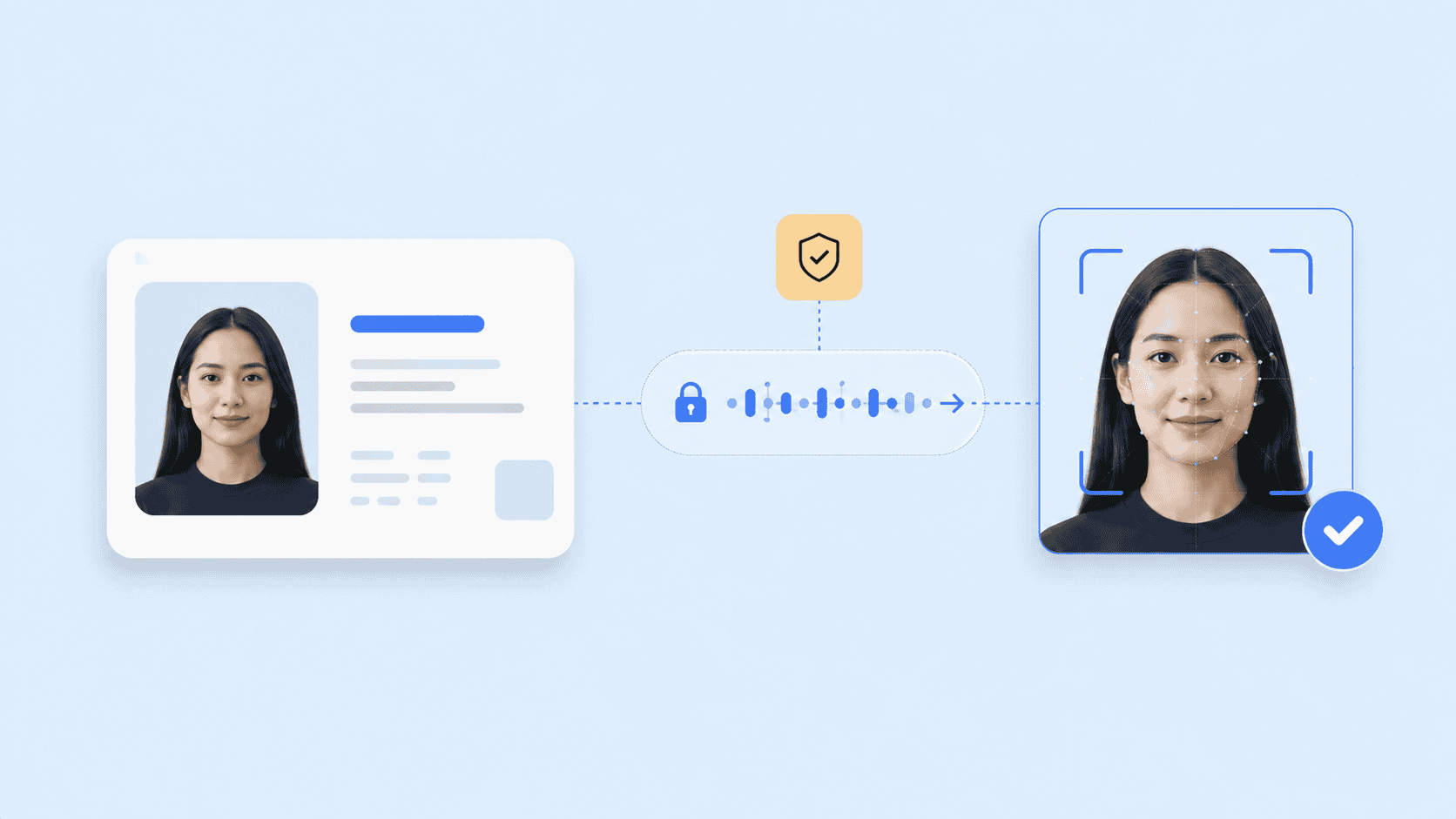
    Organizations should monitor:

    • Changes in genuine-user rejection rates.
    • Attack patterns seen in production.
    • Results by device and operating-system version.
    • Repeated attempts from the same account or device.
    • Sudden increases in inconclusive outcomes.
    • Vendor model or SDK updates.
    • Regression-test results before each deployment.
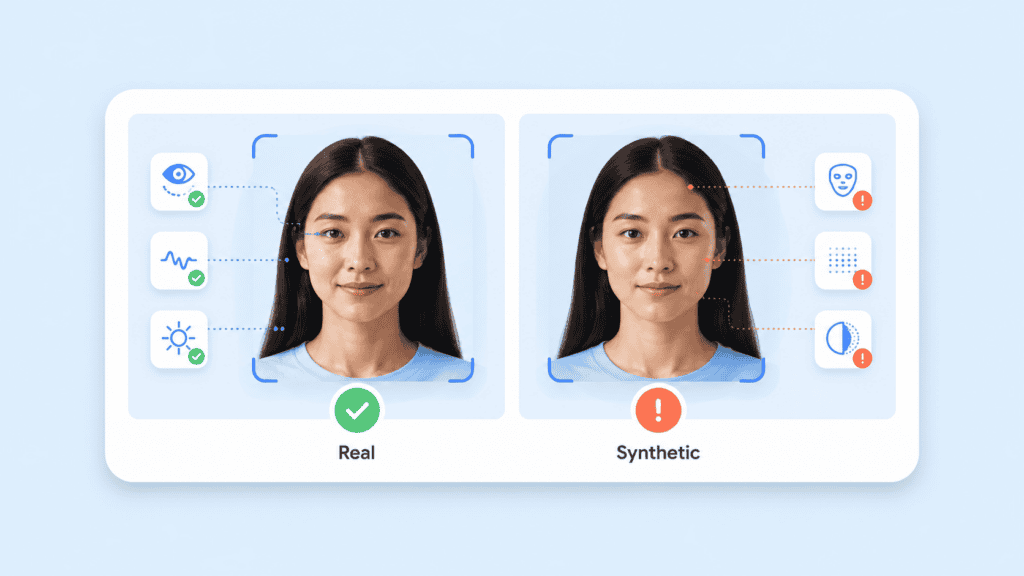
    Passive liveness technology is a maintained security control, not a one-time feature.

    Passive liveness should protect the capture, not complicate it

    Passive liveness detection solves a precise problem: determining whether biometric input was captured from a live person without requiring that person to complete a visible challenge.

    Its value comes from the combination of stronger capture integrity and lower interaction cost. The best implementation is not simply the one with the fewest prompts. It is the one that has been tested against relevant attacks, performs reliably for genuine users, limits unnecessary biometric exposure, and feeds a clear risk policy.

    A frictionless interface can feel simple. The controls behind it should be anything but superficial.

    FAQs

    What is a passive liveness check?

    A passive liveness check analyzes a face image or short camera sequence without asking the user to perform a specific action. It looks for evidence that the input came from a live person rather than a photograph, replay, mask, or injected media.

    How is passive liveness different from active liveness?

    Active liveness requires a challenge, such as blinking, speaking, or turning the head. Passive liveness runs in the background while the user takes a normal selfie or looks at the camera.

    Can passive liveness detect deepfakes?

    Passive liveness may detect visual, temporal, camera, or injection artifacts associated with synthetic media. Performance depends on the model, deployment environment, attack method, and whether the system also evaluates device and session integrity.

    Does passive liveness require a special camera?

    Some passive systems work with ordinary two-dimensional cameras, while others use depth, infrared, or additional sensors. Buyers should verify minimum resolution, browser and device support, processing requirements, and performance on their actual hardware.

    Is passive liveness more secure than active liveness?

    Neither method is automatically more secure in every situation. Passive methods reduce predictable user challenges and interaction friction, while active methods can add evidence when risk is high. Some workflows use passive analysis by default and introduce an active step only when the result is uncertain.

    Can passive face liveness replace identity verification?

    No. Passive face liveness verifies the integrity of the biometric capture. It does not validate an identity document, prove legal identity by itself, or address every form of account fraud.

    What happens when a passive liveness check fails?

    The response should depend on the reason. Poor image quality may justify a guided retry, while a strong spoofing signal may require the application to stop the flow, limit further attempts, or route the event for fraud review.

  • Types of Biometric Authentication: A Complete Overview for 2026

    Types of Biometric Authentication: A Complete Overview for 2026

    A fingerprint reader, a phone’s face unlock, and a call centre’s voice check all use biometrics, but they do not provide the same security, privacy, or user experience. Understanding the main biometric authentication types means looking beyond the body characteristic being measured. You also need to consider the sensor, matching process, liveness controls, storage model, and conditions in which people will use the system.

    This guide compares the major biometric modalities available in 2026 and explains how to select one for a real authentication workflow.

    Key takeaways

    • Biometric systems can measure physical traits, behavioural patterns, or a combination of modalities.
    • Face, fingerprint, iris, voice, palm, and behavioural biometrics suit different devices and operating conditions.
    • A biometric match alone does not prove that a live, authorised person is present.
    • Accuracy figures only make sense when reviewed alongside spoof resistance, failure rates, demographic performance, and environmental testing.
    • Strong implementations protect biometric data and pair the biometric with a device-bound credential, passkey, or another authentication factor.

    What biometric authentication measures

    Biometric authentication checks whether a measured human characteristic matches a reference associated with an enrolled user. The system does not normally compare two raw images directly. It extracts measurable features, converts them into a biometric template or protected representation, and calculates a similarity score.

    Authentication is usually a one-to-one verification process. A user claims an identity, and the system asks, “Does this sample match the reference for this account?” Identification is a one-to-many search that asks, “Whose biometric is this?” The distinction matters because one-to-many searches create different performance, privacy, and scaling requirements.

    Types of Biometric Authentication: A Complete Overview for 2026

    A typical authentication workflow includes:

    1. Capture: A camera, microphone, fingerprint reader, or other sensor collects a sample.
    2. Quality assessment: The system checks whether the sample is usable.
    3. Presentation attack detection: Liveness controls look for photographs, recordings, masks, synthetic media, or other spoofing attempts.
    4. Feature extraction: The software converts relevant characteristics into a mathematical representation.
    5. Matching: The captured representation is compared with an enrolled reference.
    6. Decision: The system accepts, rejects, or escalates the attempt based on its threshold and risk rules.

    The reference should be protected as carefully as any high-value credential. Unlike a password, a person cannot simply replace their face, voice, or fingerprints after a breach. This is why storage architecture and template protection deserve as much attention as matching accuracy.

    The latest NIST Digital Identity Guidelines treat biometrics as part of a broader authentication process rather than a complete authenticator on their own. NIST’s approach reflects an important design principle: the biometric usually activates or supports another authenticator, such as a protected cryptographic key.

    Main biometric authentication types

    The most common biometric authentication types fall into two groups. Physiological biometrics measure physical characteristics. Behavioural biometrics assess patterns in how a person acts.

    Facial recognition

    Facial authentication measures characteristics such as the relative position and shape of facial features. Depending on the implementation, it may use a standard RGB camera, infrared imaging, depth sensing, or several sensors together.

    Its main advantage is accessibility. Most phones, tablets, laptops, and kiosks already have a camera, so organisations can deploy face authentication without issuing specialist hardware. It also works well in remote onboarding, account recovery, and document verification because the system can compare a live capture with the portrait on an identity document.
    Face authentication can become unreliable when lighting is poor, the camera angle is extreme, part of the face is covered, or the original reference image is low quality. A system must also distinguish a real person from a printed photograph, replayed video, mask, or generated face. That makes liveness detection a core control rather than an optional feature.

    The privacy model varies significantly by provider. Some systems upload facial images to a central server. Others perform facial recognition processing on the user’s device and transmit only a protected result or token. This architectural difference affects breach exposure, consent requirements, network dependence, and user trust.

    Types of Biometric Authentication: A Complete Overview for 2026

    Fingerprint recognition

    Fingerprint systems compare ridge endings, bifurcations, pores, and other distinctive details. Capacitive sensors are common in smartphones and access devices, while optical, ultrasonic, and contactless readers serve other applications.
    Fingerprint authentication is fast and familiar. It works particularly well when a trusted device has a built-in sensor and the fingerprint template remains inside protected hardware. A user can unlock a cryptographic credential without sending the fingerprint to the service they are accessing.

    There are practical limitations. Cuts, dry skin, moisture, dirt, ageing, and manual work can reduce capture quality. A shared kiosk also raises hygiene and maintenance concerns when it requires physical contact. Basic readers may be vulnerable to lifted prints or moulded replicas unless they include effective presentation attack detection.

    Fingerprint recognition is therefore strongest in device-bound authentication, controlled workplaces, and physical access systems with suitable sensors. It is less convenient for browser-based services that cannot assume every user owns compatible hardware.

    Iris recognition

    Iris recognition measures the detailed texture surrounding the pupil. The iris contains complex patterns that tend to remain stable, making it useful for high-assurance matching.

    A well-designed iris system can provide accurate comparisons with little physical contact. It is used in some border, national identity, and controlled-access environments where operators can standardise the camera, distance, lighting, and capture procedure.

    The main barrier is hardware. Reliable iris capture generally needs a suitable near-infrared camera and careful positioning. Standard laptop and mobile cameras may not produce the required image quality. Glasses, reflections, eye movement, and user discomfort can also affect capture.

    Iris recognition can be a good fit when accuracy justifies dedicated equipment. It is rarely the first choice for a consumer service that needs to work from ordinary devices.

    Retina scanning

    Retina scanning maps the blood-vessel pattern at the back of the eye. It should not be confused with iris recognition, which examines the visible ring around the pupil.

    Retinal patterns can be highly distinctive, but capture is intrusive. The user must position an eye close to a specialised scanner and look at a fixed point while the device directs light into the eye. Cost, accessibility, and user acceptance limit its practical use.

    As a result, retina scanning remains a niche biometric modality. Iris recognition generally offers a more workable option when an eye-based biometric is required.

    Voice recognition

    Voice authentication assesses characteristics of a person’s speech rather than the words alone. Systems may analyse pitch, cadence, resonance, vocal-tract characteristics, spectral features, and timing patterns.

    Voice works through microphones already present in phones, computers, vehicles, and call centre equipment. It can support hands-free authentication and provide an additional signal during customer-service interactions.

    However, voice changes with illness, stress, age, background noise, microphones, and network compression. It also faces replay and synthetic-speech attacks. A secure system needs controls that can detect recordings or generated audio and should not rely on a short, predictable phrase alone.

    Text-dependent systems ask the user to repeat a specific phrase. Text-independent systems analyse natural speech. Prompted phrases can make replay harder, while natural conversation can reduce friction. The appropriate model depends on whether the workflow prioritises convenience, attack resistance, or passive risk assessment.

    Palmprint and palm-vein recognition

    Palmprint authentication measures features on the hand’s surface, including principal lines, wrinkles, and texture. Palm-vein recognition uses near-infrared light to capture patterns beneath the skin.

    Contactless palm capture can be convenient in workplaces, healthcare settings, payments, and controlled physical access. The larger surface area may provide more measurable information than a single fingertip. Subsurface vein patterns are also harder to observe casually than surface characteristics.

    These methods usually need dedicated sensors or carefully controlled camera capture. Hand position, distance, motion, and environmental light can affect results. The equipment requirement makes palm biometrics less universal than face or voice authentication, but well suited to fixed locations.

    Hand geometry

    Hand-geometry systems measure dimensions such as finger length, width, thickness, and the shape of the hand. They do not capture the same fine detail as palmprint or vein systems.

    This modality can verify users quickly in controlled settings, but it is usually less distinctive than fingerprint or iris recognition. It may work for workplace attendance or low-to-moderate-risk access where convenience matters more than fine-grained identification.

    Because people can have similar hand dimensions, hand geometry is better for one-to-one verification than large one-to-many searches.

    Behavioural biometrics

    Behavioural biometrics analyse how a person interacts with a device or service. Signals may include:

    • Typing rhythm and key dwell time
    • Mouse movement and click patterns
    • Touchscreen pressure and swipe behaviour
    • Device-holding angle
    • Gait and movement
    • Navigation patterns
    • Transaction behaviour

    These systems can operate continuously after login. Instead of making a single accept-or-reject decision, they update a risk score as the session develops. For example, an account may pass initial authentication but trigger an additional check when typing speed, navigation, device signals, and transaction behaviour differ sharply from the established pattern.

    Behavioural biometrics are useful for fraud detection because they add context without repeatedly interrupting the user. They are also probabilistic and can change due to injury, stress, a new device, accessibility tools, or a different working environment.

    They should generally support risk-based authentication rather than act as the only identity factor. Organisations also need clear consent and data-governance rules because continuous observation can become intrusive when users do not understand what is being measured.

    Multimodal biometrics

    Multimodal authentication combines two or more biometric modalities, such as face and voice or fingerprint and palm. It can require both samples or use one modality as a fallback when another fails.

    Combining signals can improve resilience, but it does not automatically make a system secure. Poorly implemented fusion can preserve the weaknesses of each component while increasing data collection and user friction. The decision logic must specify how scores are combined, what happens when modalities disagree, and whether every user has an accessible alternative.

    The FIDO biometric requirements include procedures for evaluating multimodal systems, presentation attacks, and biometric performance. This is a useful reminder that the combined system needs testing as a system. Passing separate component tests is not enough.

    Types of Biometric Authentication: A Complete Overview for 2026

    How biometric modalities compare

    No modality wins across every category. The right choice depends on the device, environment, population, transaction risk, and recovery process.

    Biometric modalityCommon hardwareStrongest fitMain limitations
    FaceStandard or infrared cameraRemote authentication, onboarding, document matchingLighting, pose, occlusion, presentation attacks
    FingerprintCapacitive, optical, or ultrasonic readerPersonal devices and controlled accessSkin condition, contact, specialist sensor
    IrisNear-infrared eye cameraHigh-assurance controlled environmentsHardware cost and positioning
    RetinaSpecialised retinal scannerNarrow, high-security applicationsIntrusive capture and limited availability
    VoiceMicrophoneCall centres and hands-free accessNoise, illness, replay, and synthetic audio
    Palmprint or palm veinCamera or infrared hand sensorContactless access and fixed-location paymentsDedicated hardware and positioning
    Hand geometryHand scannerAttendance and lower-risk physical accessLower distinctiveness
    BehaviouralExisting device sensors and softwareContinuous risk assessmentPattern drift, privacy, and false alerts
    MultimodalMultiple sensorsHigh-risk or fallback-sensitive workflowsCost, complexity, and greater data collection

    Accuracy should not be reduced to one percentage. Evaluation normally considers several measures:

    • False match rate: How often the system accepts the wrong person.
    • False non-match rate: How often it rejects the correct person.
    • Failure to acquire: How often the sensor cannot capture a usable sample.
    • Presentation attack detection: How effectively the system detects spoofing attempts.
    • Throughput and latency: Whether the process works quickly enough for the intended workflow.
    • Differential performance: Whether error rates vary materially across demographic groups or operating conditions.

    Thresholds change the balance. Tightening the threshold may reduce false matches but reject more legitimate users. Loosening it may improve convenience while increasing impersonation risk. The correct setting depends on the consequences of an incorrect acceptance and the availability of step-up checks.

    How to choose a biometric authentication method

    Start with the transaction rather than the technology. A face scan may be convenient, but that does not make it the right choice for every access request.

    Define what the system must prove

    Authentication, identification, identity proofing, and fraud screening are related but different functions.

    A banking app confirming a returning customer is performing one-to-one authentication. An onboarding flow comparing a selfie with an ID portrait is verifying a relationship between two samples. An access-control system searching a watchlist is performing one-to-many identification.

    Document the claim before selecting a modality. Otherwise, teams often buy a recognition feature and later discover that it does not address the actual risk.

    Examine the user environment

    Ask what sensors users already have and what conditions affect capture. A warehouse employee wearing gloves may struggle with fingerprints. A call centre customer may be in a noisy public place. A field worker may have poor connectivity. A person with a facial difference, speech impairment, limited hand mobility, or low vision may need another route.

    An inclusive design provides at least one practical alternative. The fallback cannot be so difficult that users feel forced to surrender biometric data or abandon the service.

    Types of Biometric Authentication: A Complete Overview for 2026

    Model realistic attacks

    Threat modelling should cover more than stolen credentials. Depending on the modality, attacks may use high-resolution photographs, silicone fingerprints, replayed recordings, masks, injection tools, generated video, or compromised capture devices.

    The workflow should state where liveness runs, what it detects, and what happens when confidence is low. Passive checks can reduce friction, while active challenges may provide extra evidence in selected high-risk events. Neither approach should be treated as infallible.

    Review the data path

    Map what happens from capture to deletion:

    1. What raw data does the sensor collect?
    2. Is processing local or remote?
    3. Does a raw image or recording leave the device?
    4. What representation is stored?
    5. Can it be reversed, linked, or reused?
    6. Who controls the reference?
    7. How long is it retained?
    8. How can a user withdraw consent or request deletion?
    9. What happens after a device is lost or compromised?

    This review often reveals more risk than the modality itself. Centralising reusable biometric templates creates a different exposure profile from performing a local comparison within protected device hardware.

    Test the whole population and workflow

    Laboratory performance is not the same as production performance. Test the exact sensors, browsers, device classes, lighting, network conditions, and user journeys expected in deployment.

    Record failure reasons rather than measuring acceptance alone. A system that authenticates 98% of test attempts may still be unsuitable if most failures affect the same user group or if recovery requires manual support that the organisation cannot provide.

    Building a safer biometric workflow

    A strong design treats the biometric as one control inside a larger authentication system.

    Consider an account-recovery request from a new phone. The user claims an account, completes a face capture, and passes a one-to-one match. That result alone should not immediately transfer control of a high-value account.

    Types of Biometric Authentication: A Complete Overview for 2026

    A better workflow can combine:

    • A liveness result tied to the current capture
    • A device-bound passkey or cryptographic challenge
    • A check against the enrolled account reference
    • Transaction and device-risk signals
    • A delay or manual review for unusual recovery events
    • A non-biometric recovery route for legitimate users who cannot complete the capture

    Under FIDO2, a biometric can unlock a private key held by an authenticator while the online service receives a cryptographic assertion rather than the biometric itself. The FIDO authentication specifications explain that, when biometrics are used in this model, biometric information stays on the user’s device.

    This separation limits what the relying service needs to collect. It also supports phishing-resistant authentication because the credential is bound to the service domain. A biometric authentication system can extend this model with additional matching, liveness, and identity checks where the use case requires stronger assurance.

    Recovery still needs careful design. Biometrics are probabilistic, sensors fail, and people’s circumstances change. A secure recovery process should not quietly fall back to a weak knowledge question or SMS code that defeats the stronger primary method.

    Conclusion

    The best biometric modality is not the one with the most impressive demonstration. It is the one that performs reliably for the intended users, resists the relevant attacks, protects biometric data throughout its lifecycle, and provides a secure alternative when matching fails.

    Compare the complete workflow, not just the body characteristic. Capture quality, liveness, template protection, thresholds, device binding, accessibility, and recovery determine whether biometric authentication strengthens an identity system or introduces a new point of failure.

    FAQs

    What are the main types of biometric authentication?

    The main types include facial recognition, fingerprint recognition, iris recognition, retina scanning, voice recognition, palm biometrics, hand geometry, and behavioural biometrics. Multimodal systems combine two or more of these methods.

    Which biometric authentication method is most accurate?

    There is no universally most accurate method. Iris and fingerprint systems can perform well under controlled conditions, while face authentication may be more practical on ordinary devices. Accuracy depends on sensor quality, matching thresholds, user population, environment, and spoof-detection controls.

    Is facial recognition the same as facial authentication?

    Not always. Facial recognition is the broader technology used to compare or search faces. Facial authentication usually refers to one-to-one verification in which a captured face is checked against the enrolled reference for a claimed account.

    Can biometric authentication be hacked?

    Yes. Attackers may target the sensor, capture process, stored template, matching software, recovery route, or surrounding device. Presentation attack detection, protected processing, cryptographic binding, and secure fallback procedures reduce risk but cannot eliminate it.

    What is the difference between physiological and behavioural biometrics?

    Physiological biometrics measure physical characteristics such as a face, fingerprint, iris, or palm. Behavioural biometrics assess patterns such as typing rhythm, swiping, gait, or navigation behaviour. Behavioural signals often work best as part of continuous risk assessment.

    Does biometric authentication replace passwords?

    It can support passwordless authentication, but the biometric commonly unlocks another credential rather than replacing every part of the authentication system. For example, a fingerprint or face check may activate a device-held passkey that completes the cryptographic login.

    Why does biometric authentication need liveness detection?

    A matcher may find that a photograph, recording, replica, or generated sample resembles the enrolled user. Liveness detection, also called presentation attack detection, checks whether the sample appears to come from a live person present during the transaction.